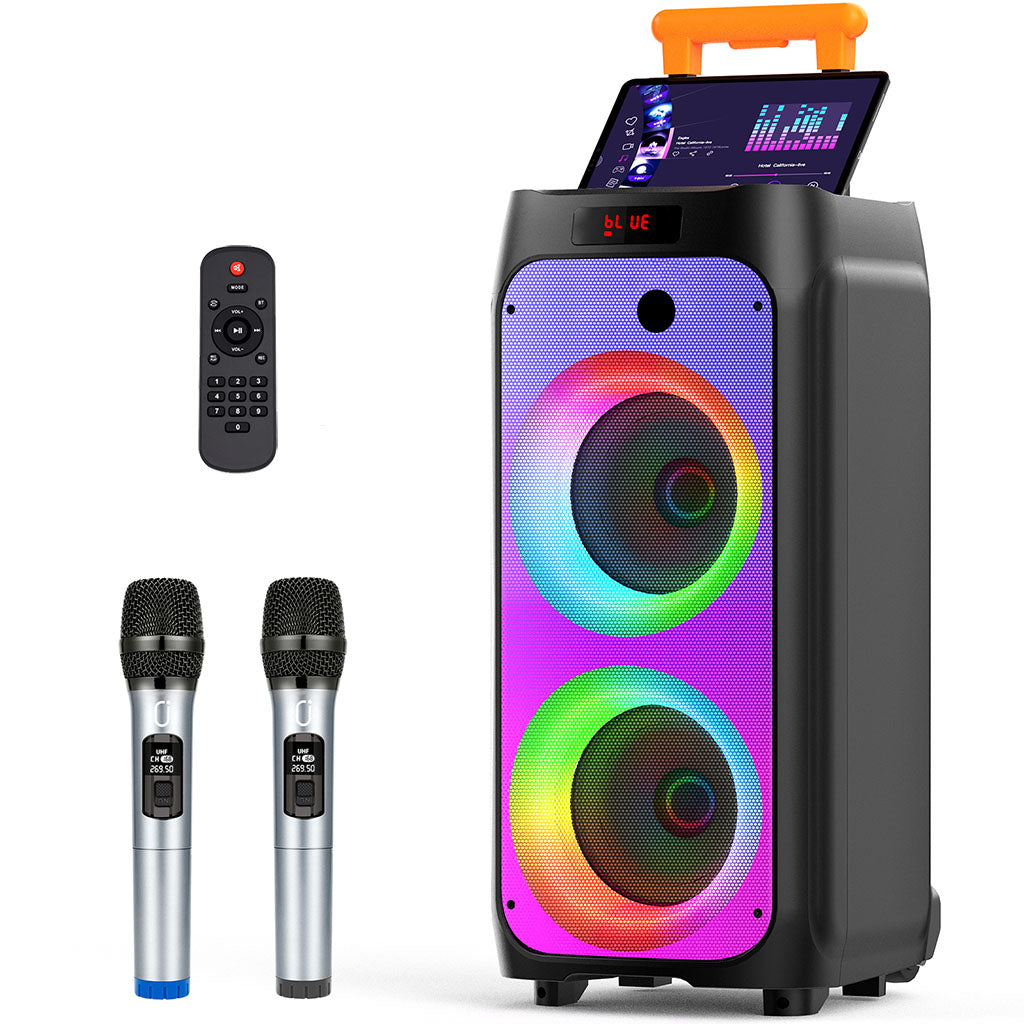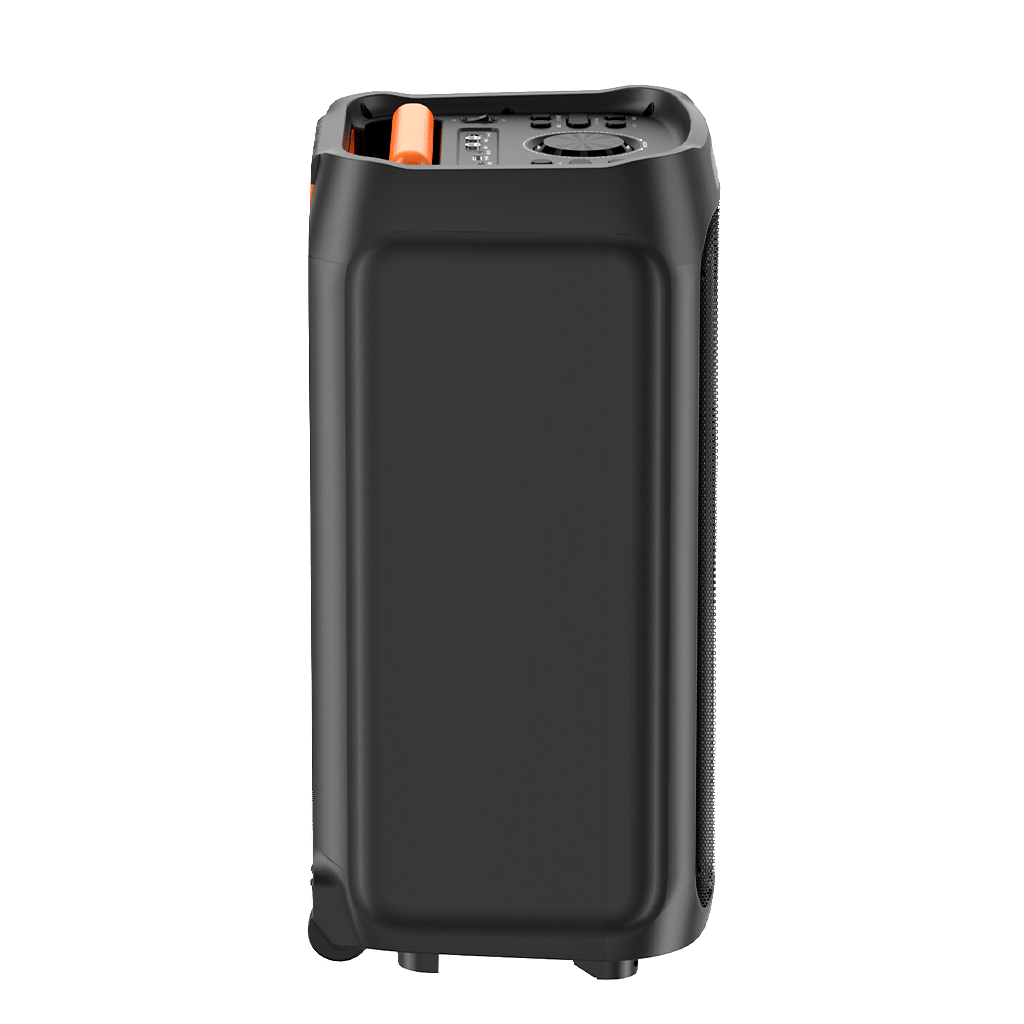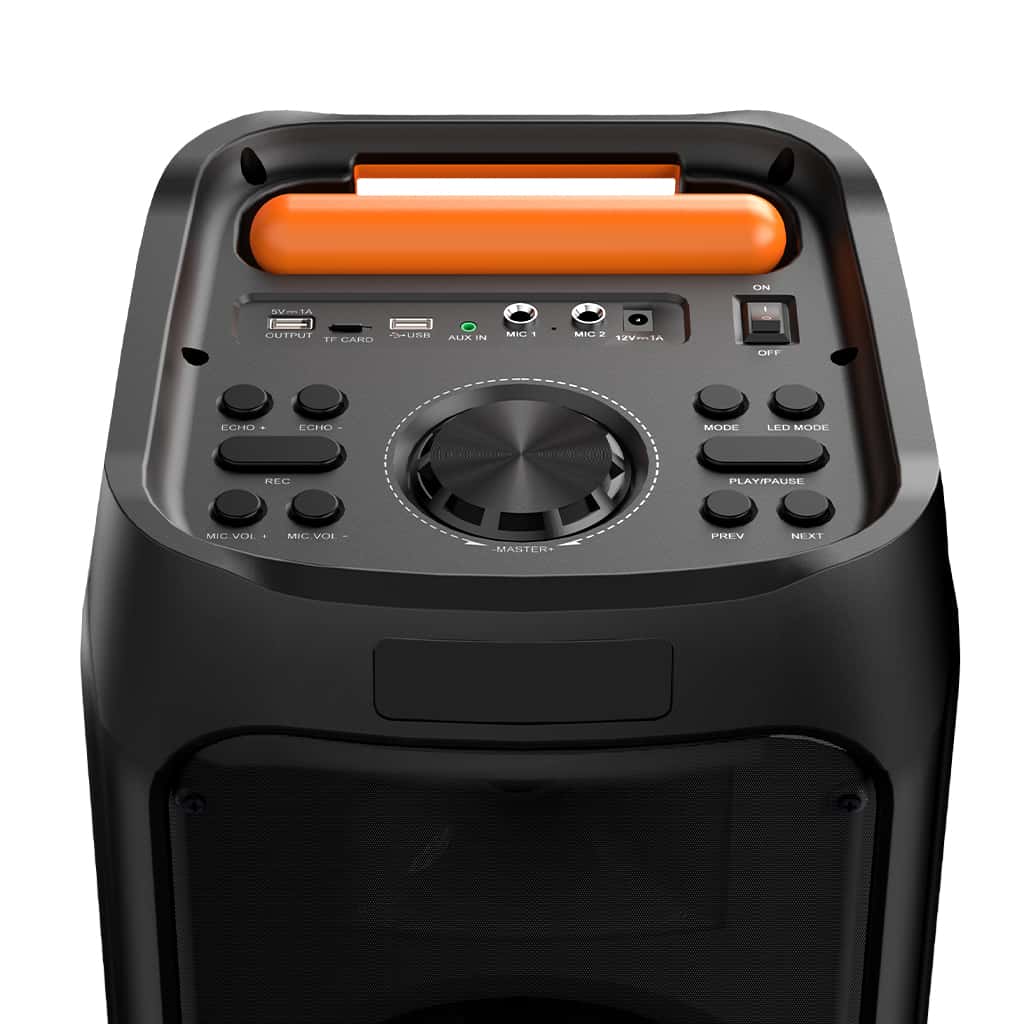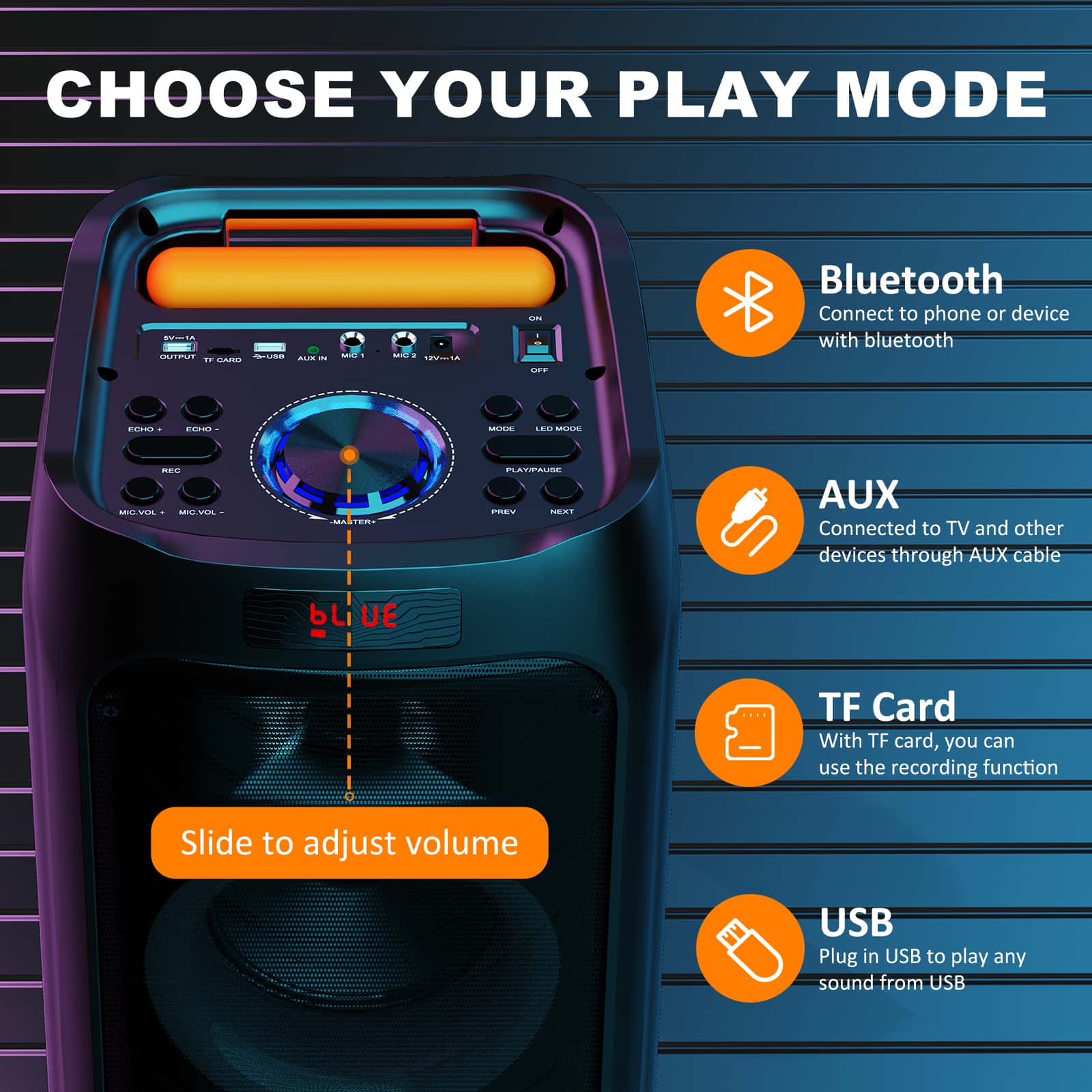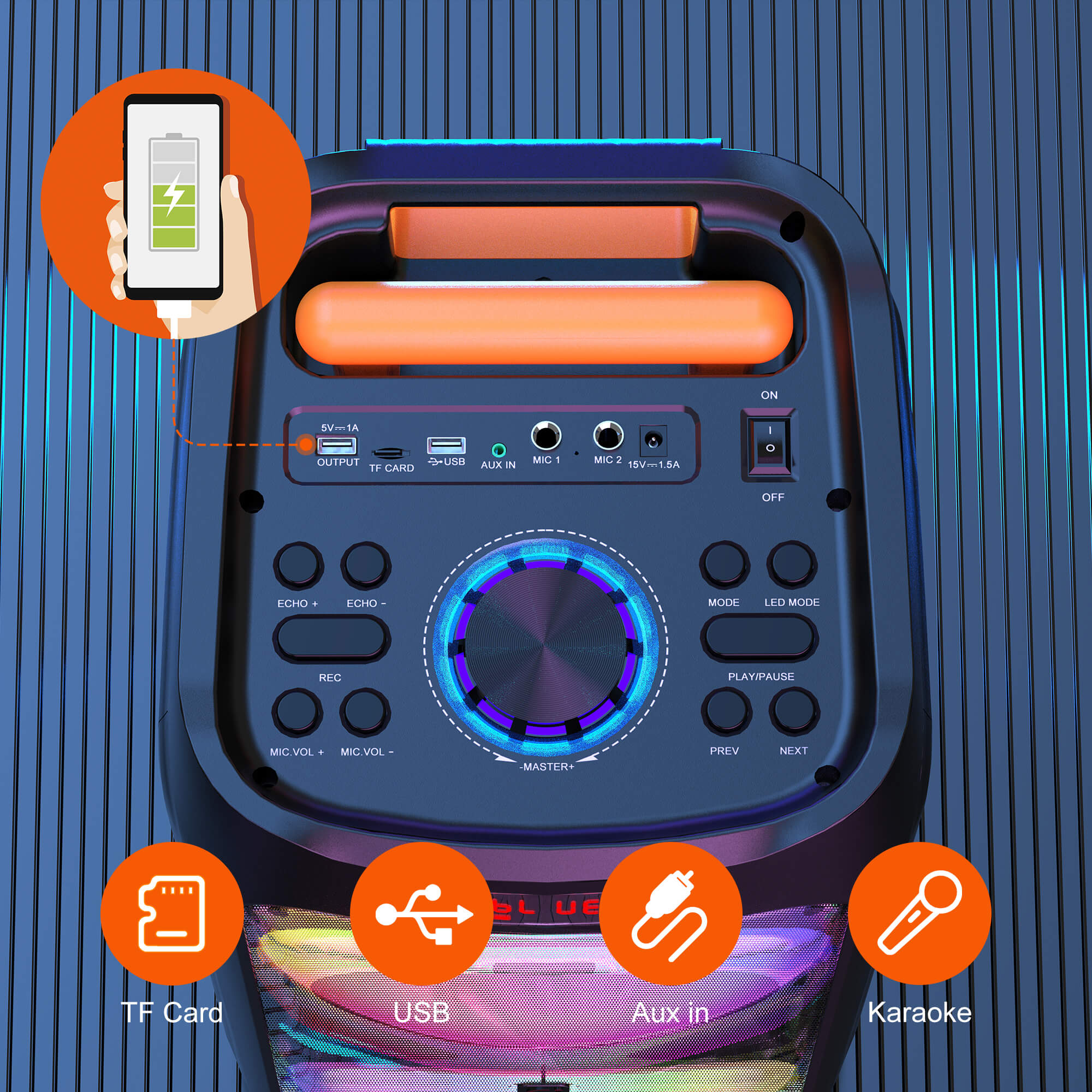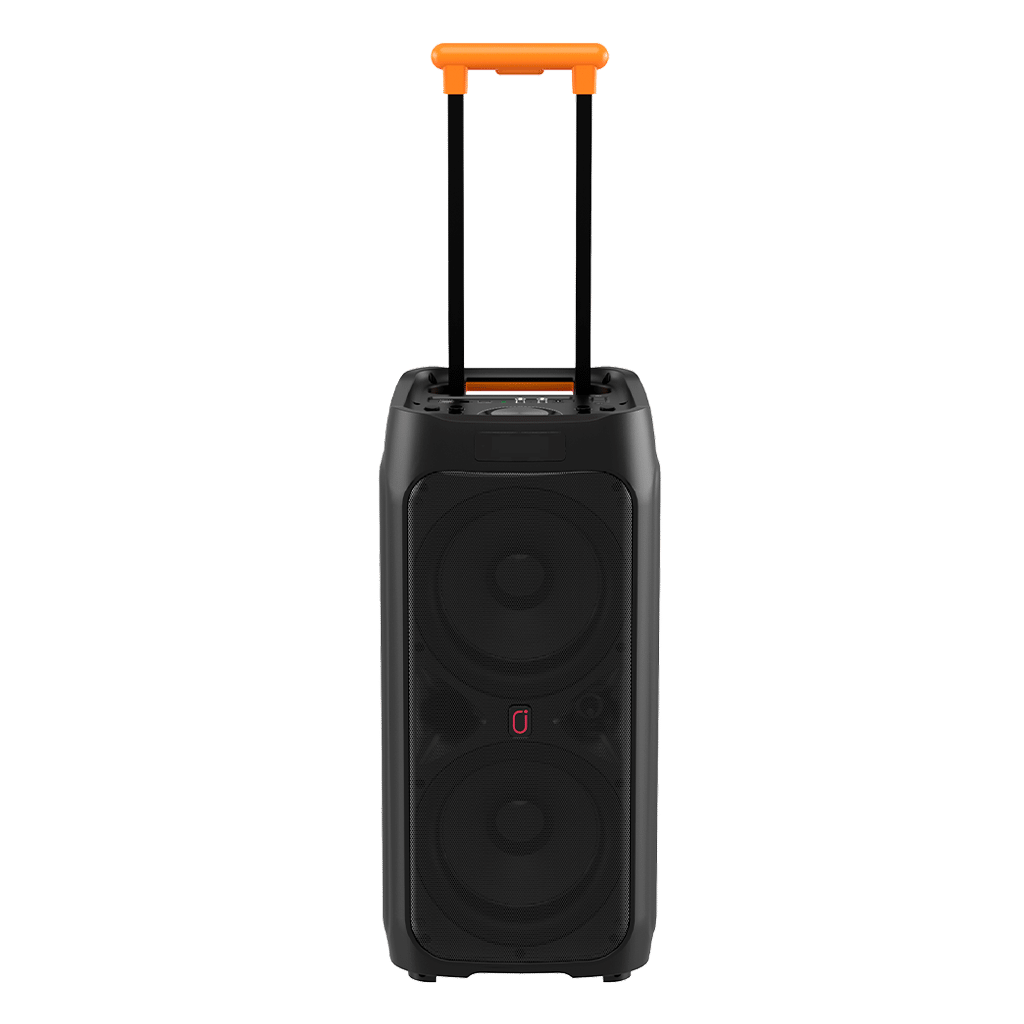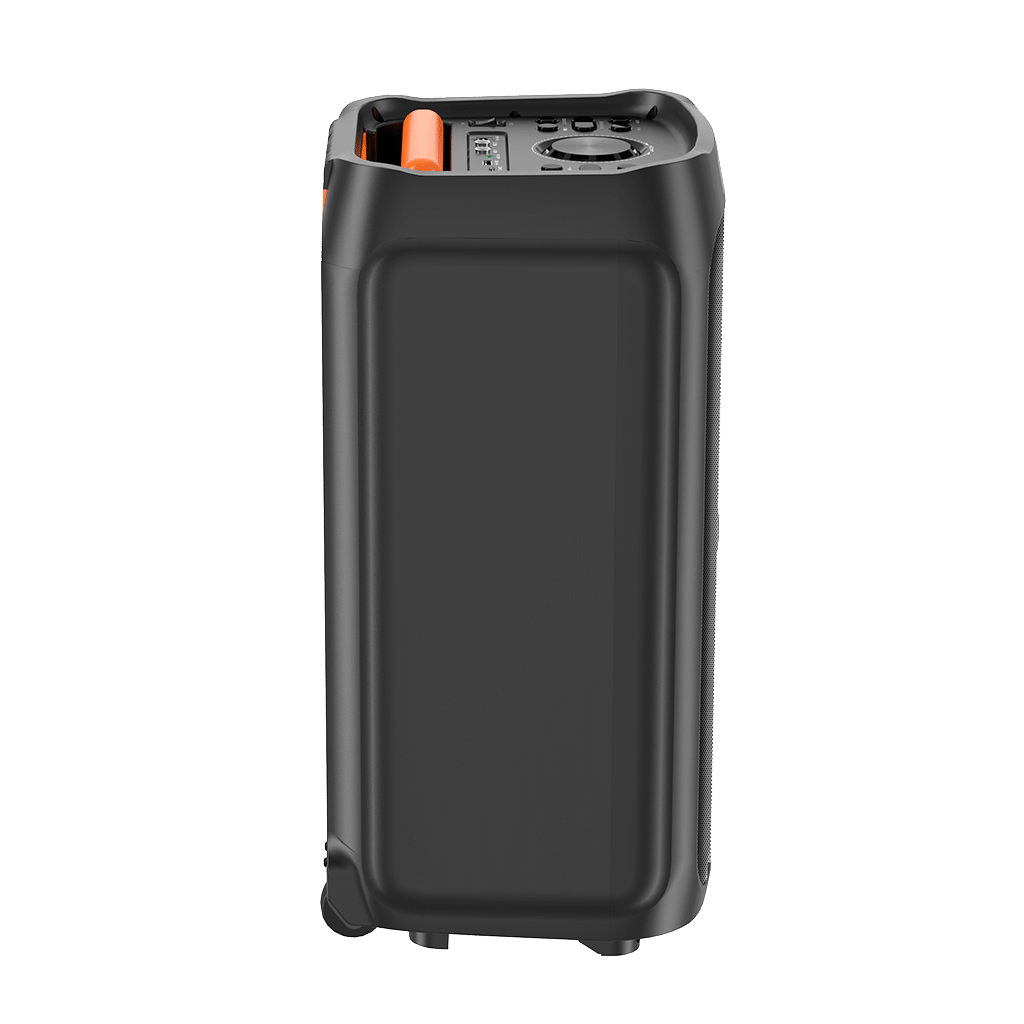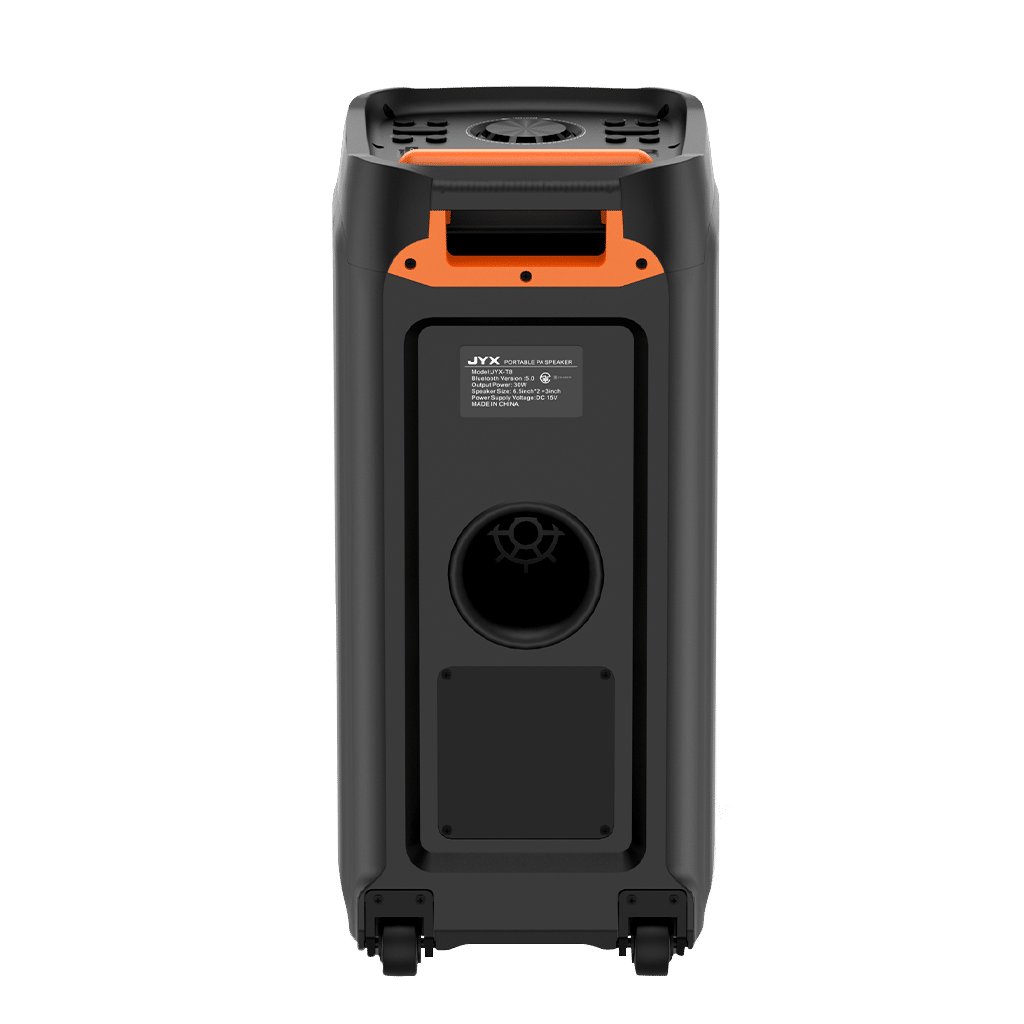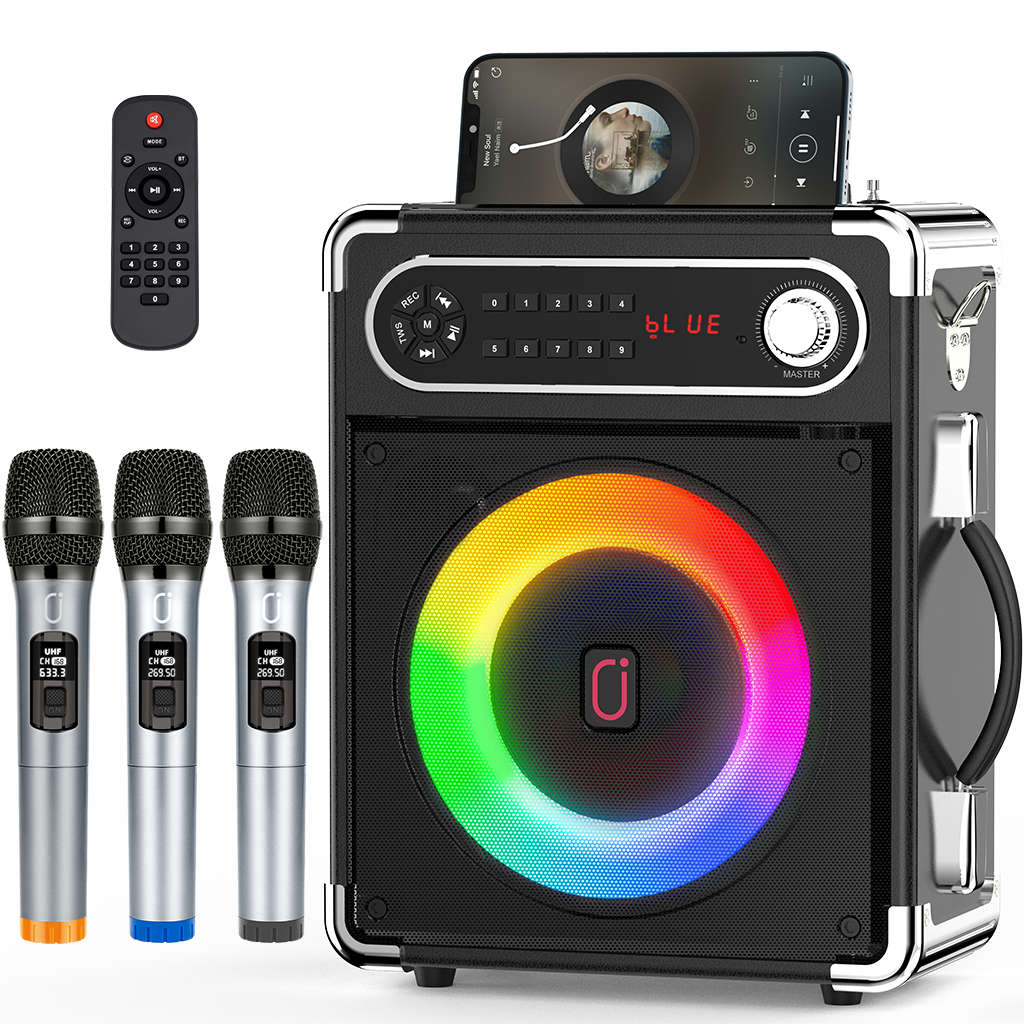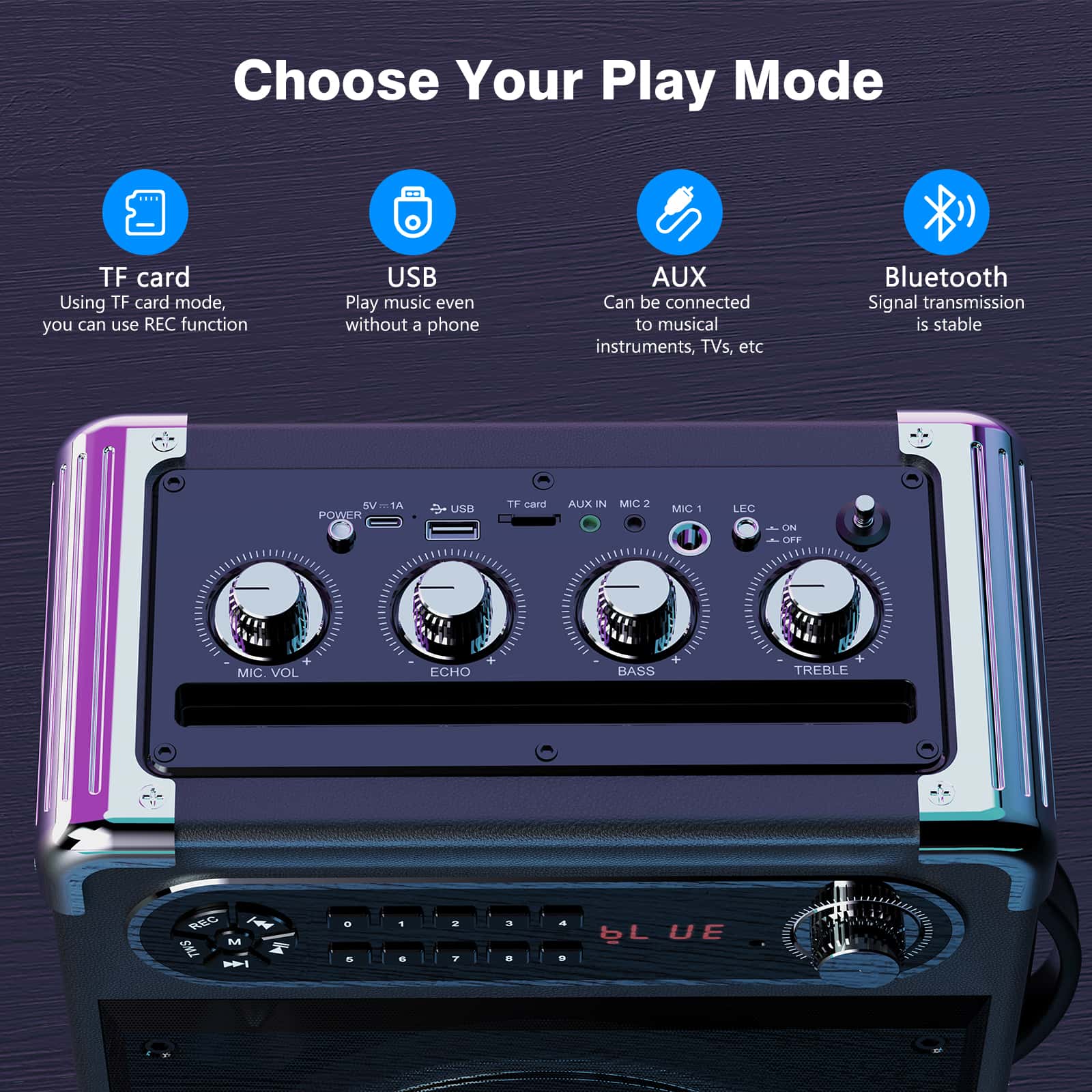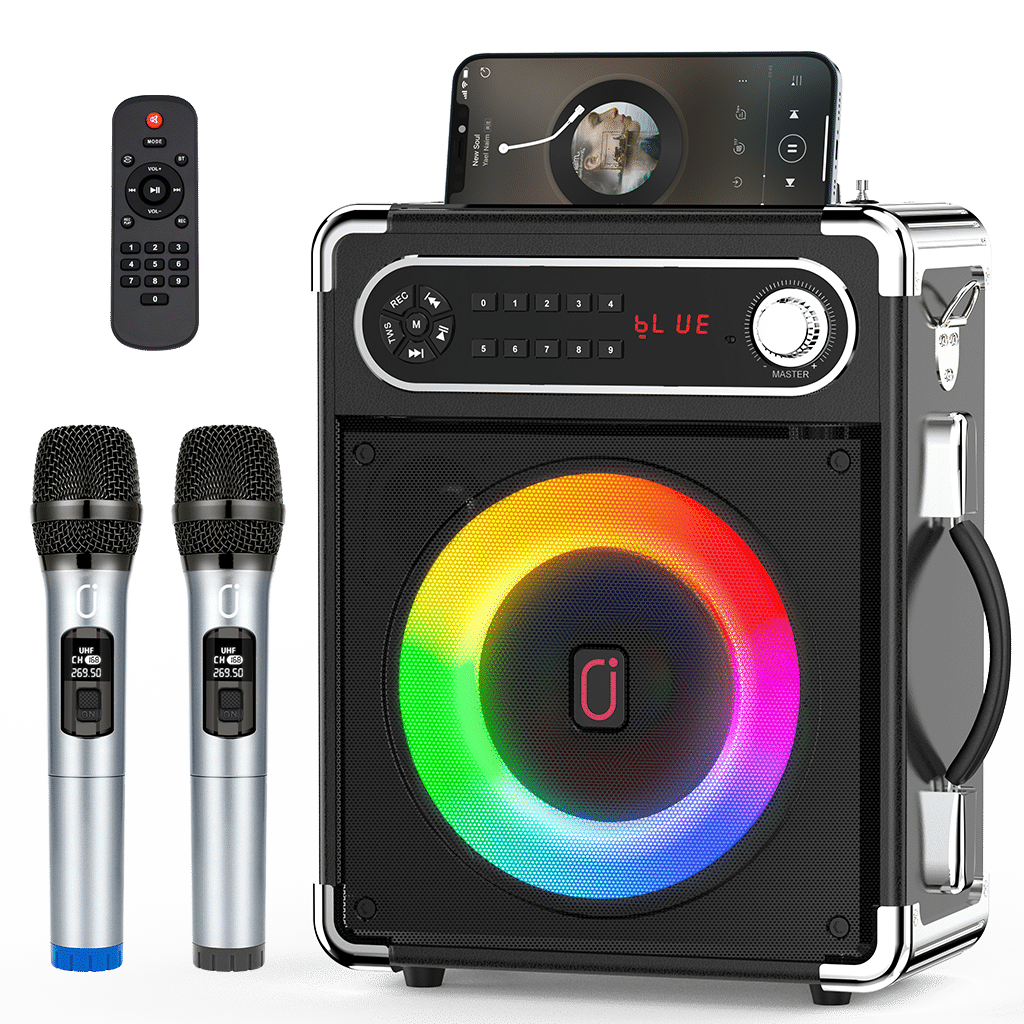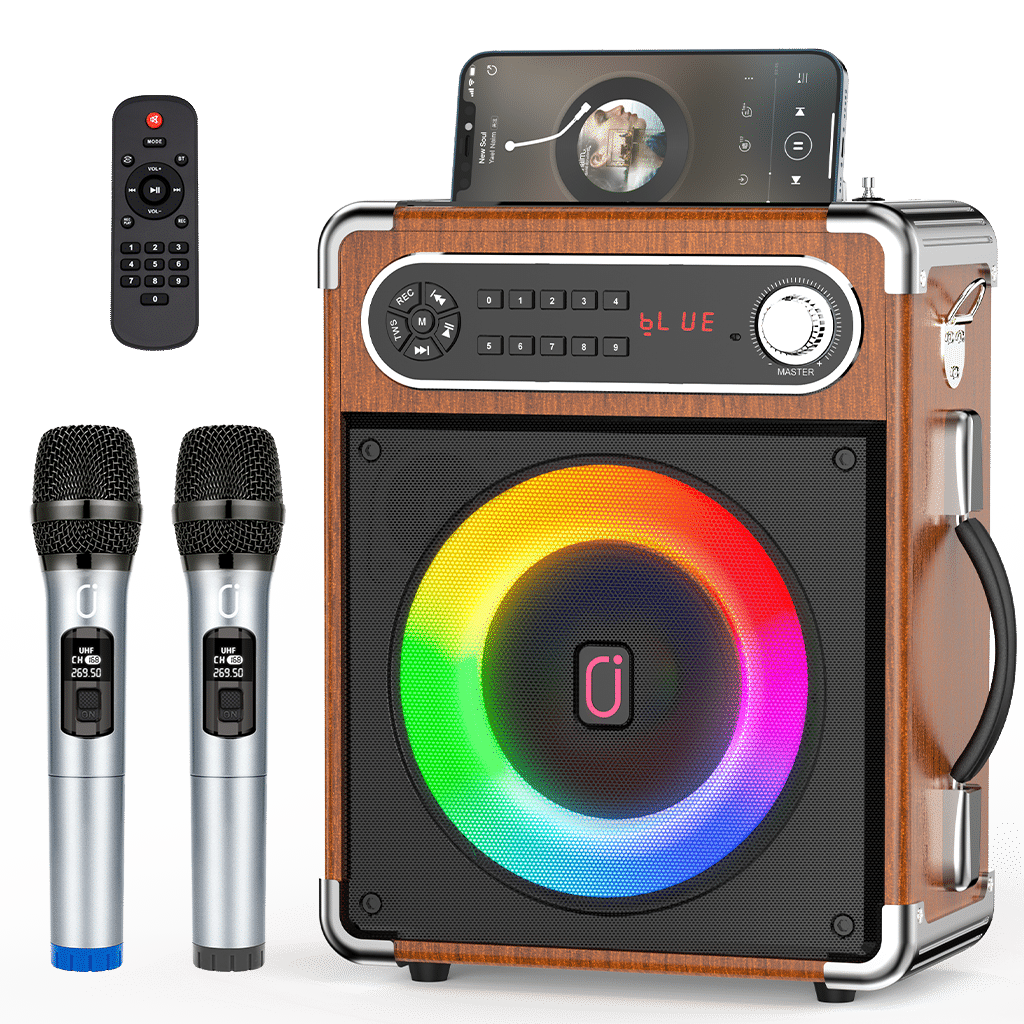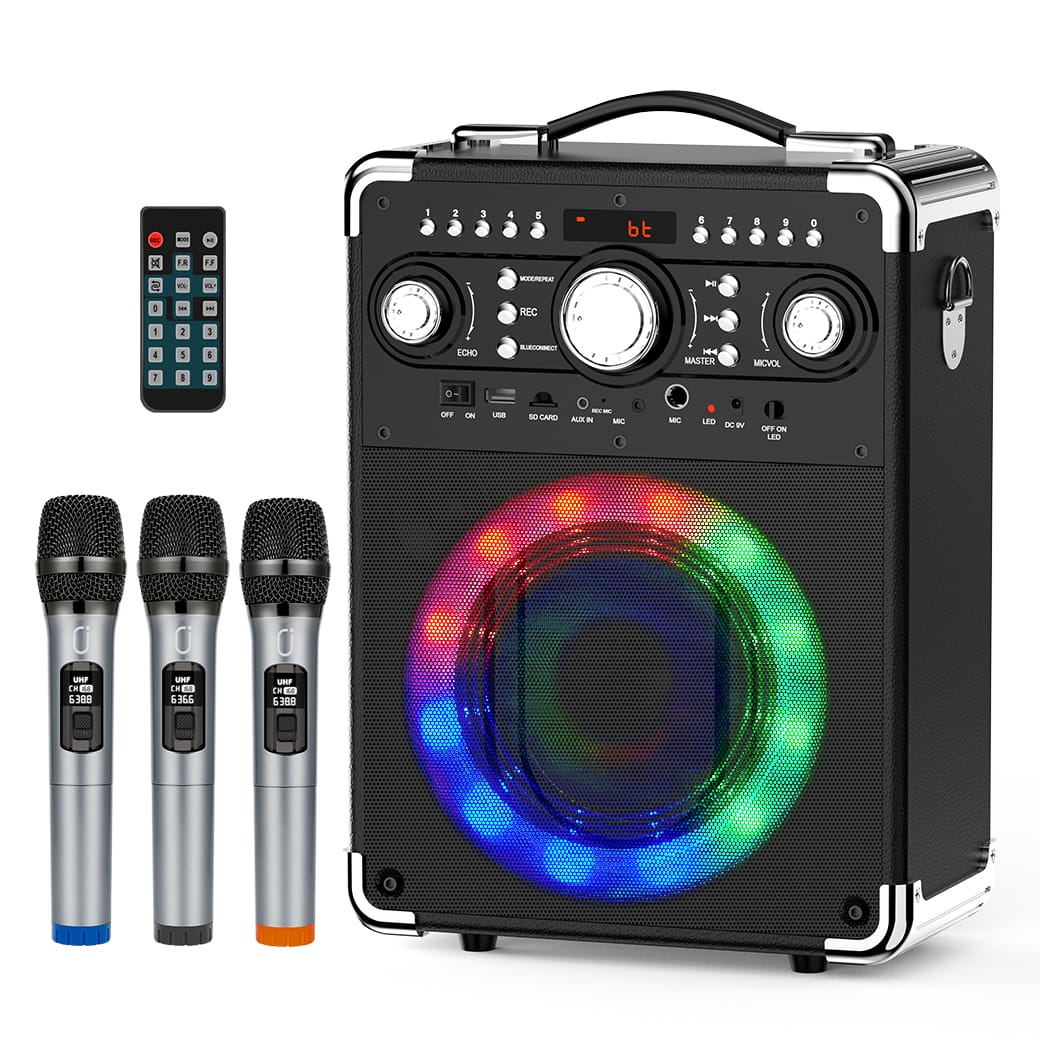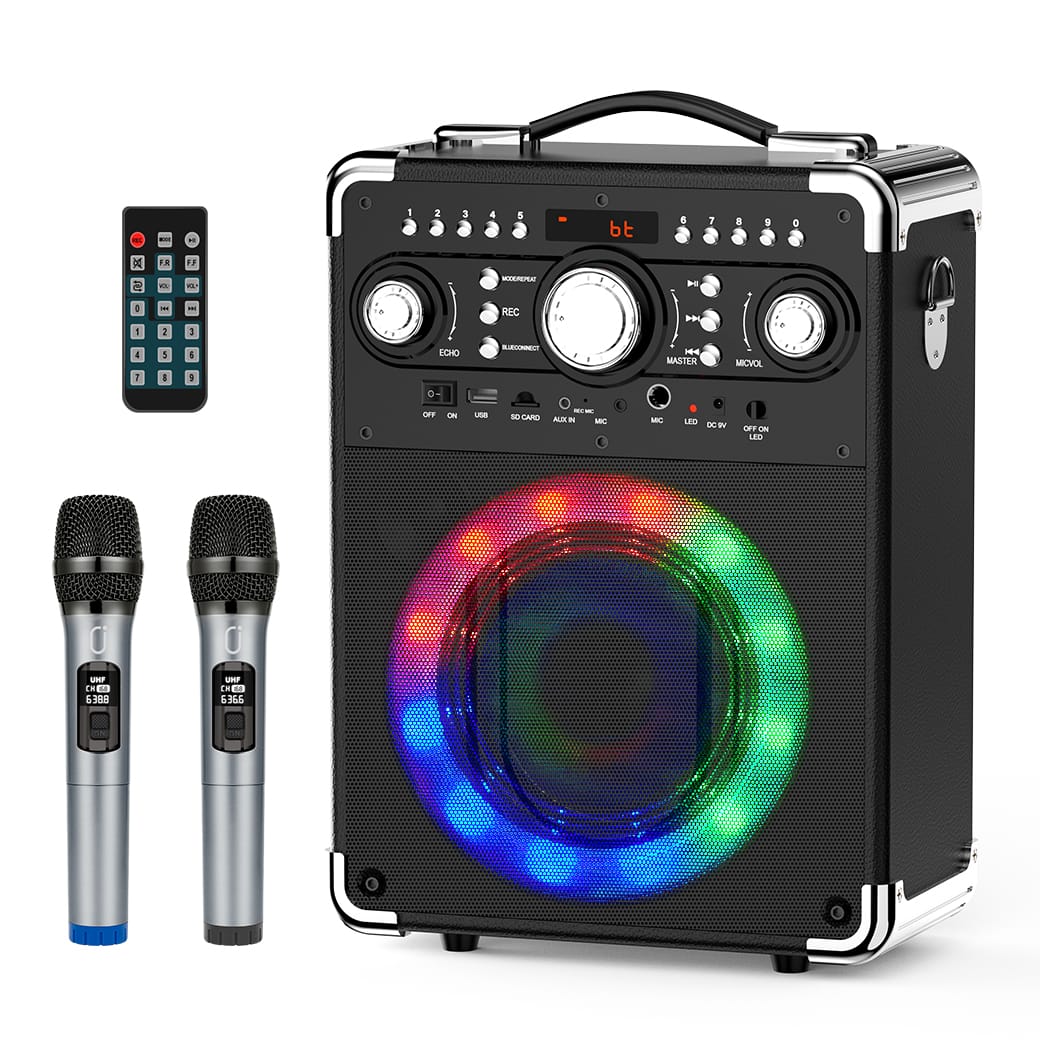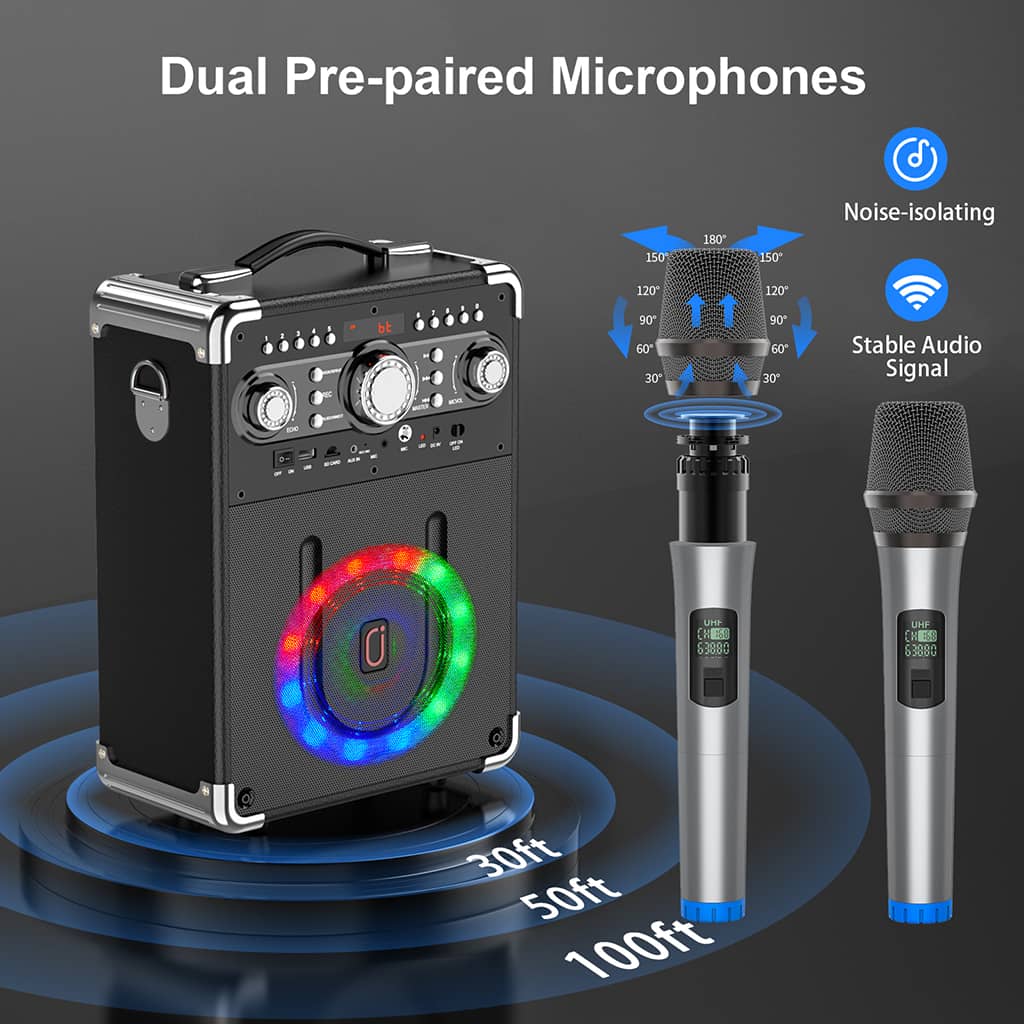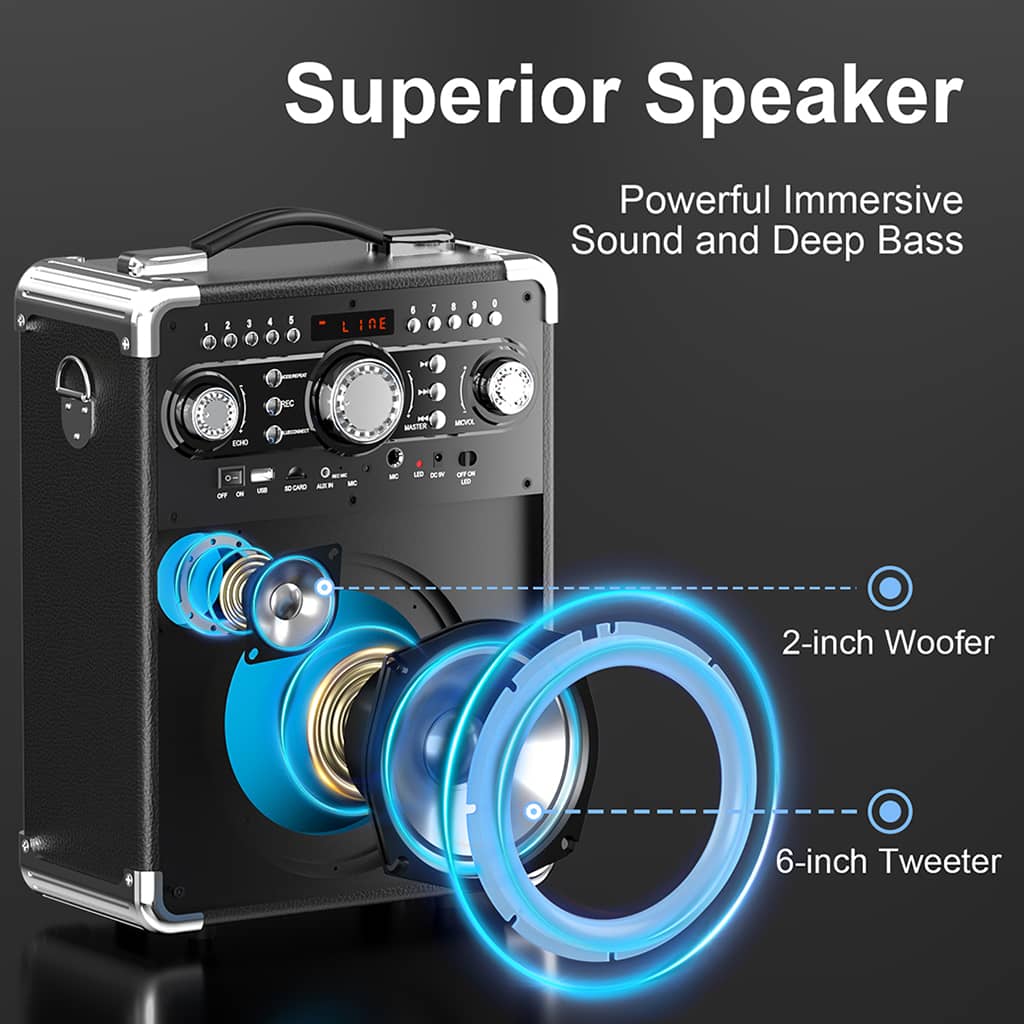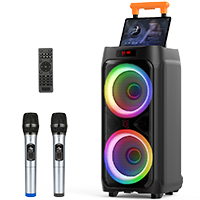
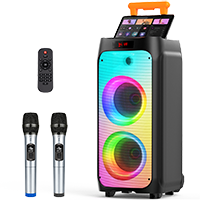
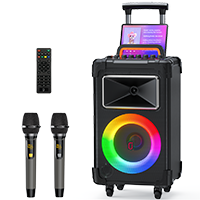
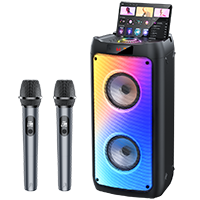
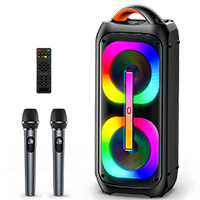
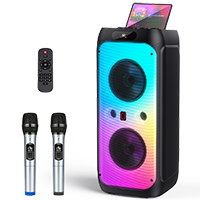
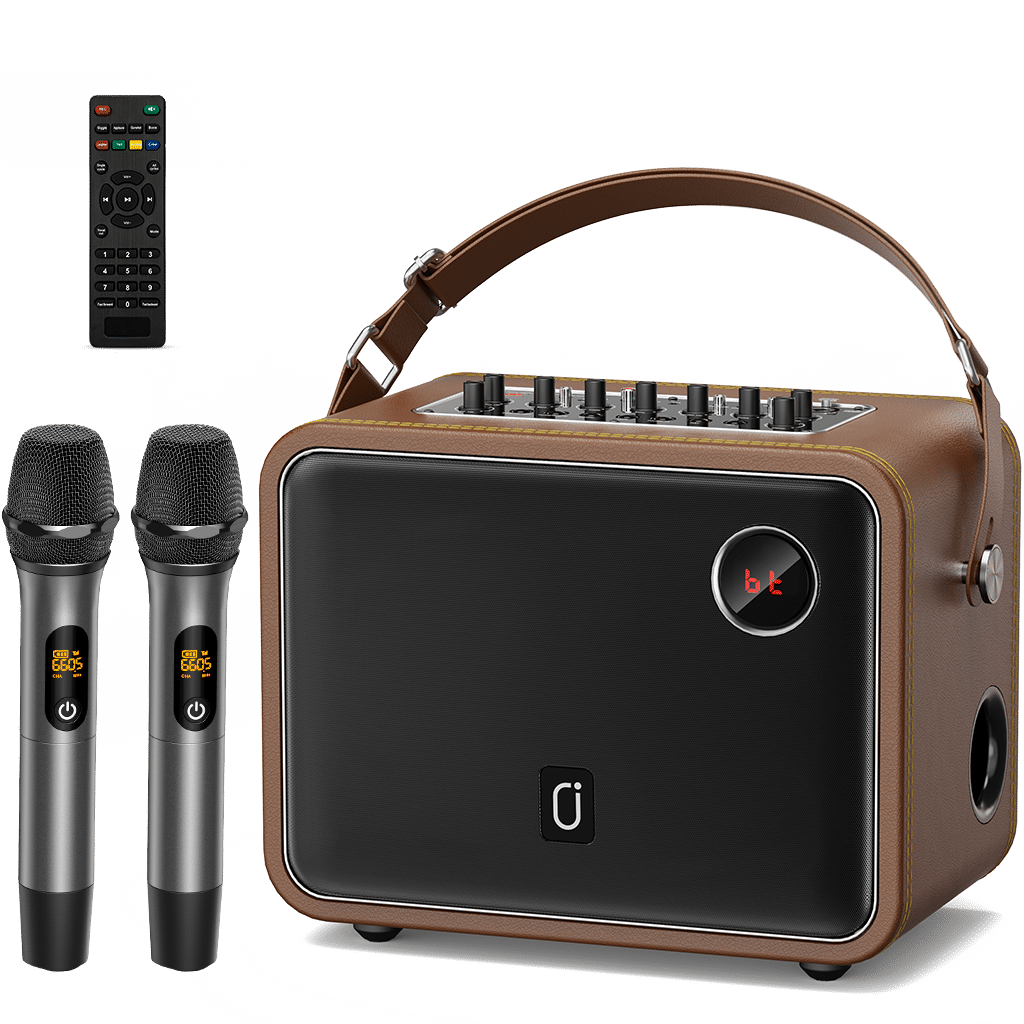
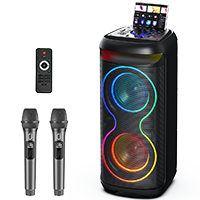
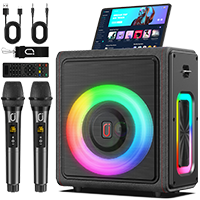
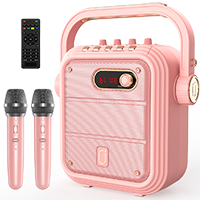
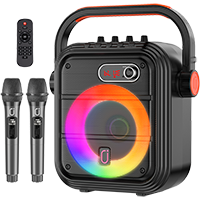
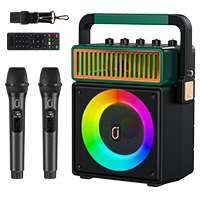
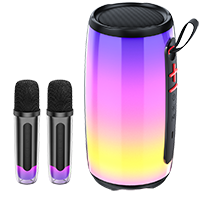
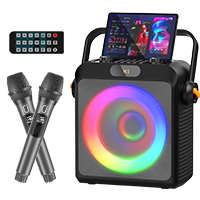
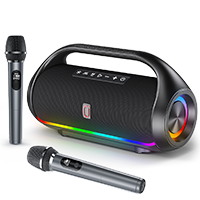
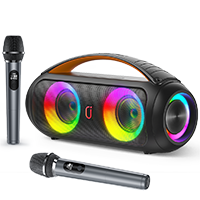
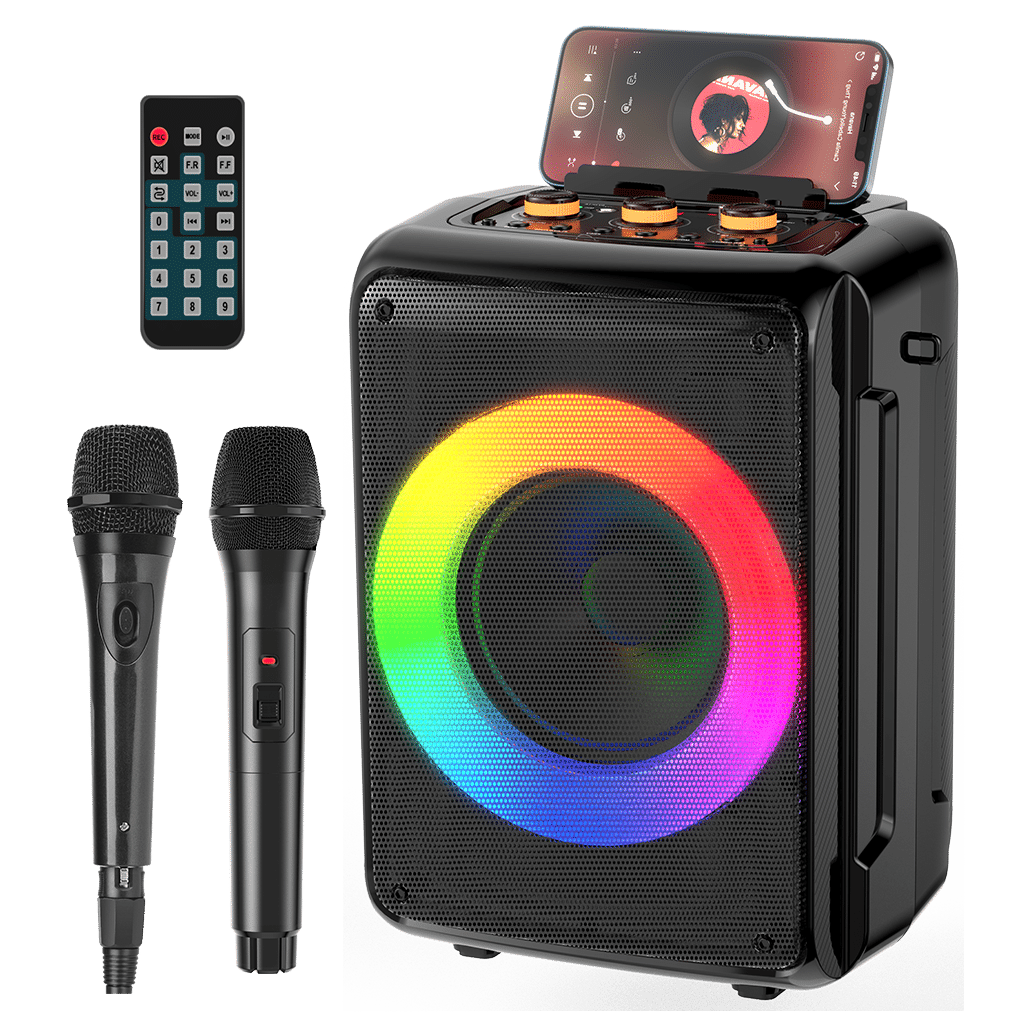
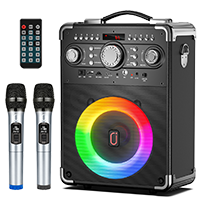
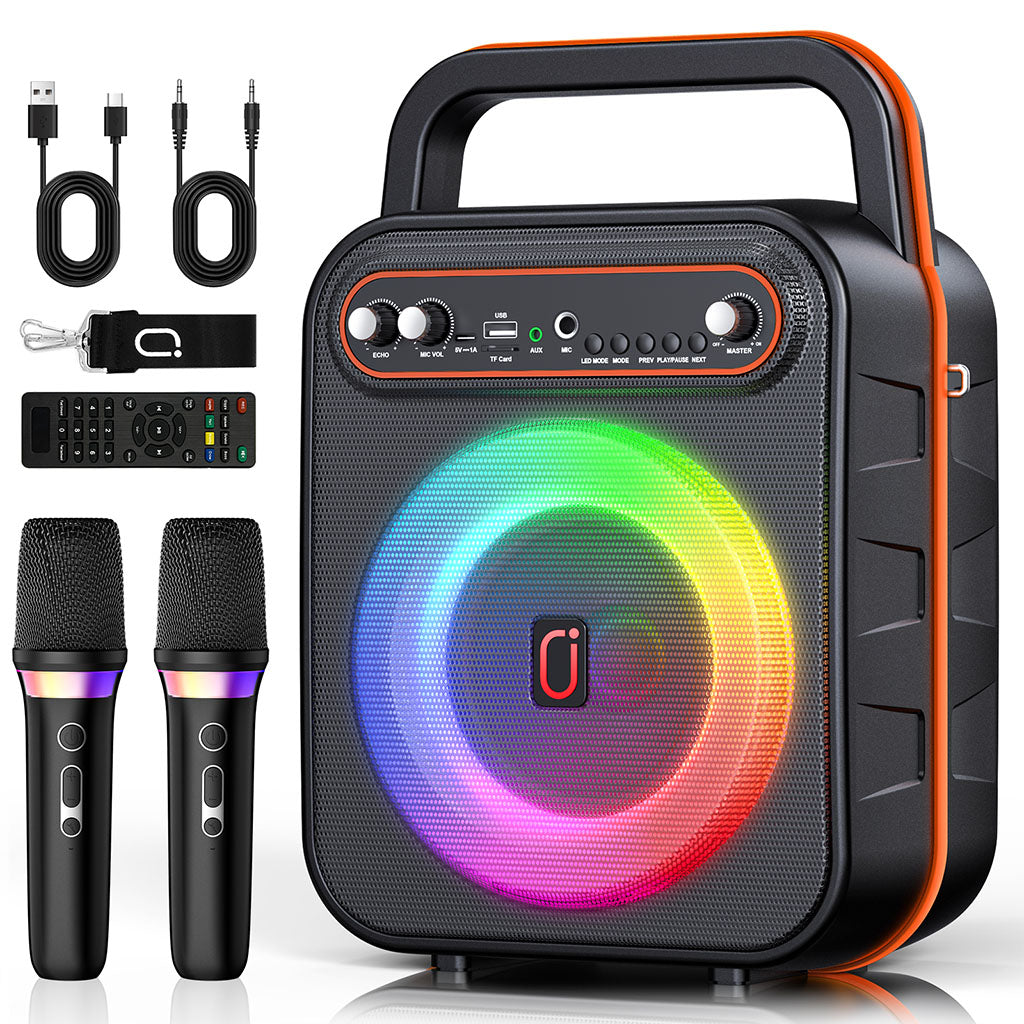
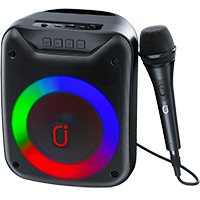
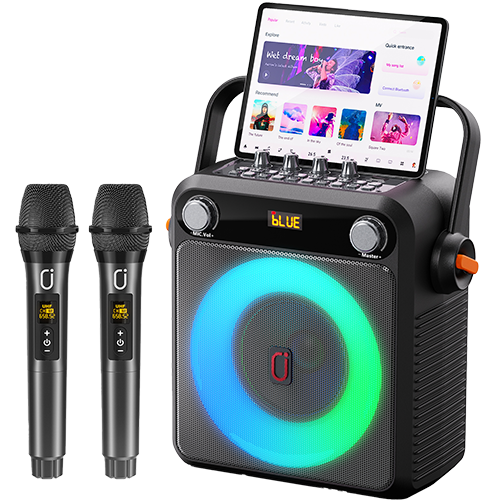
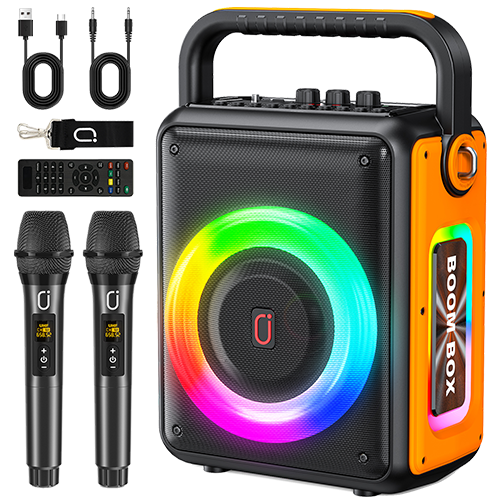
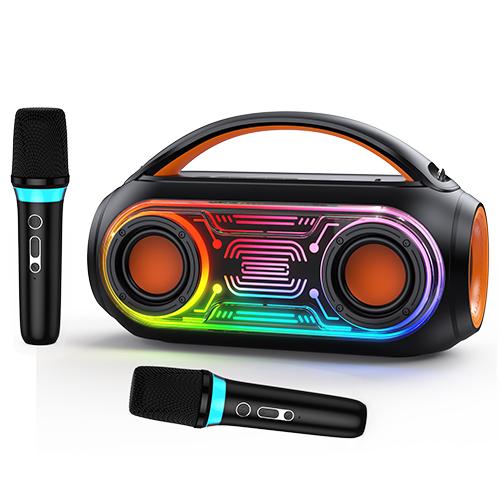
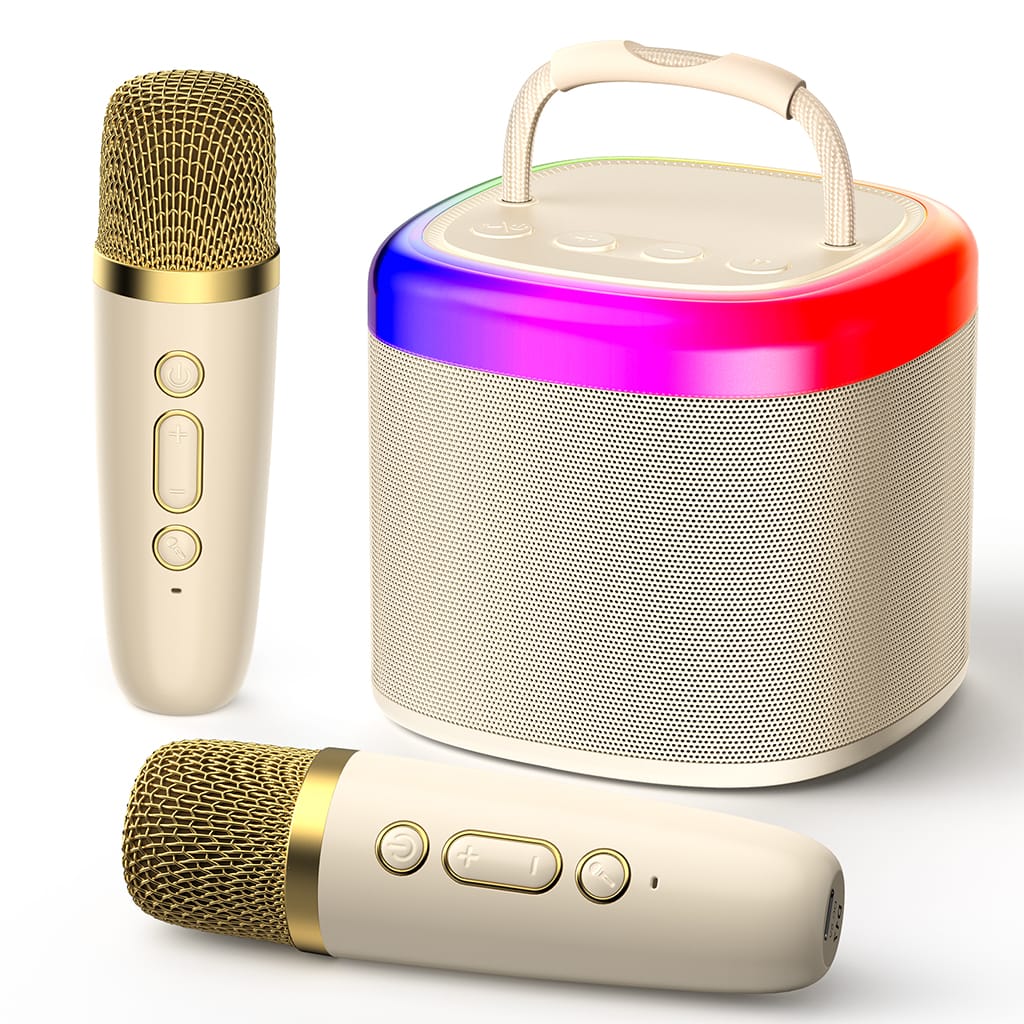
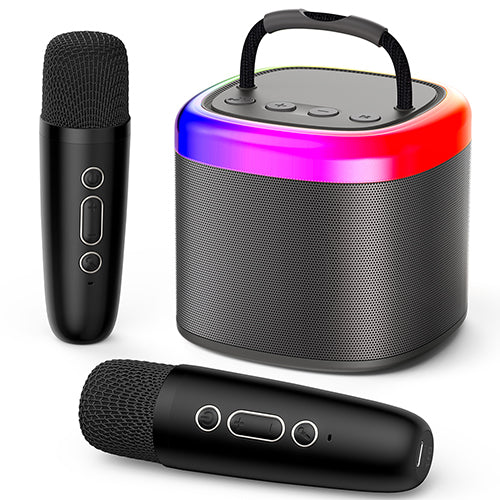

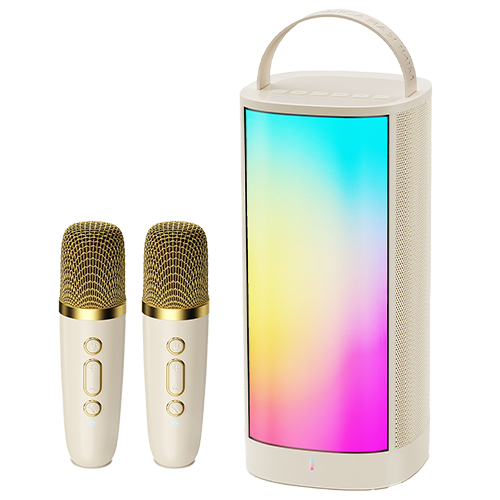
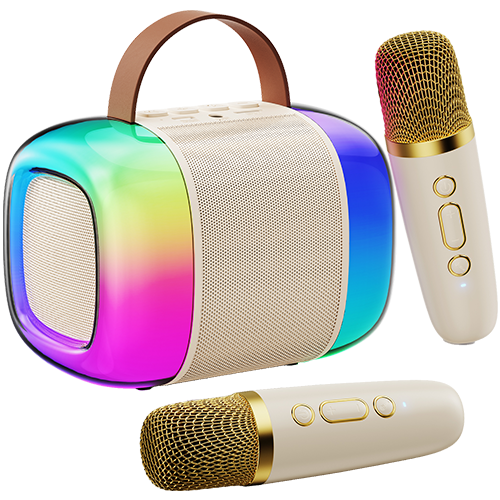
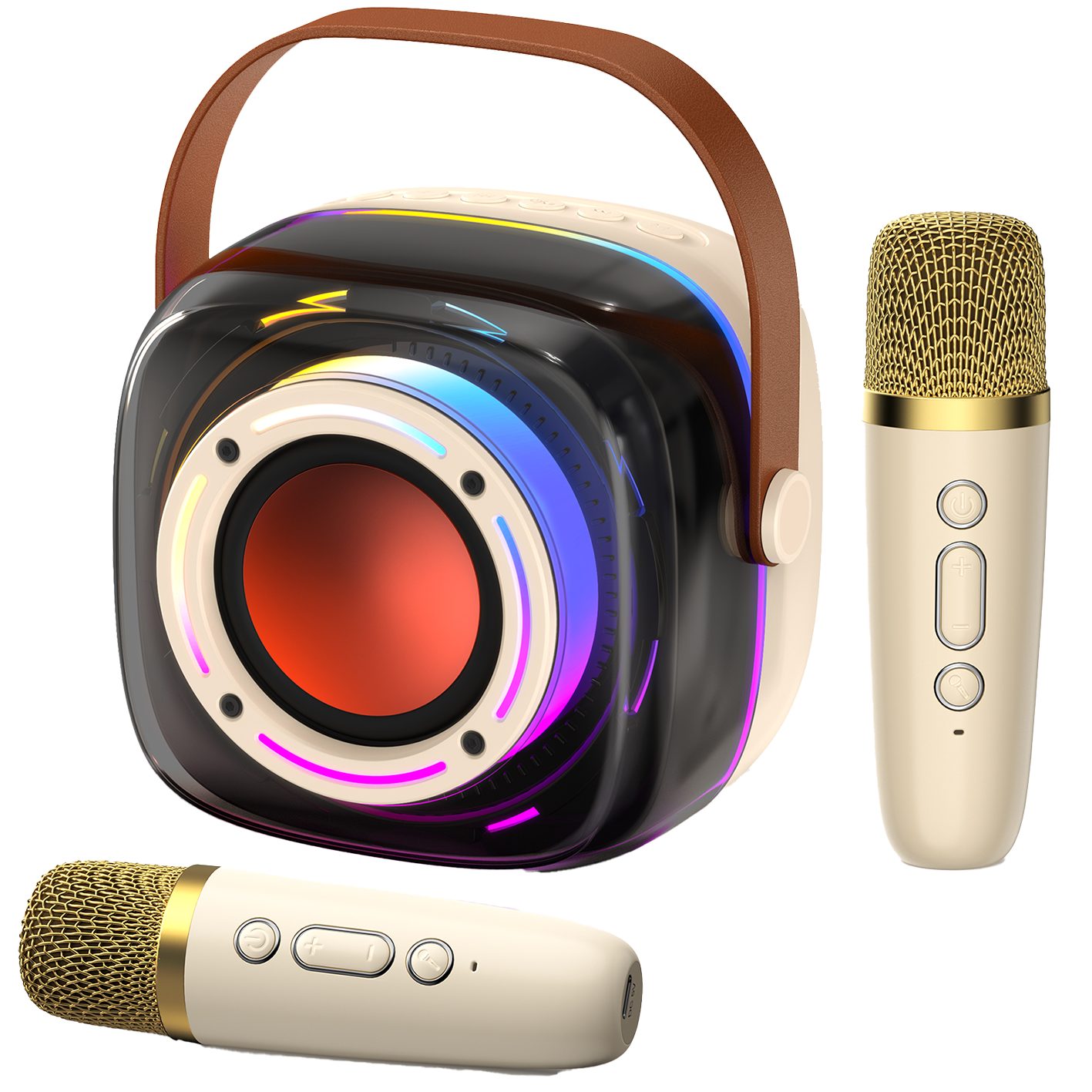
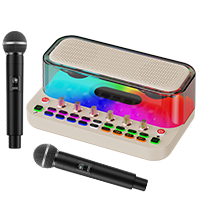

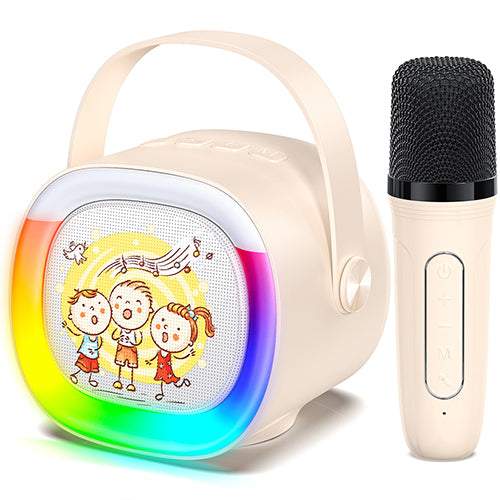
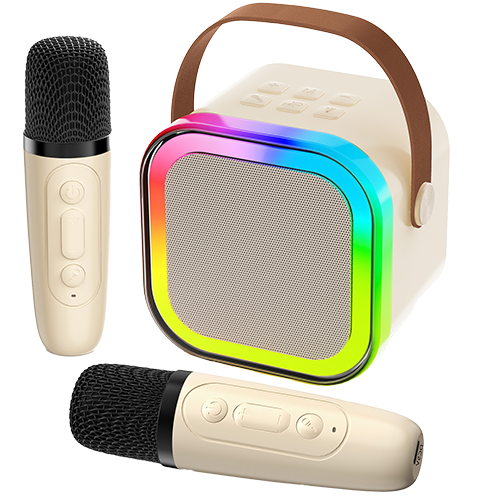
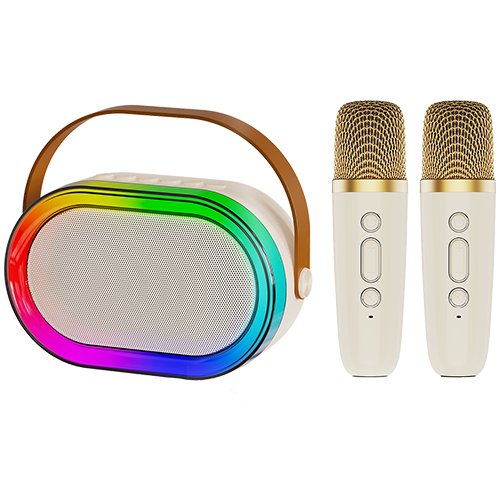
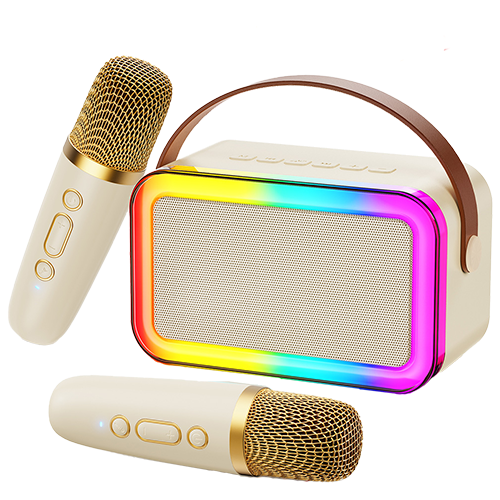
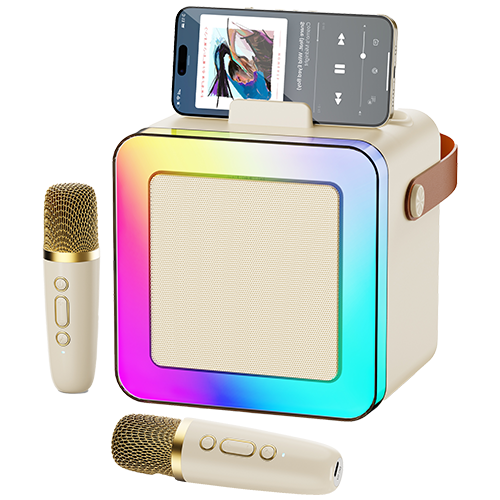
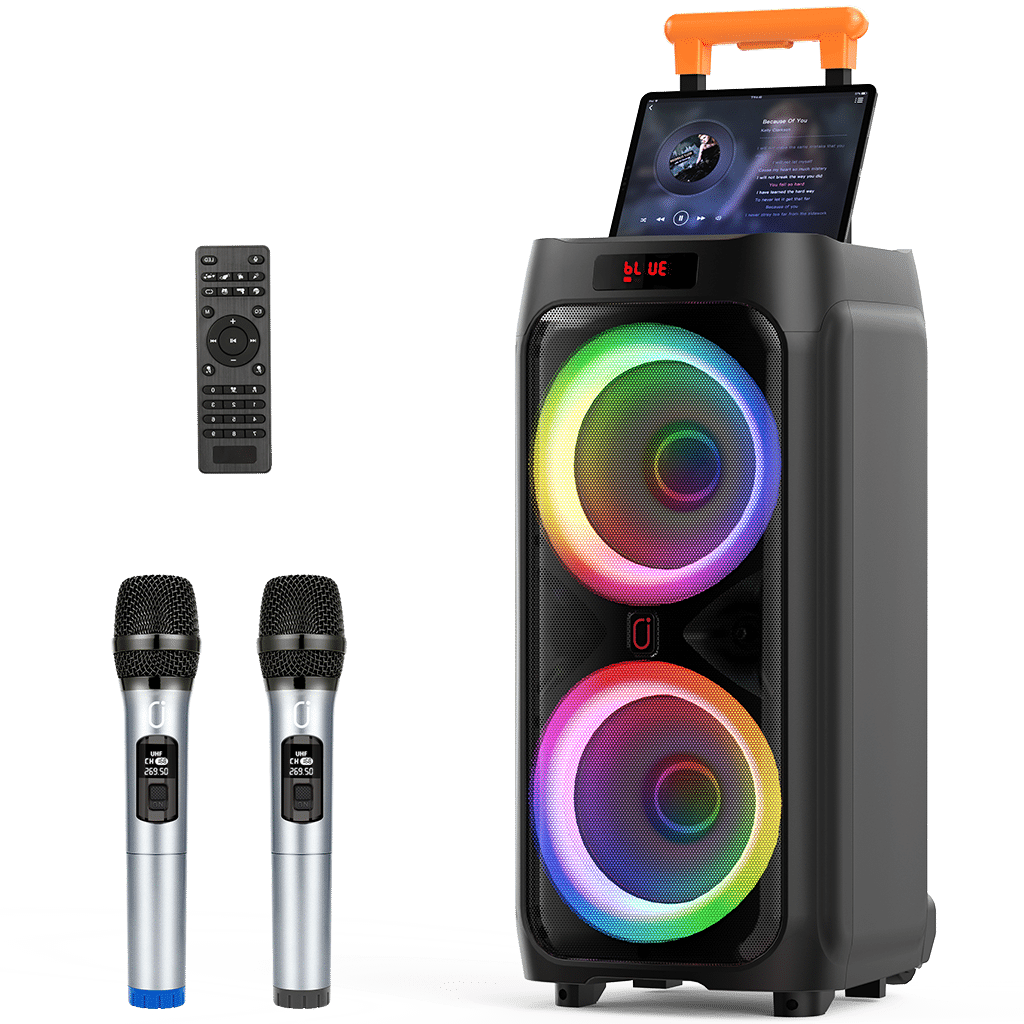
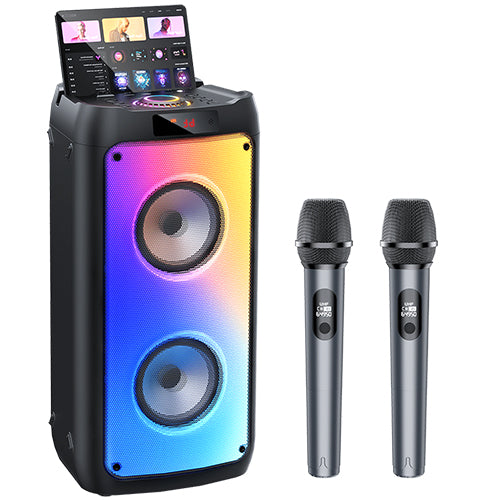

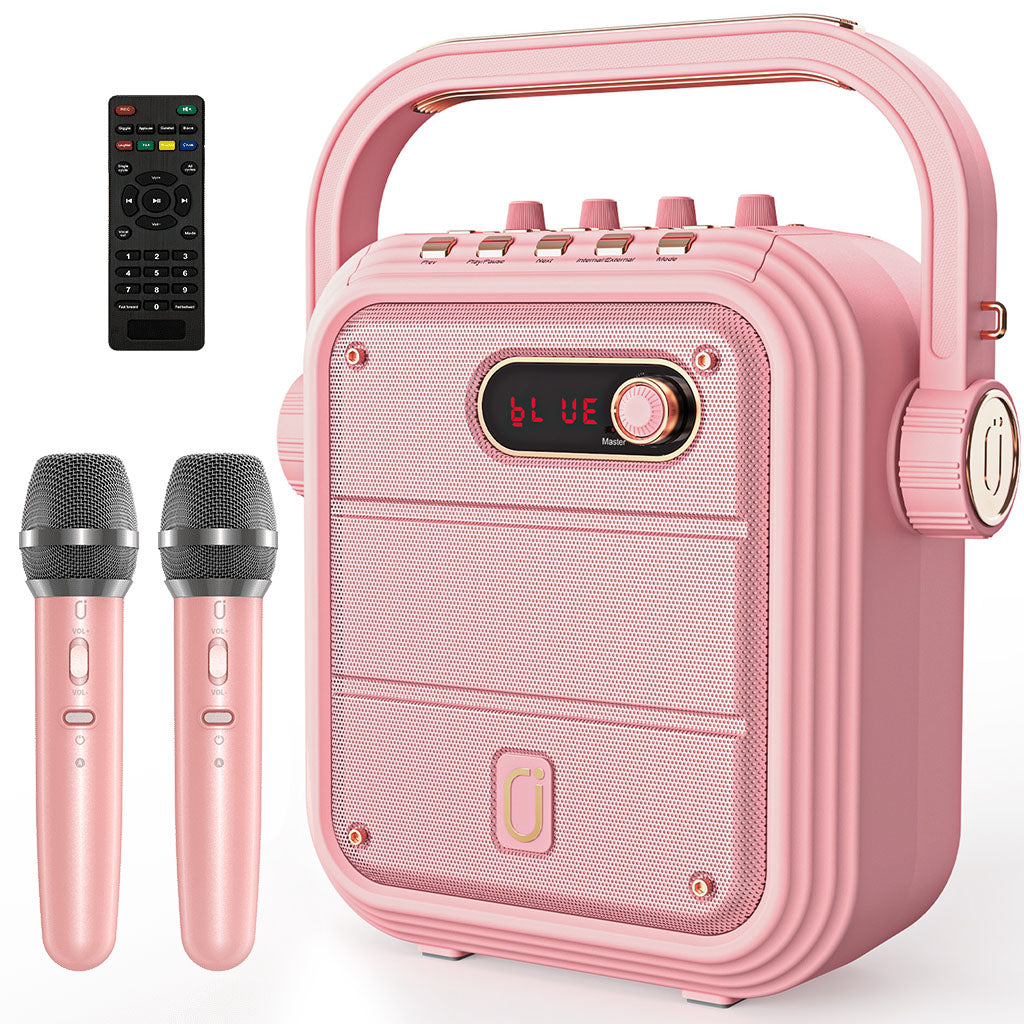
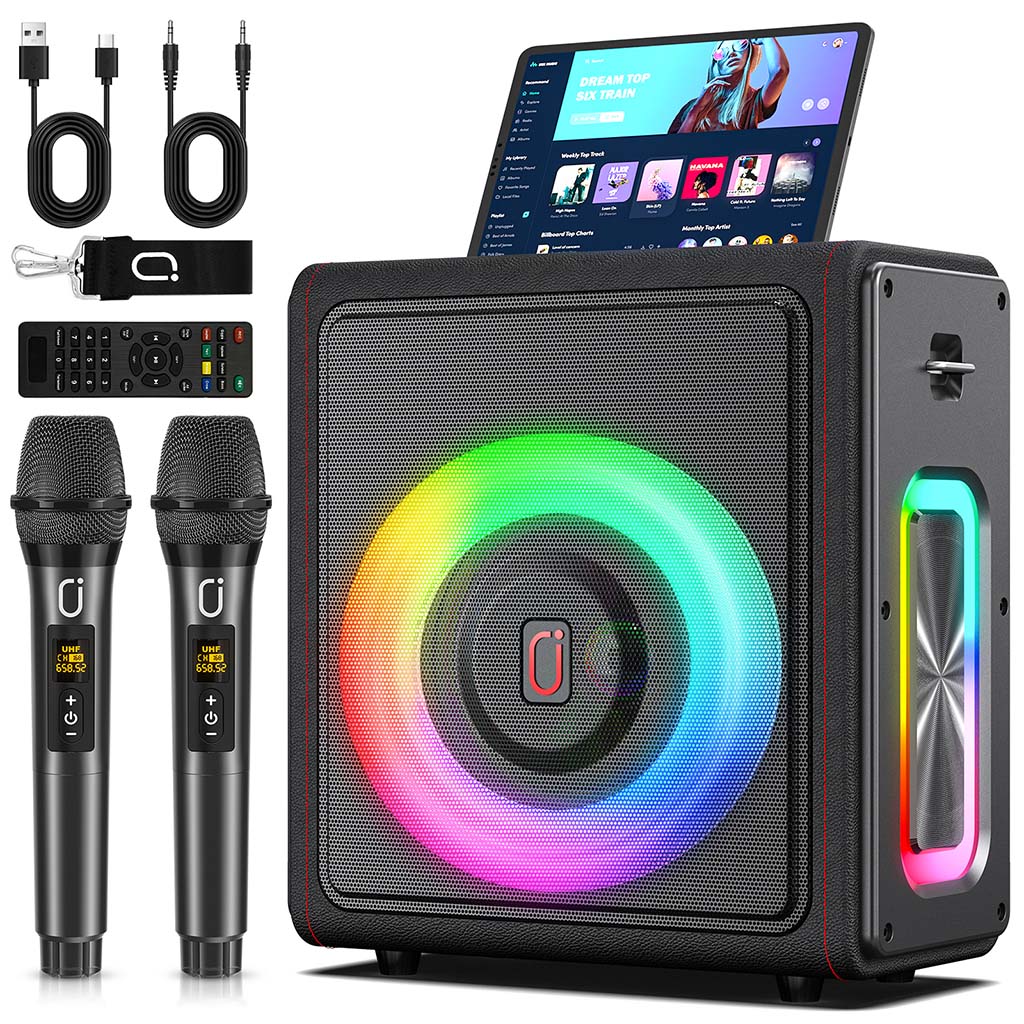
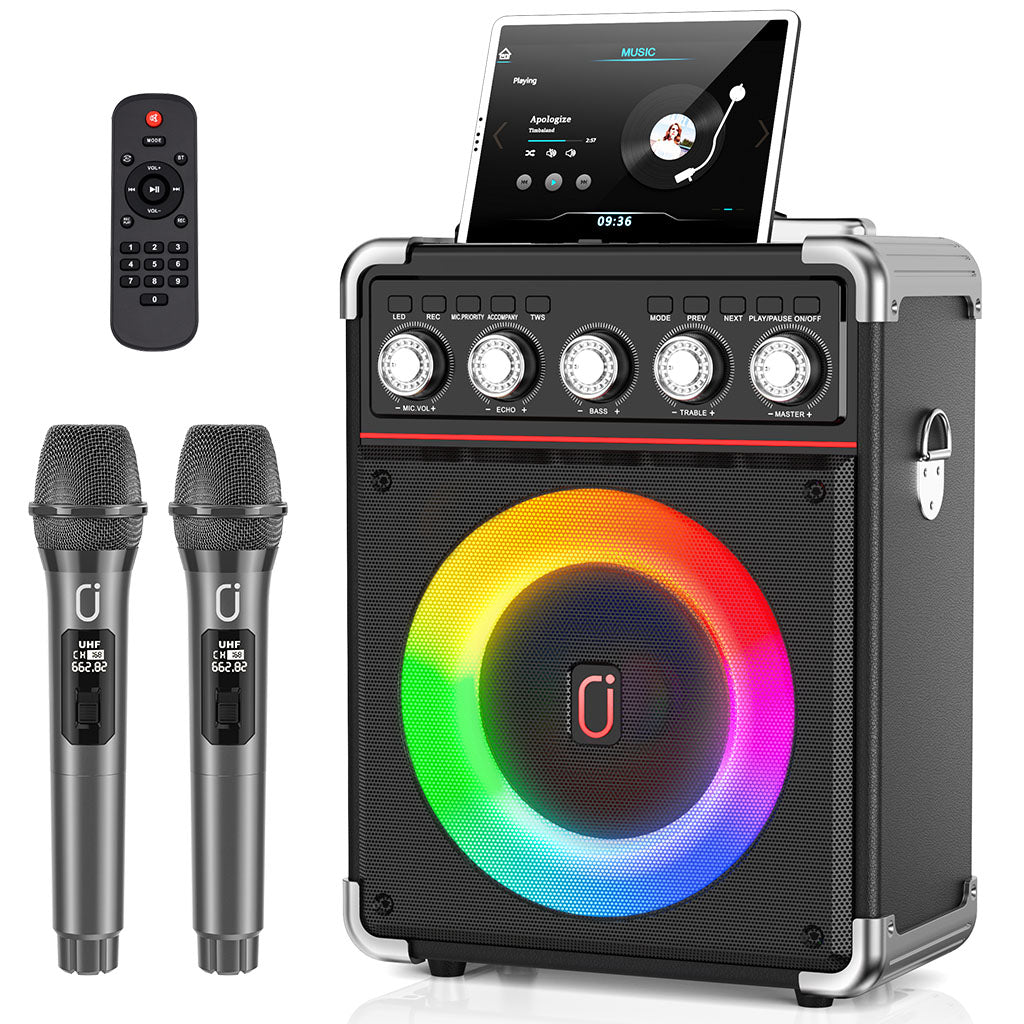

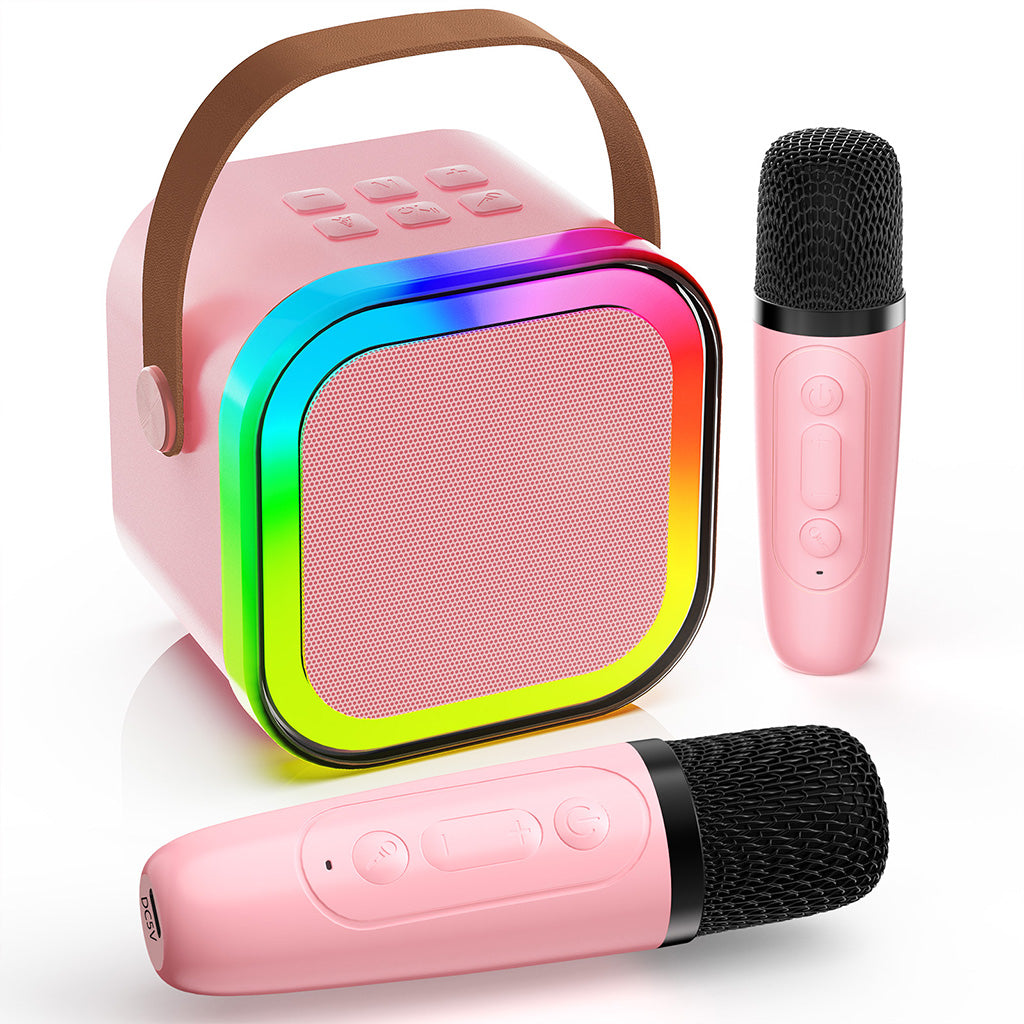
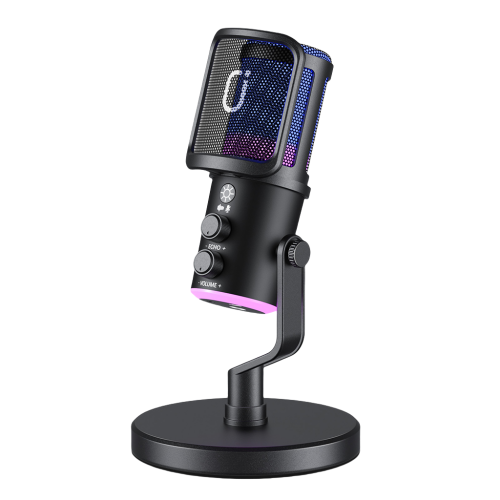
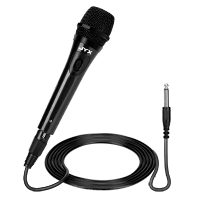
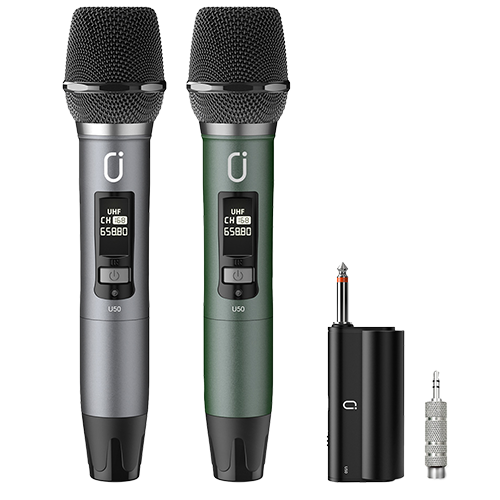
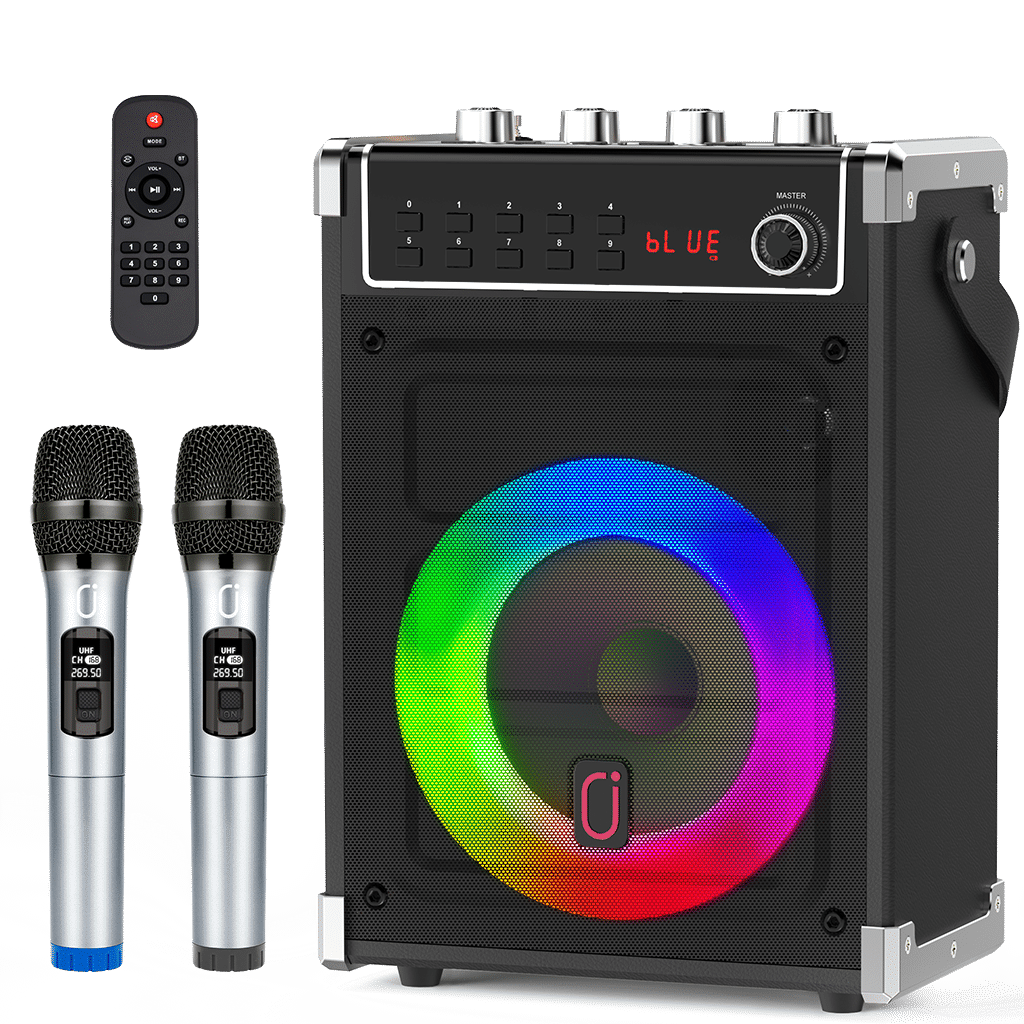
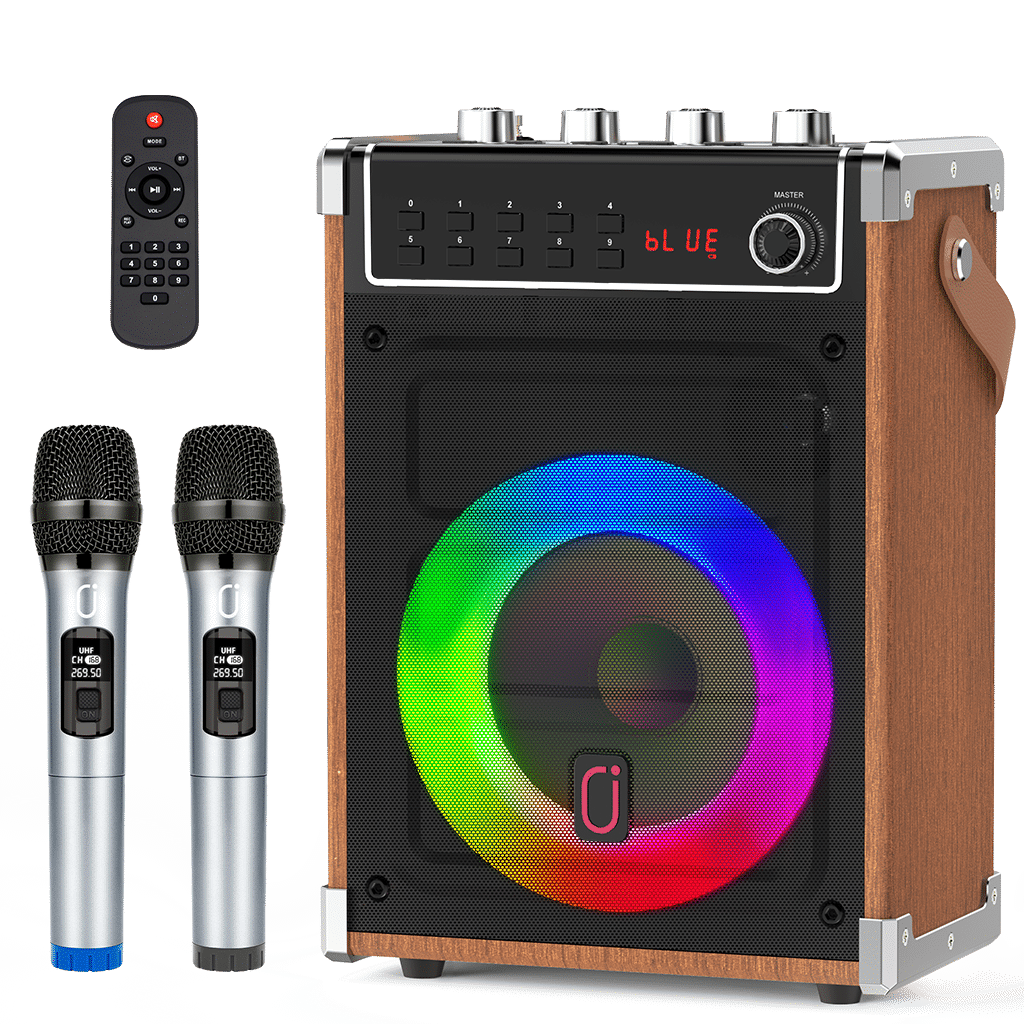
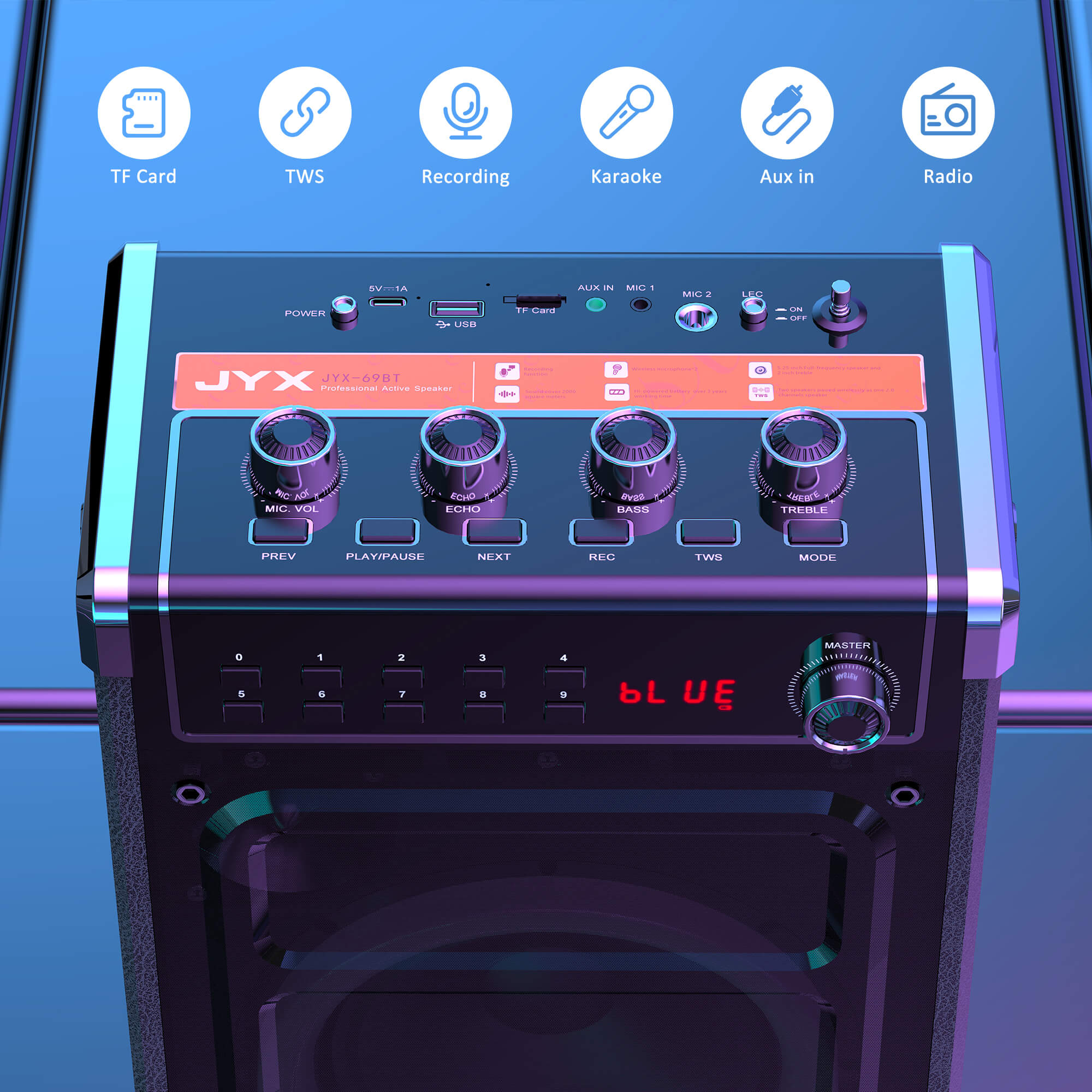




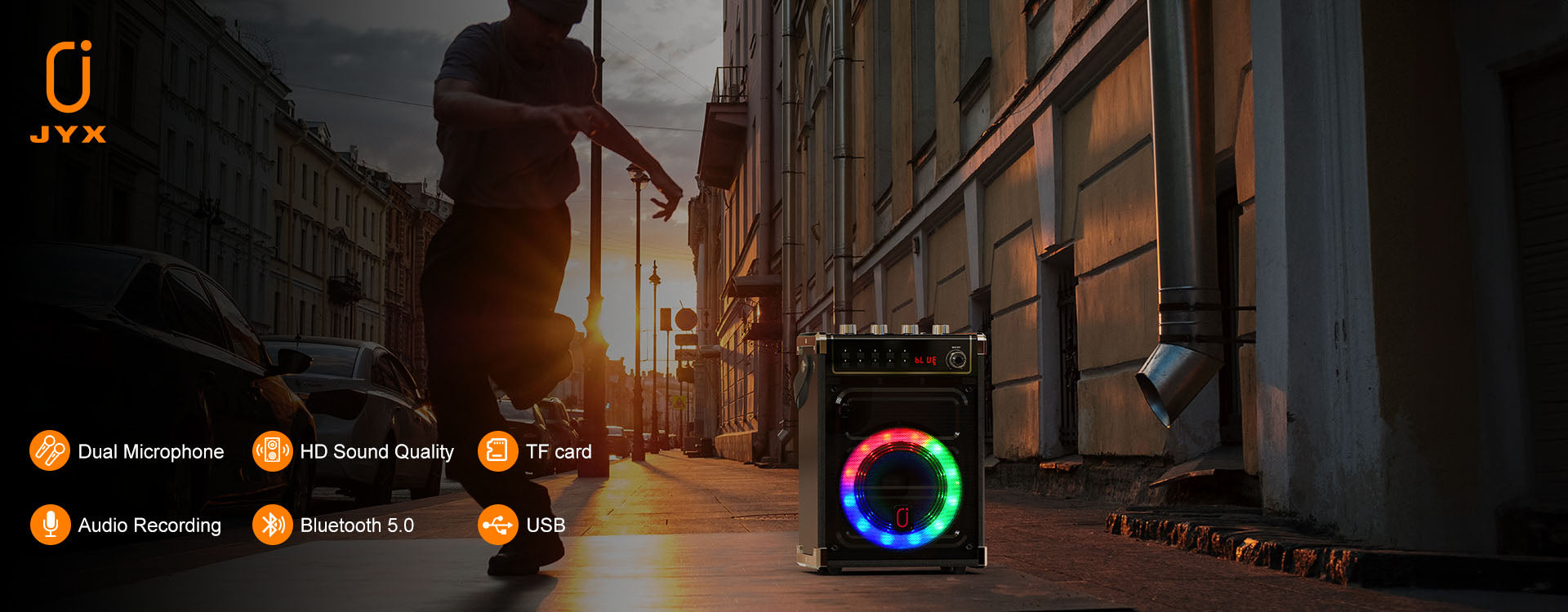

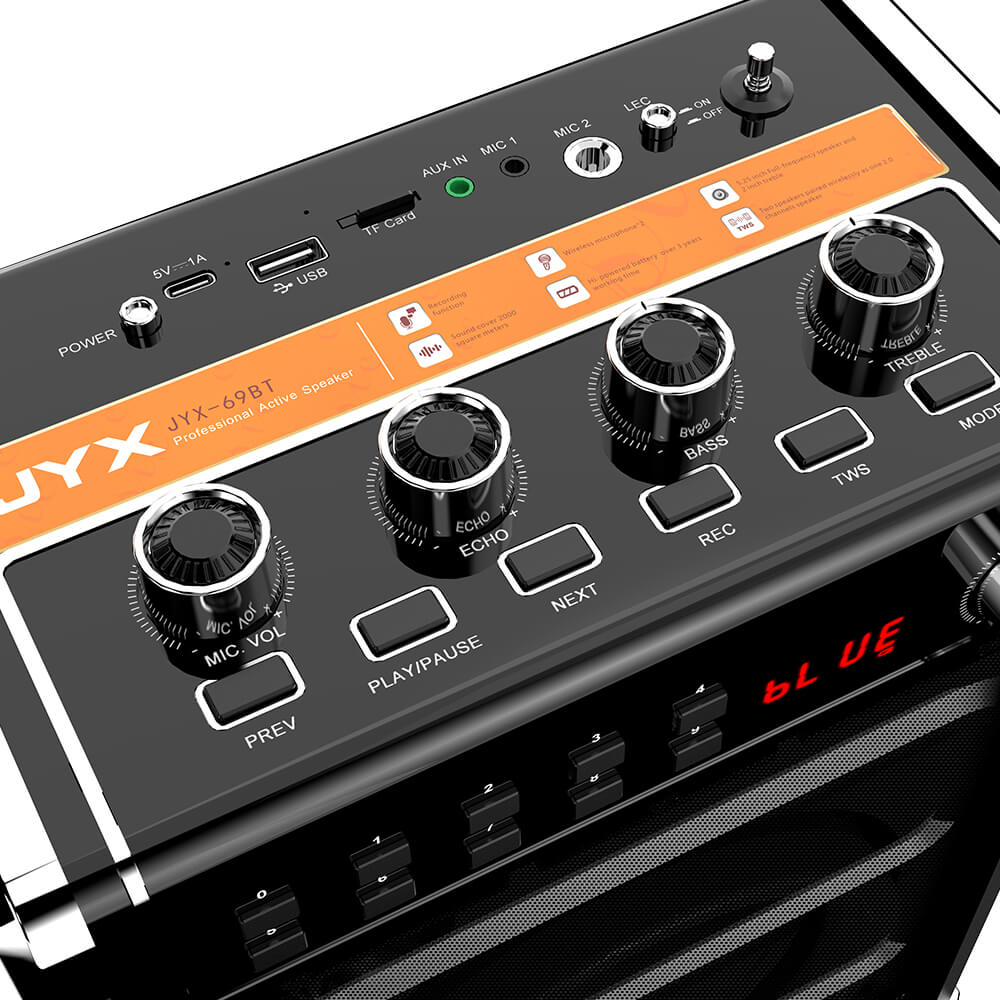
Mit USB-, AUX- und TF-Eingängen können Sie Songs auf verschiedene Weisen einfach an diese professionelle Karaoke-Maschine streamen.
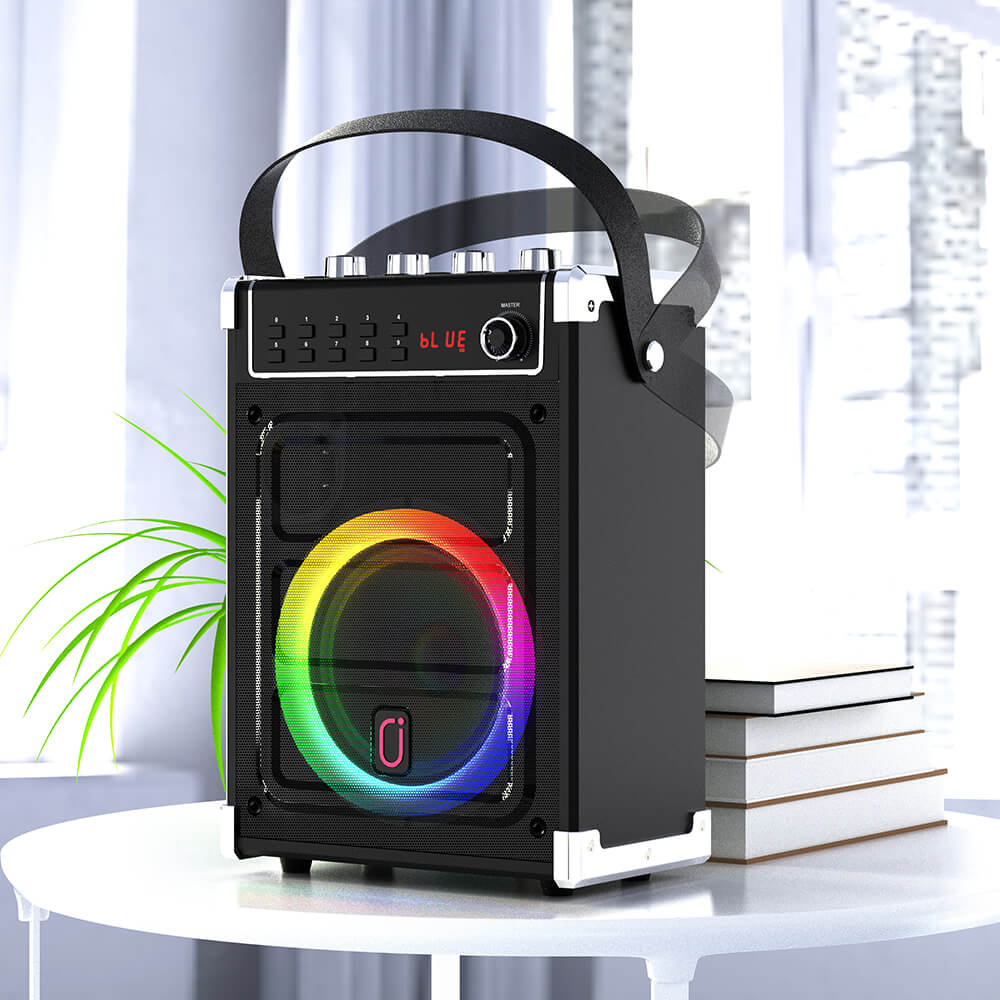
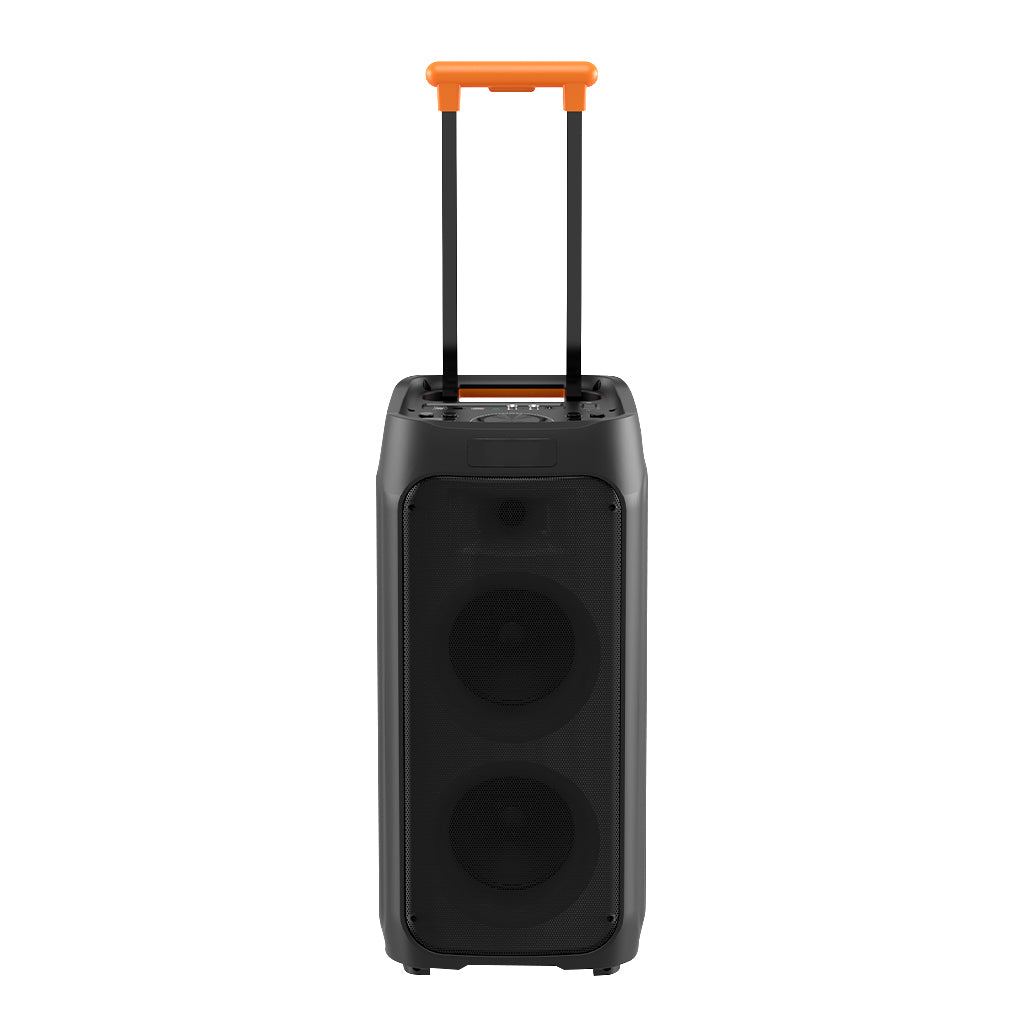
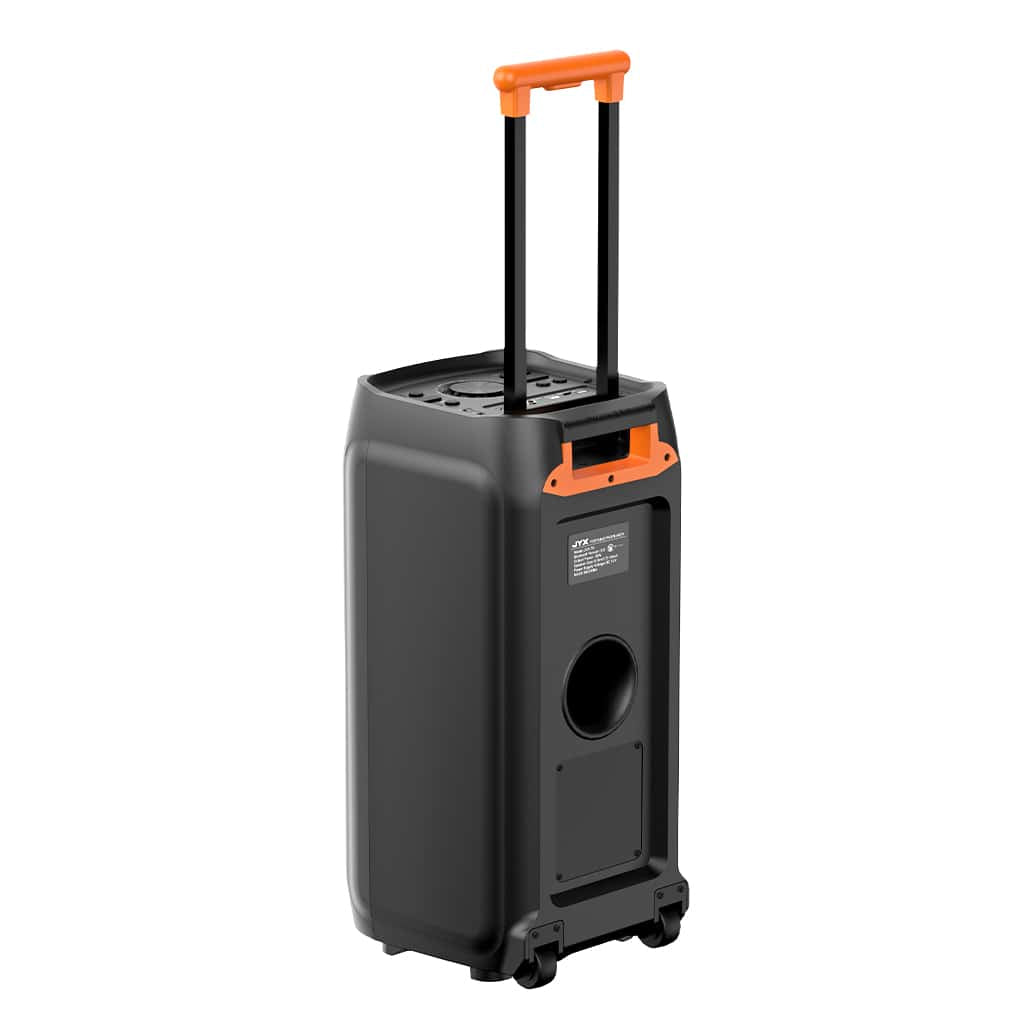
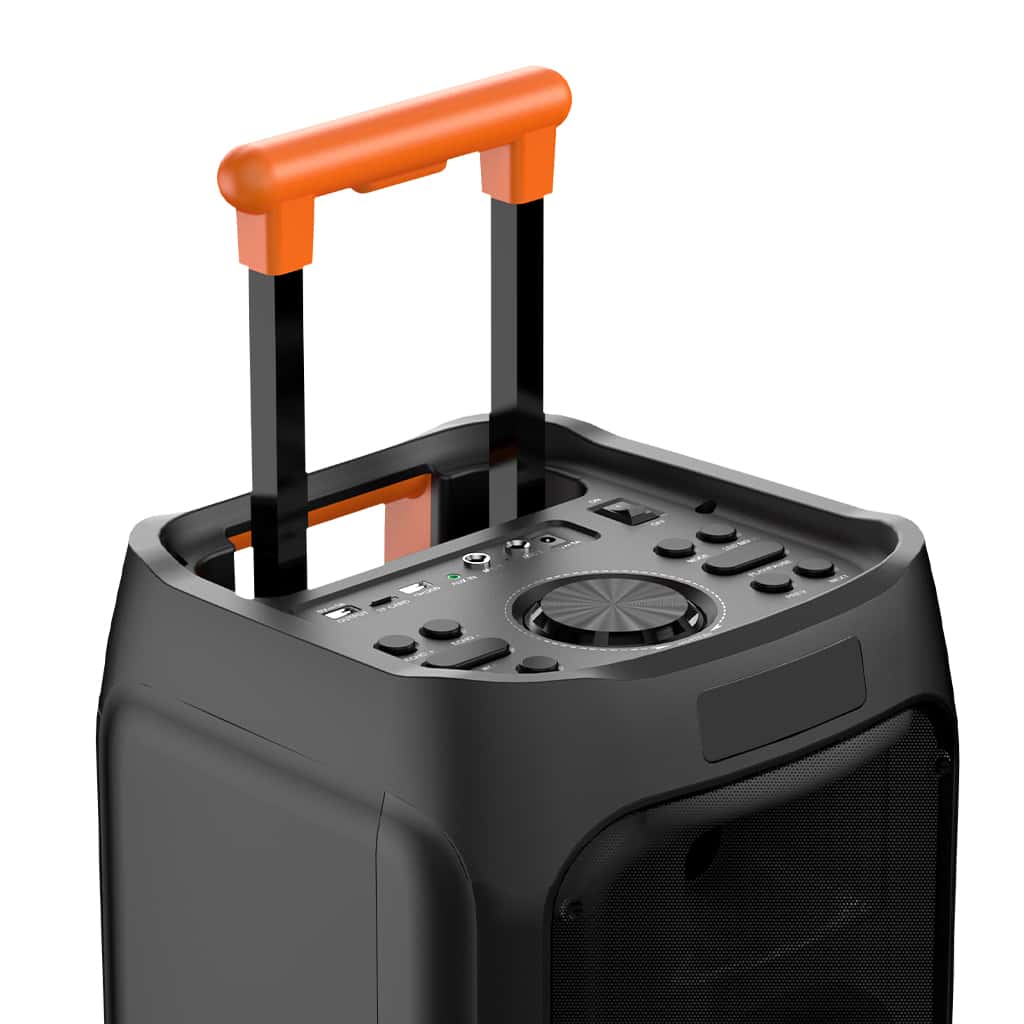
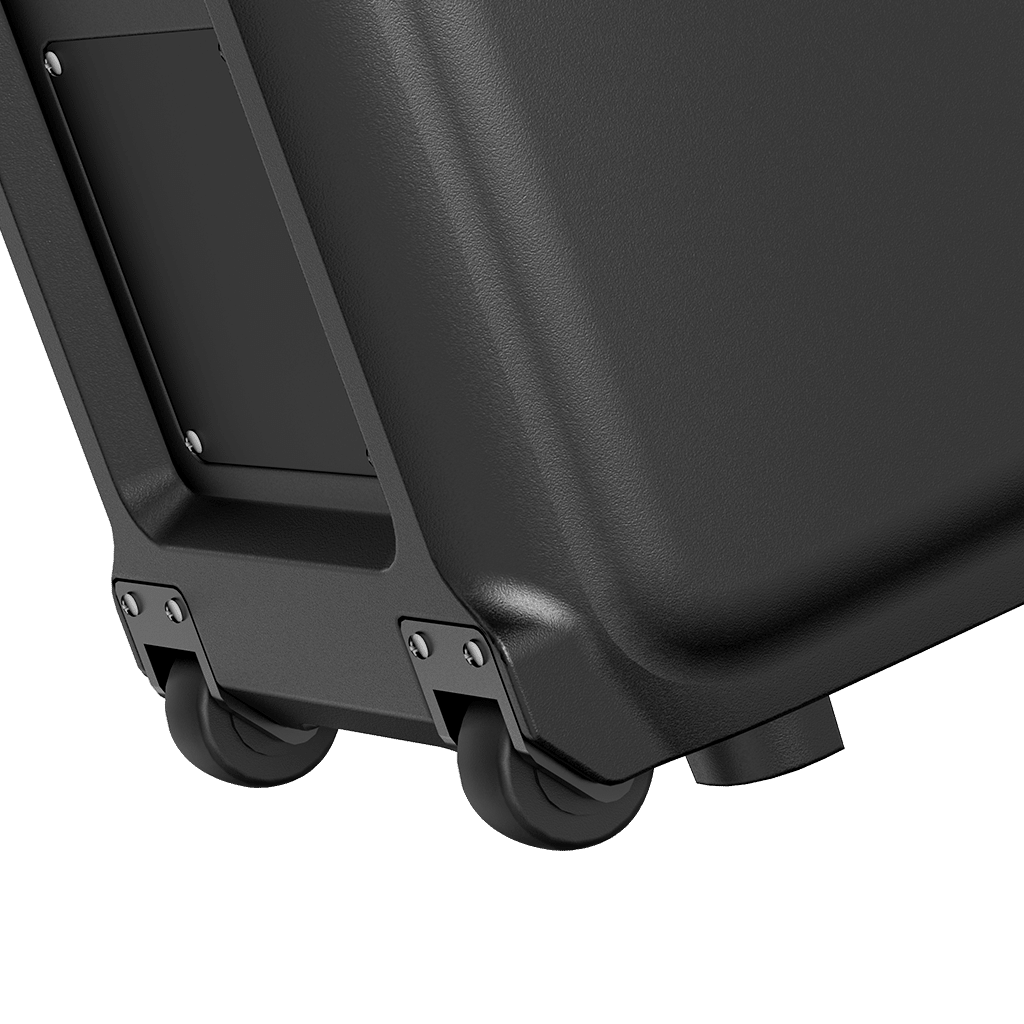
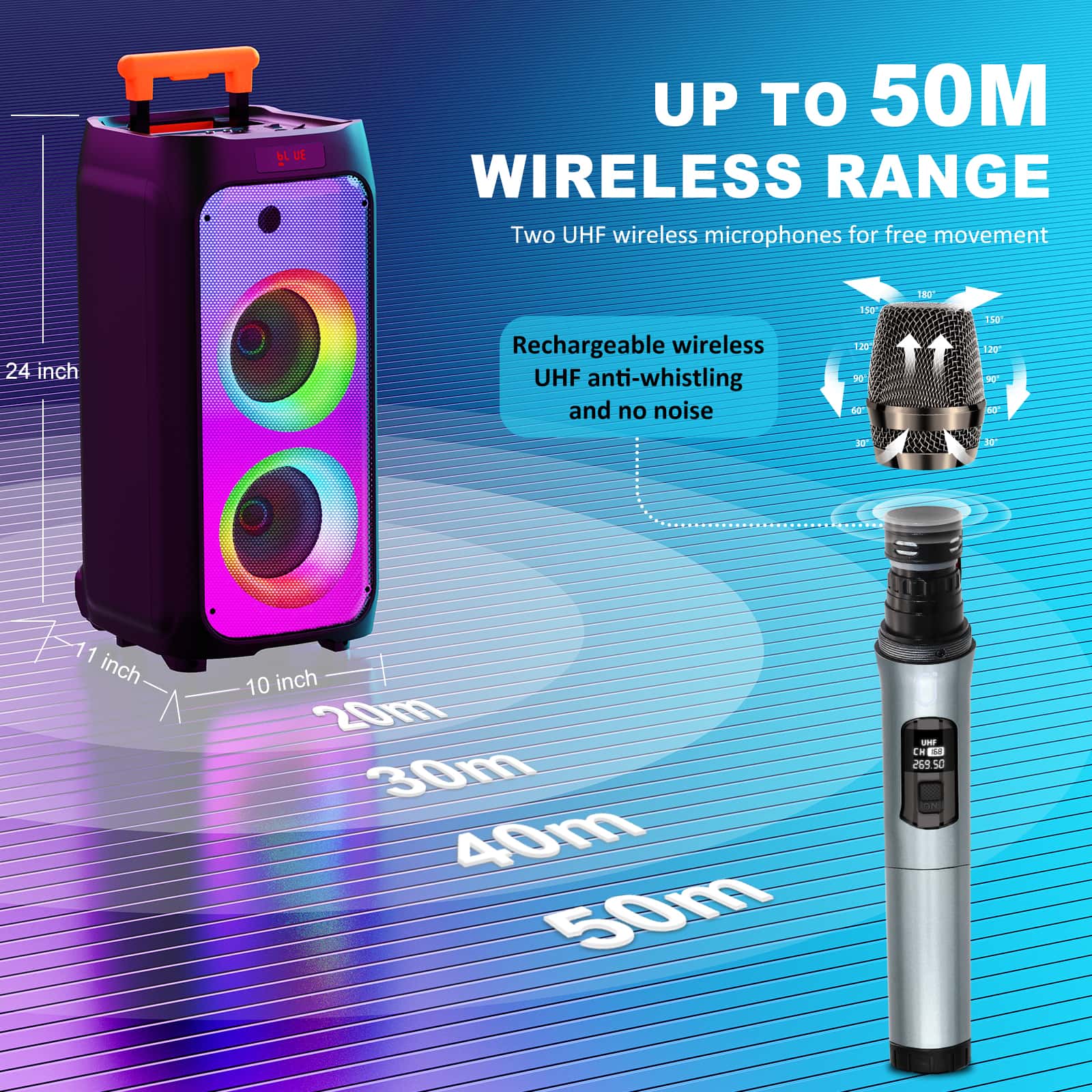
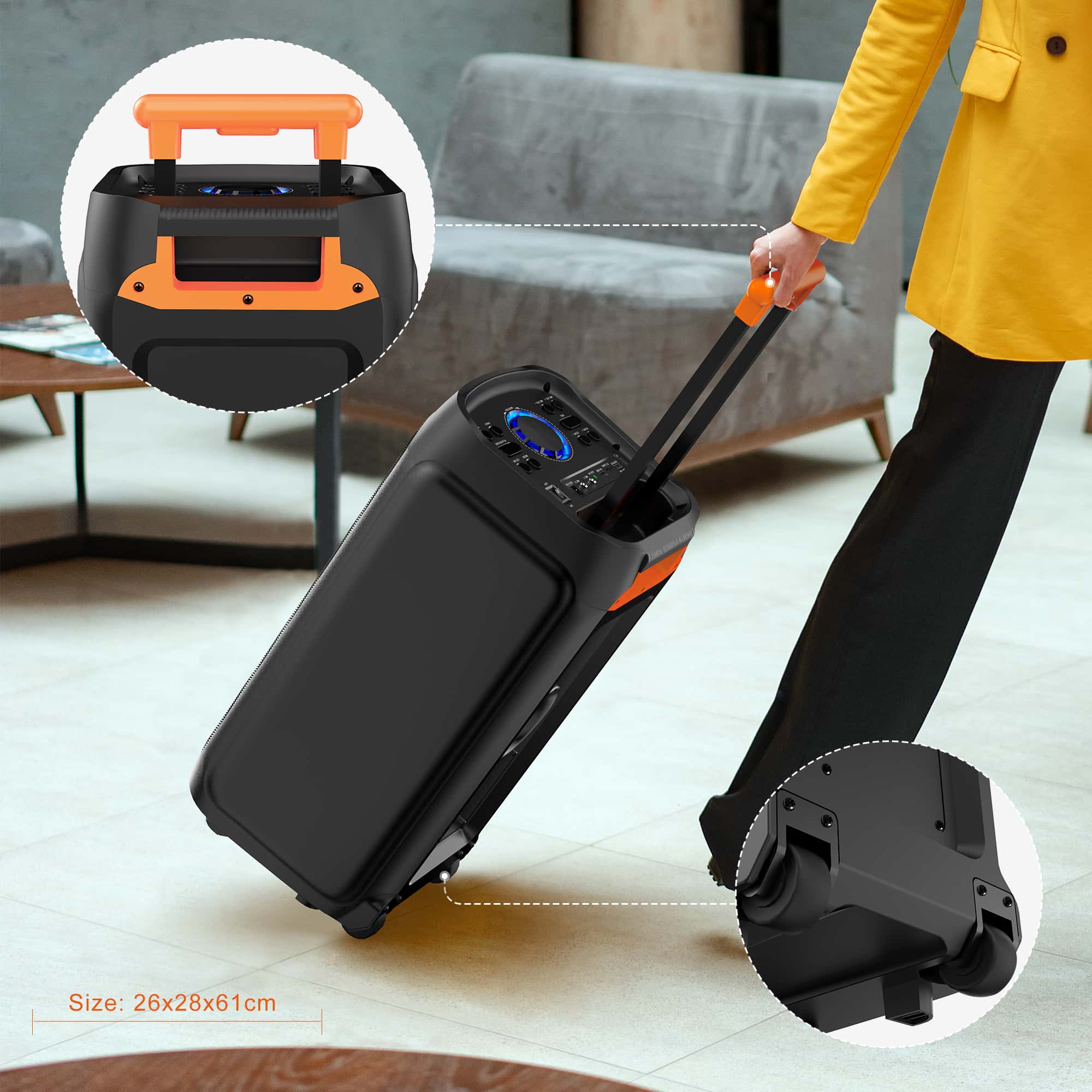
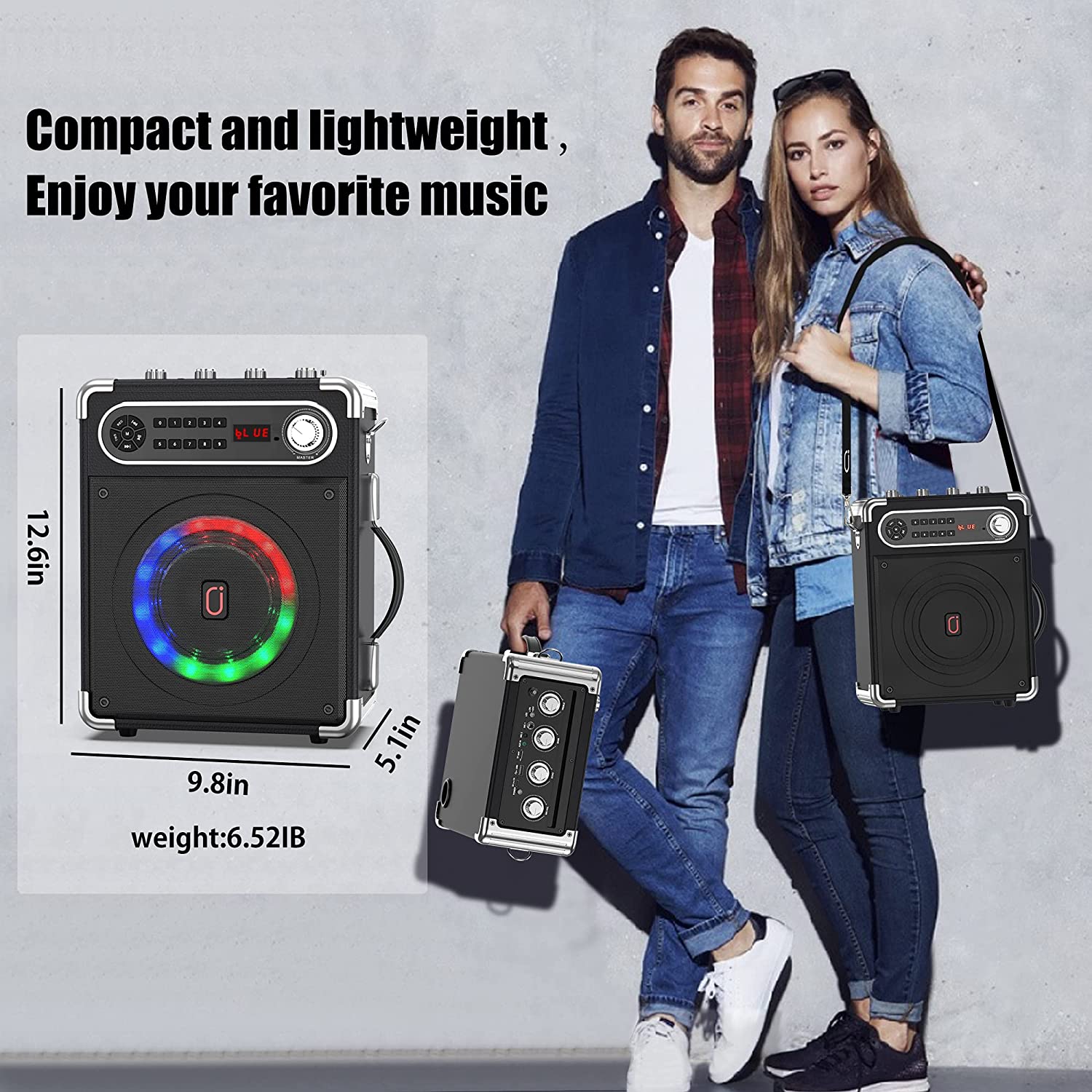
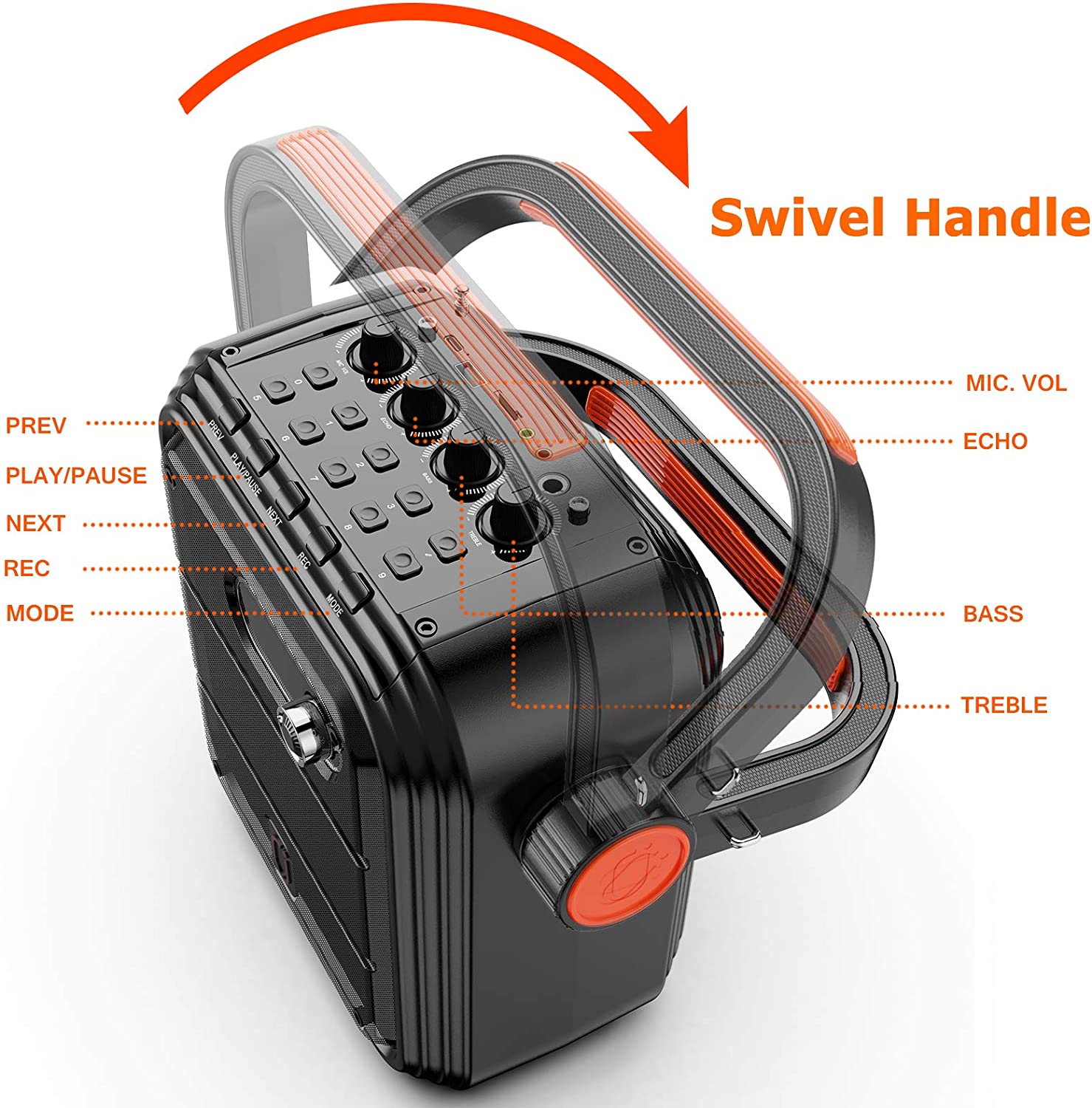
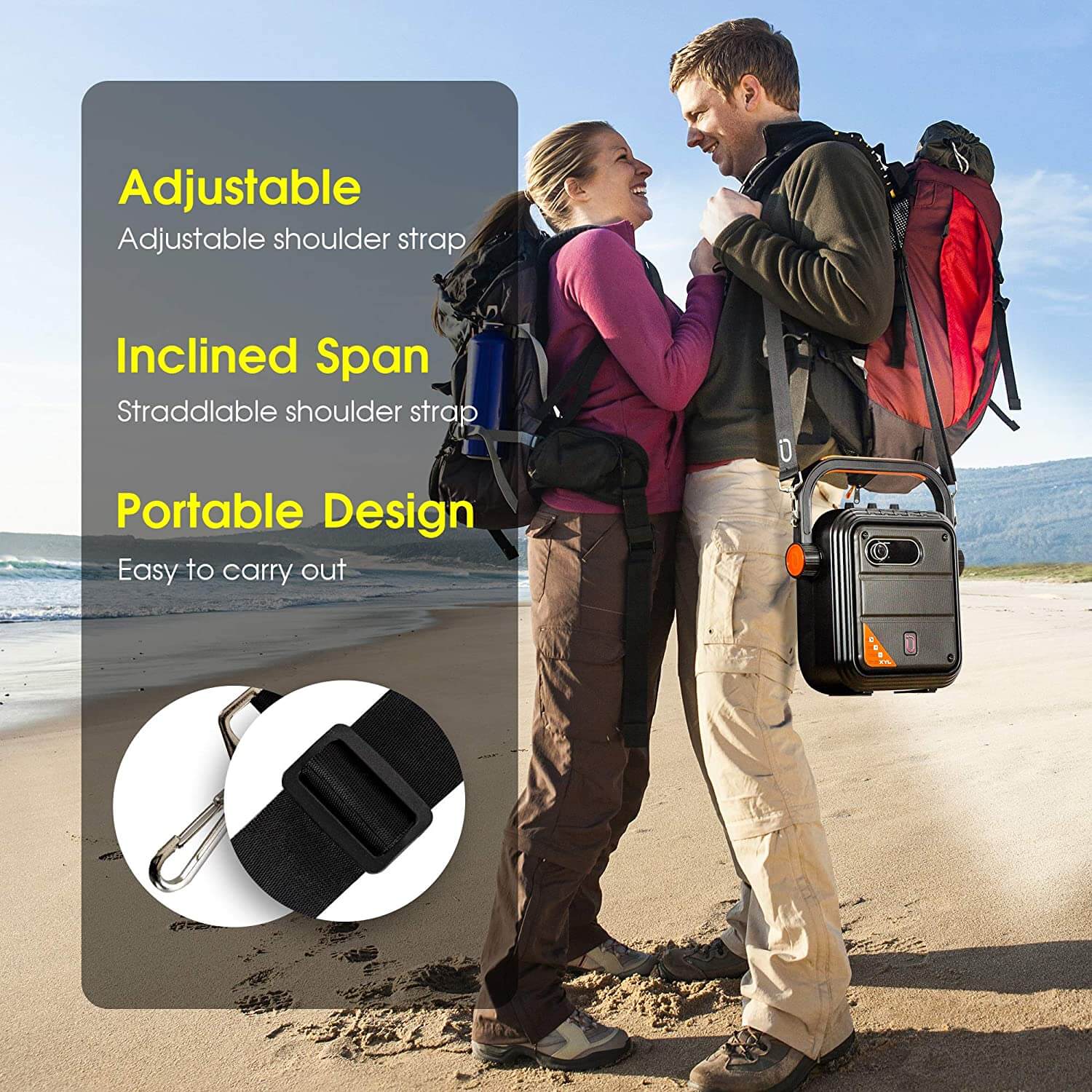
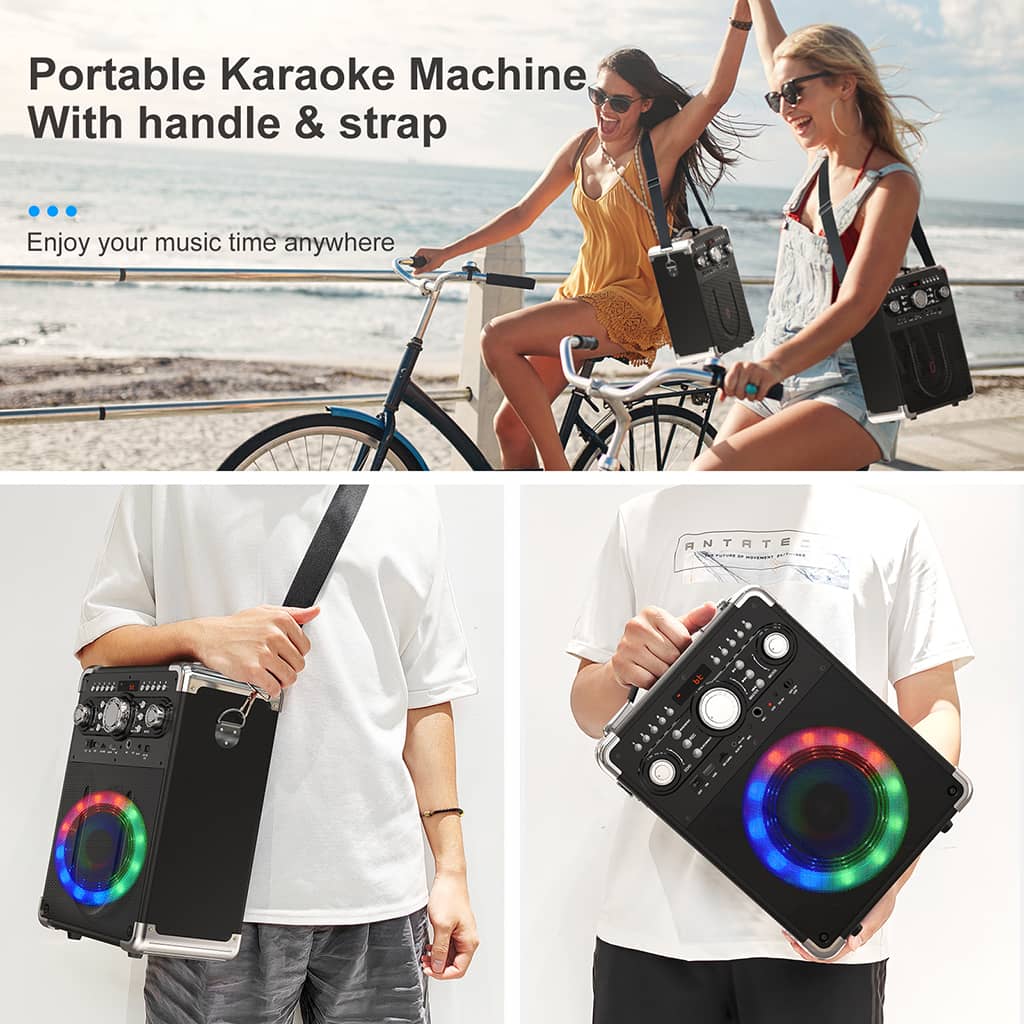
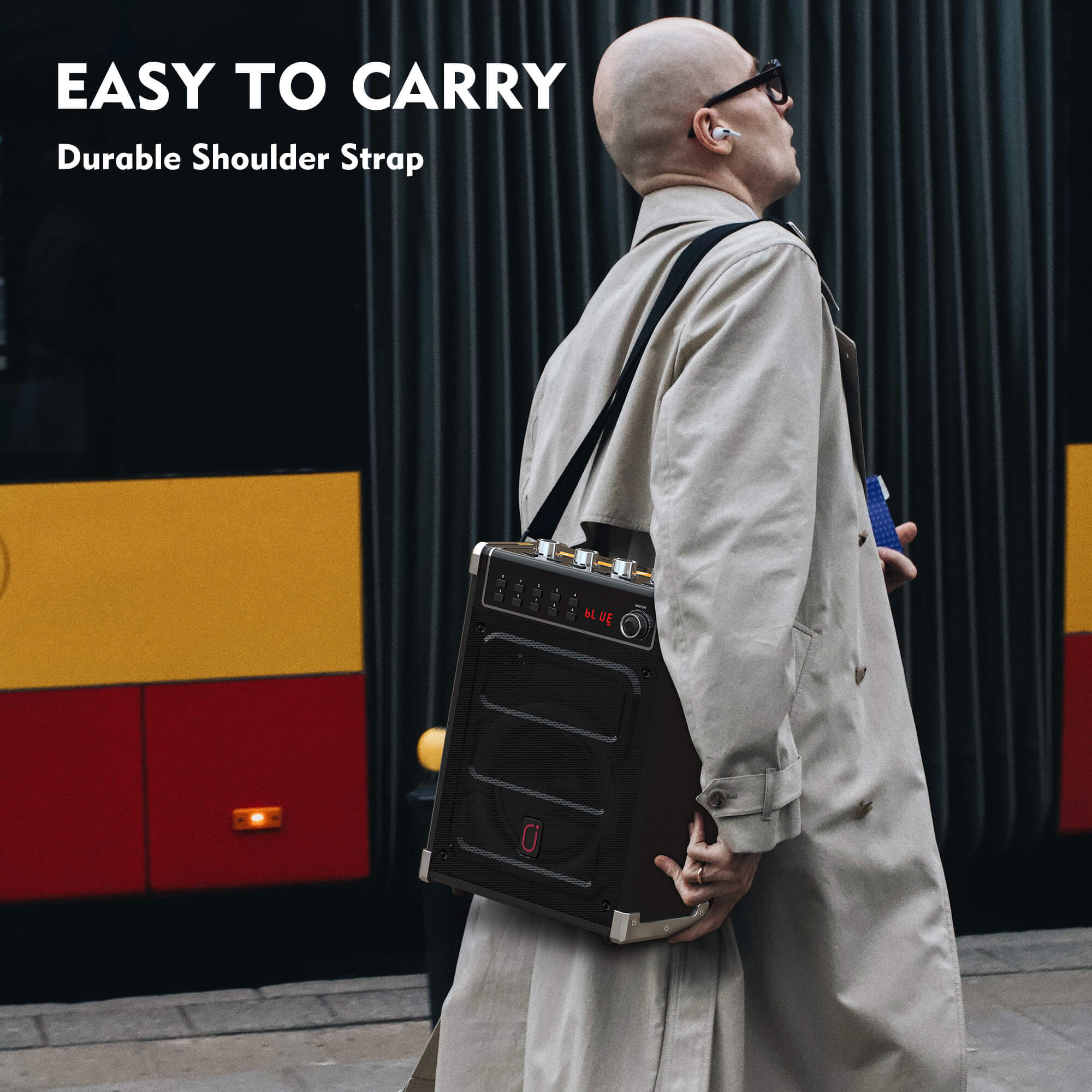
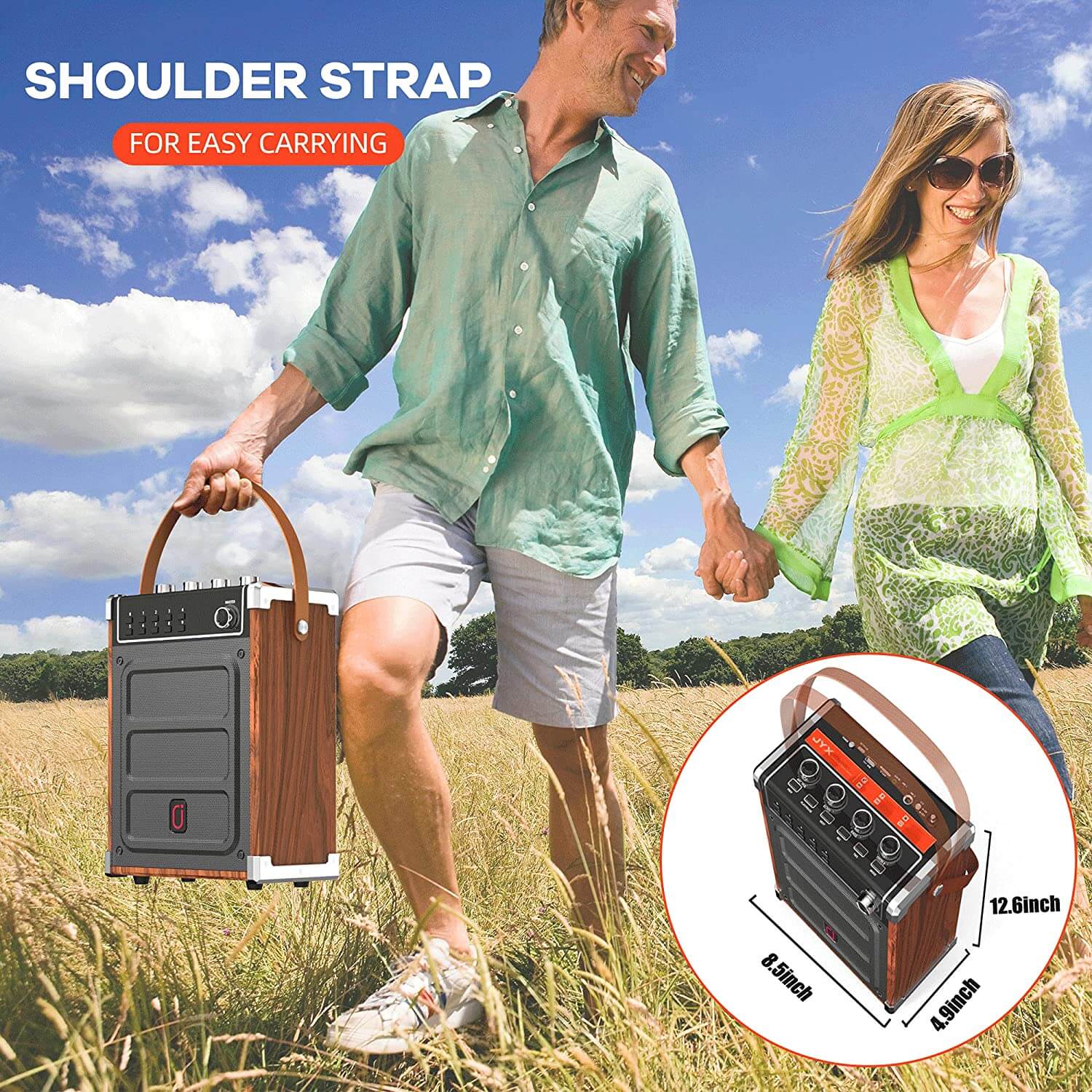
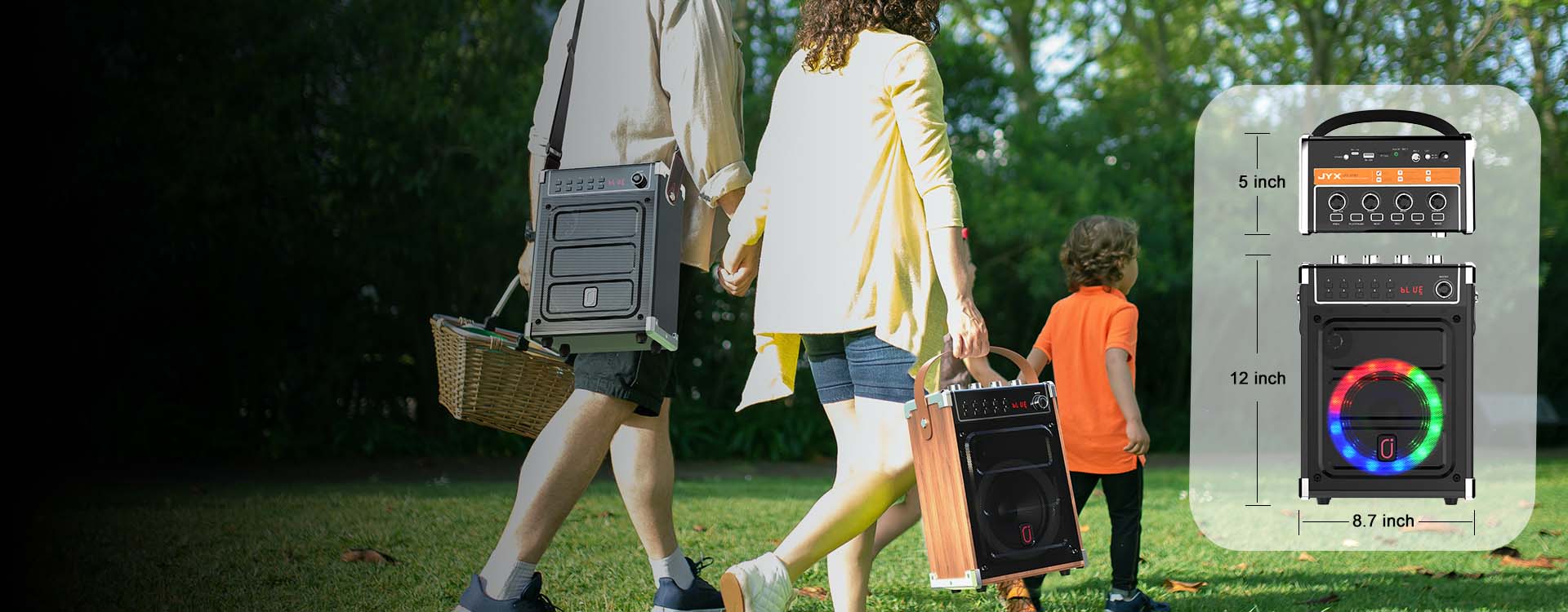
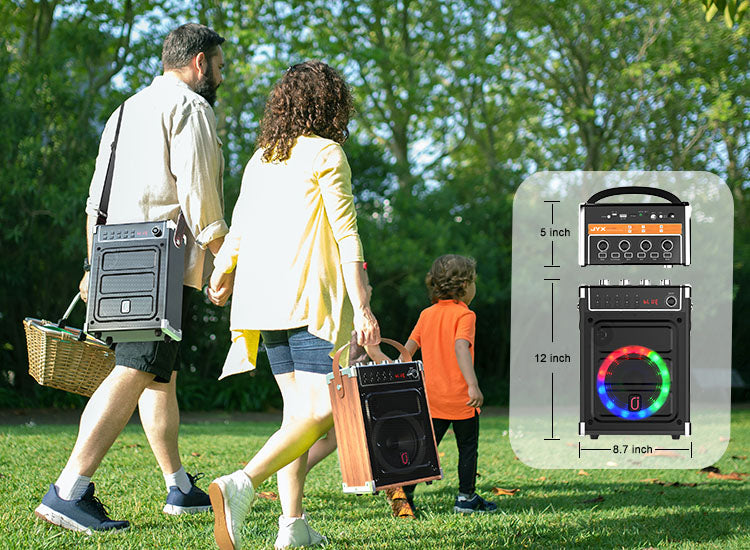
With the removable handle, it’s very convenient to carry the 6.5 pounds portable karaoke machine with you.
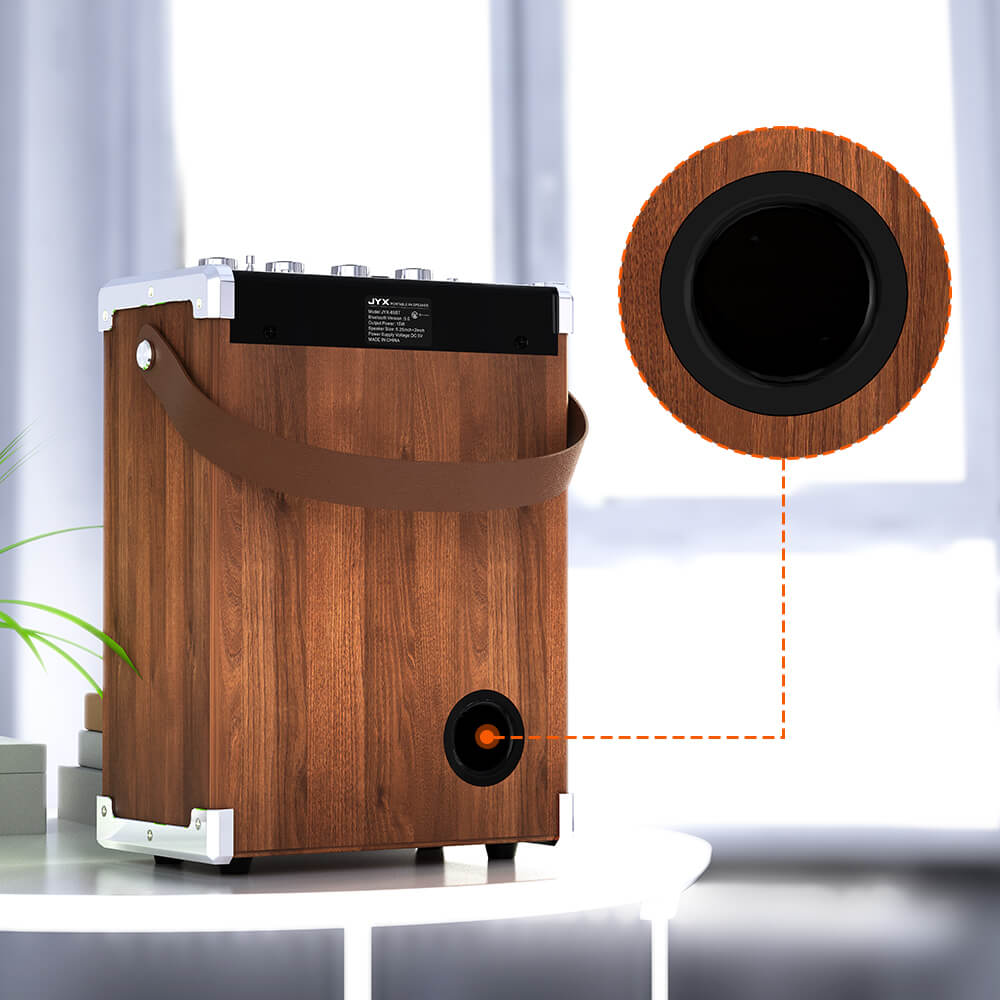
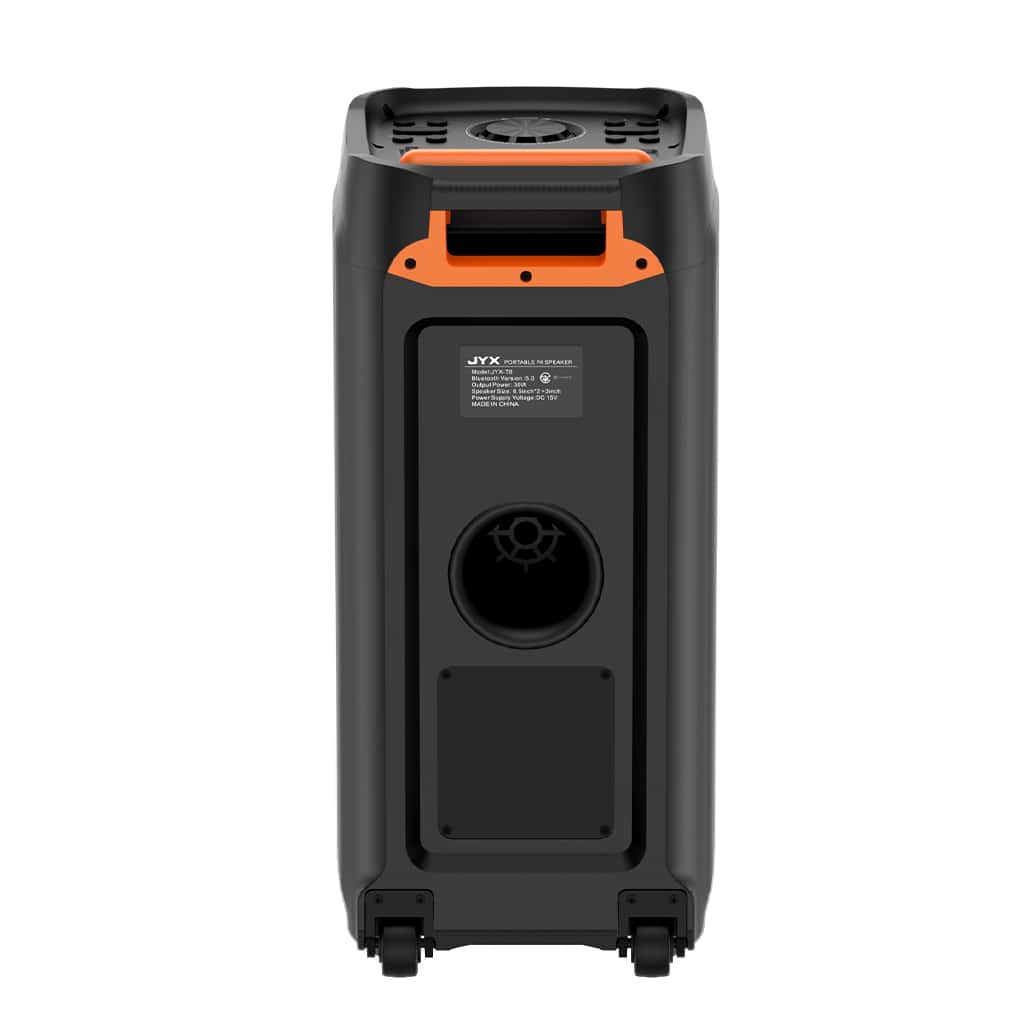
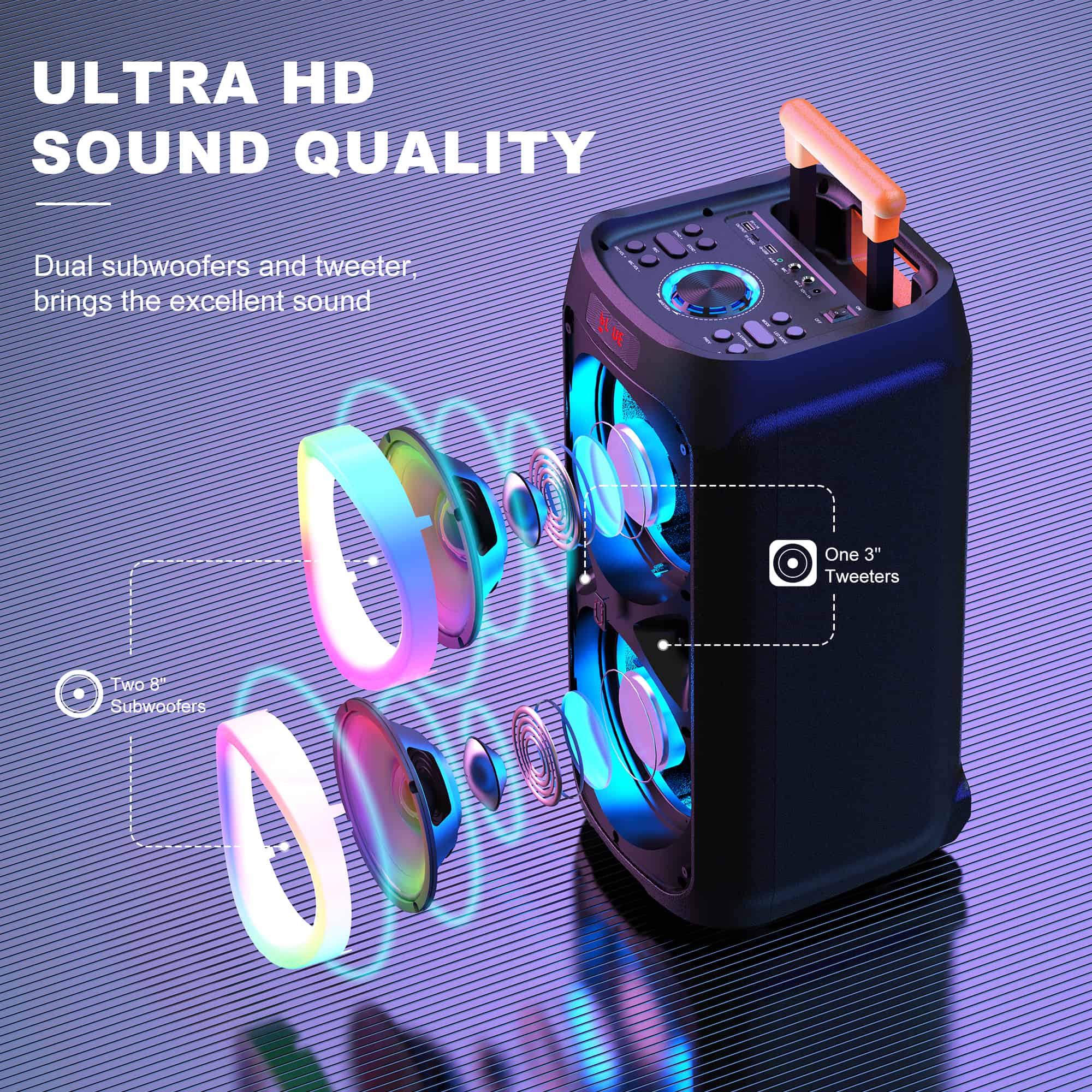
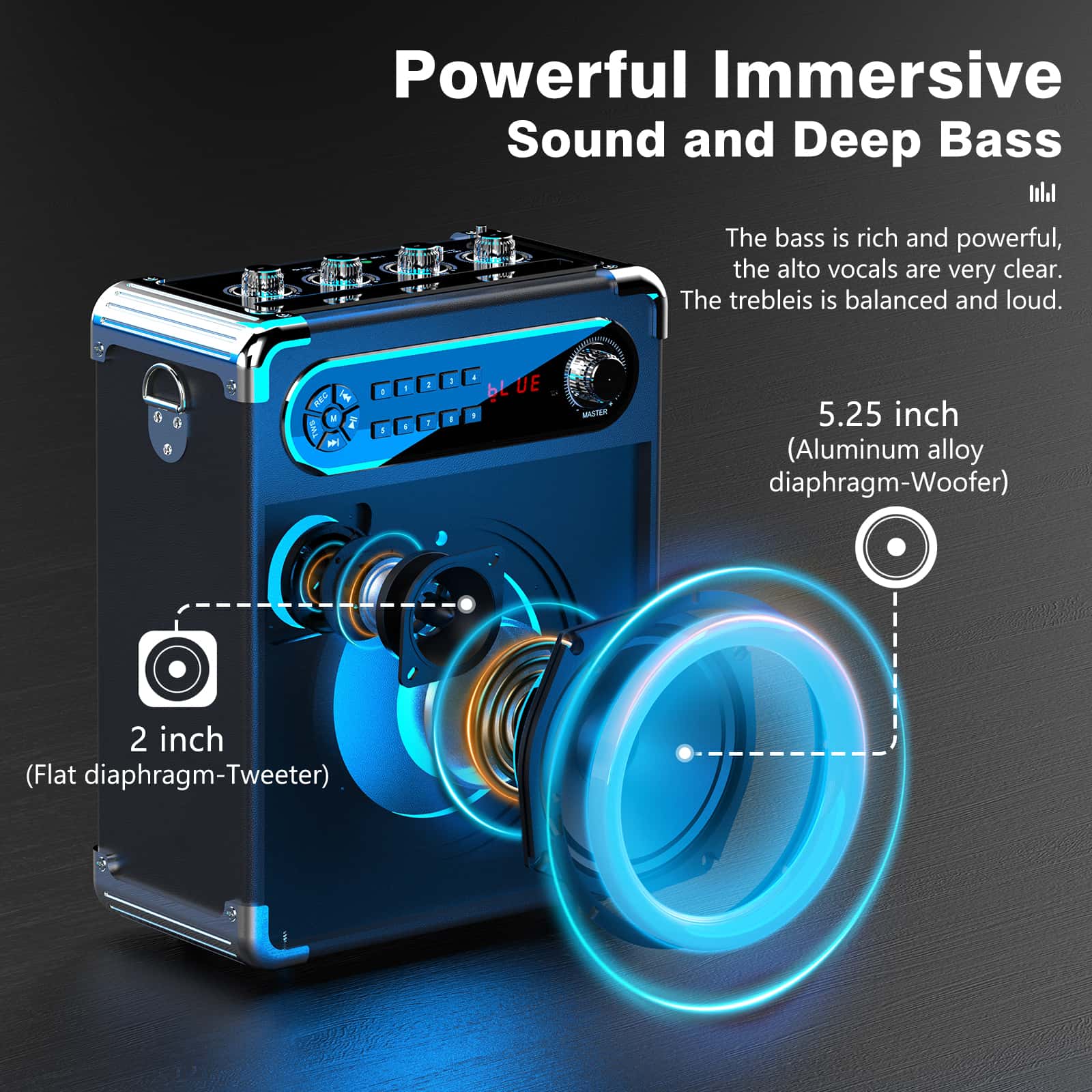
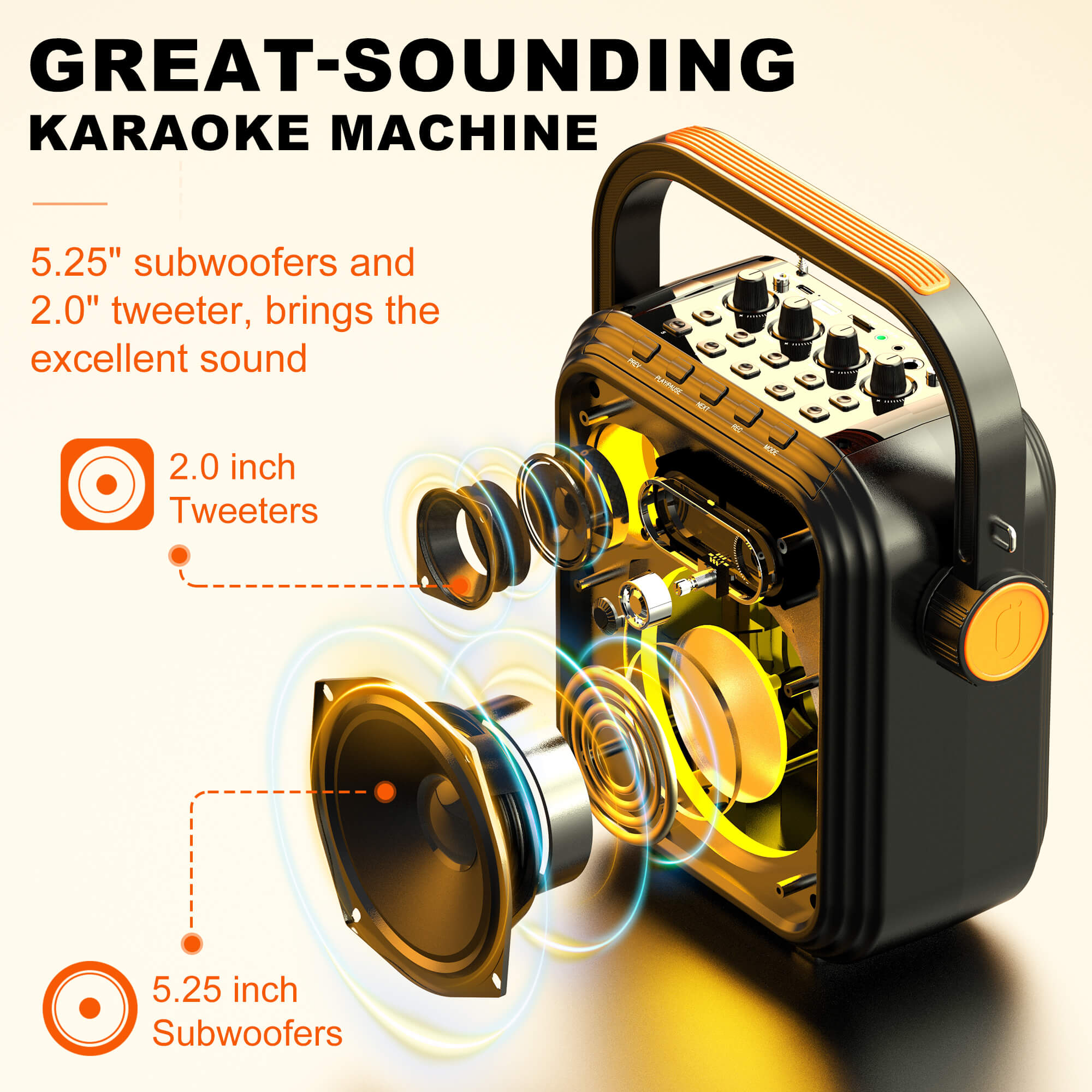
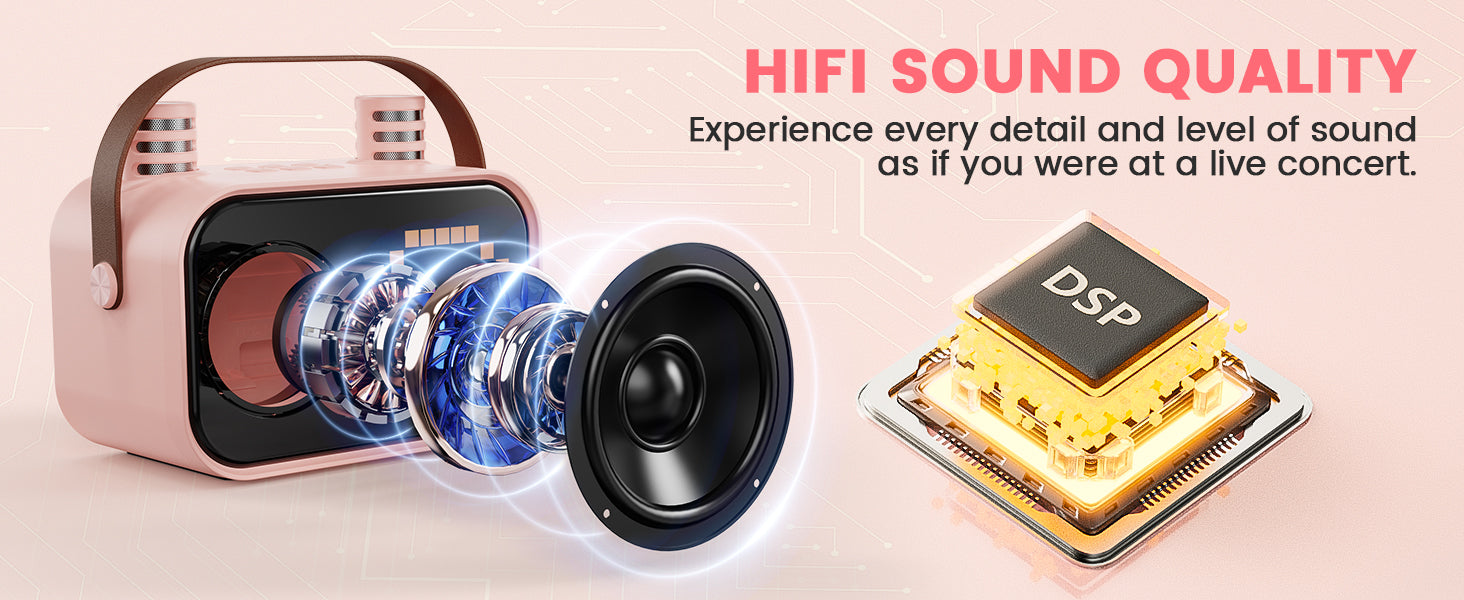
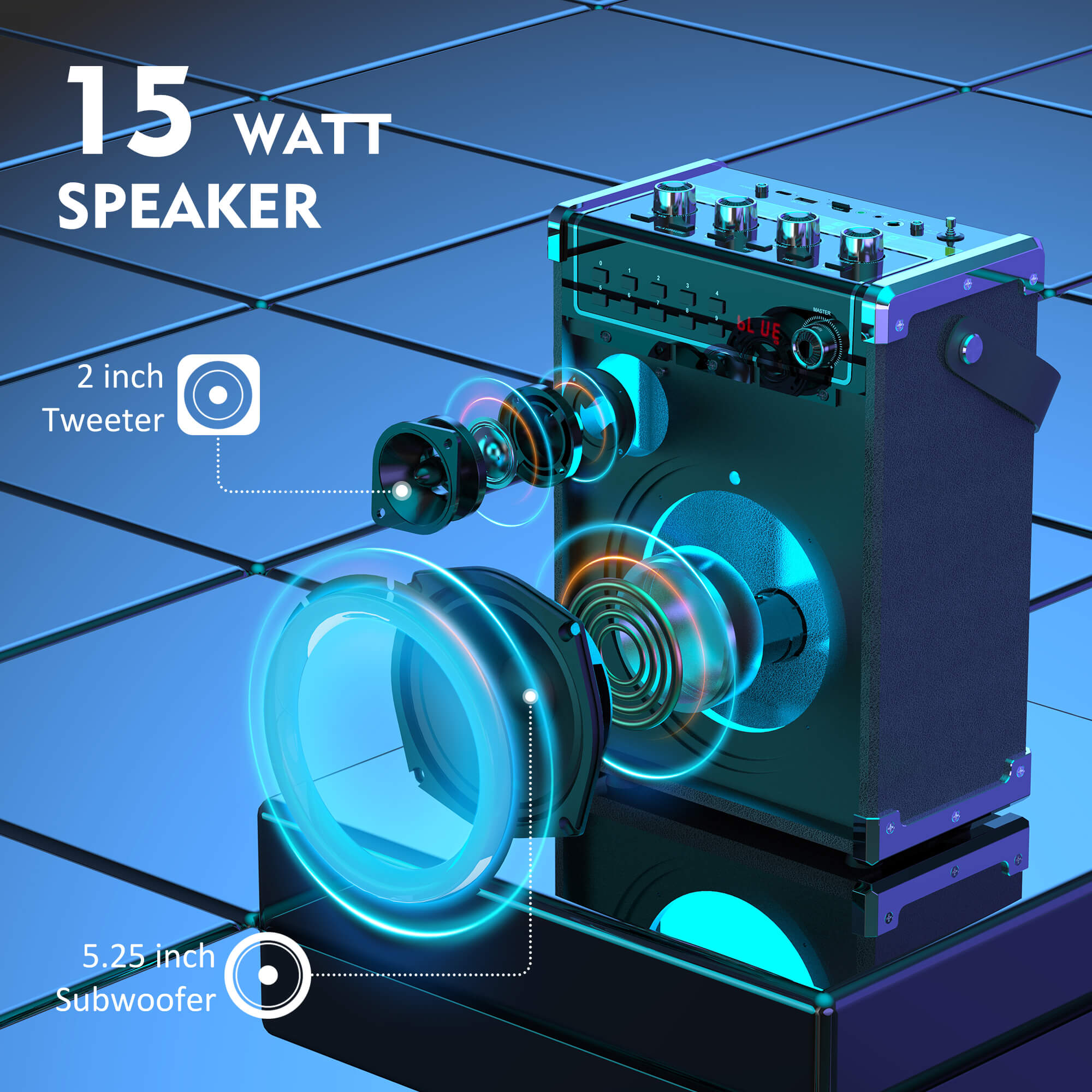
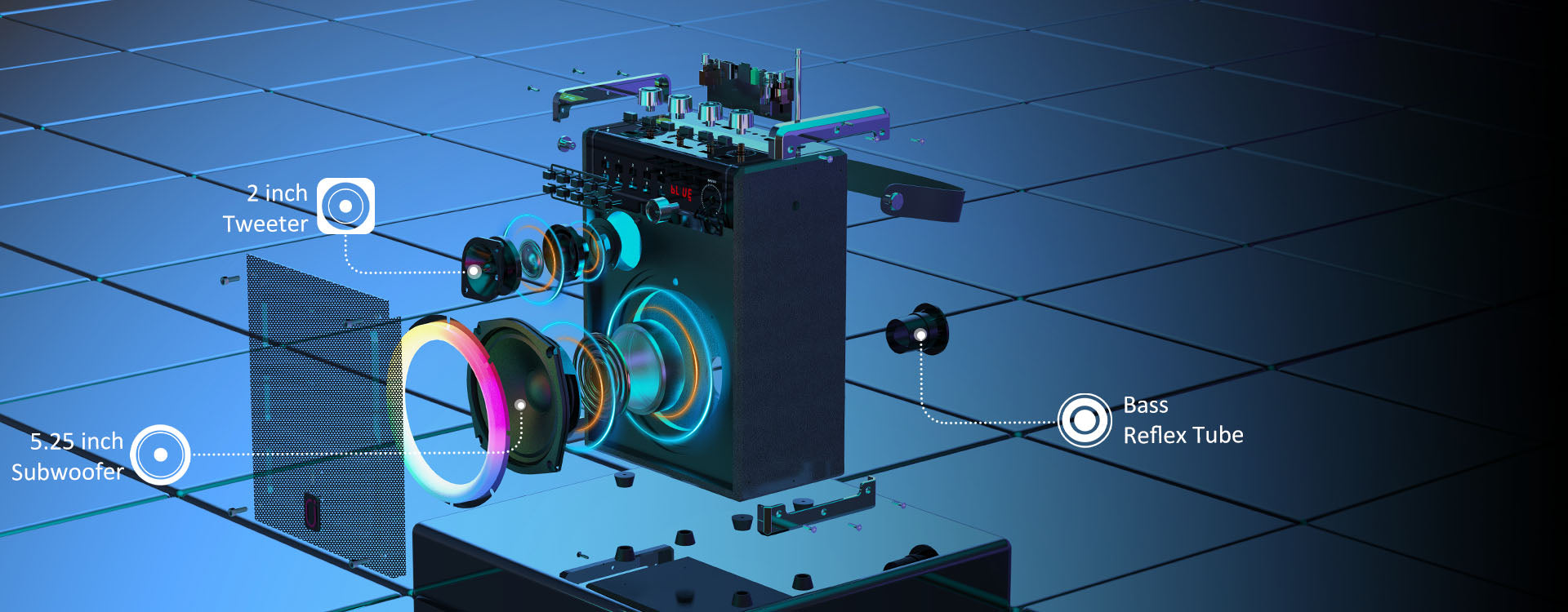
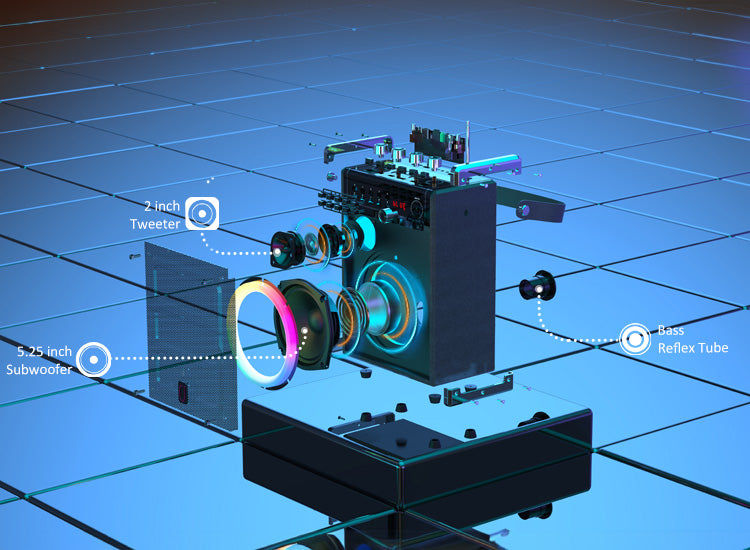
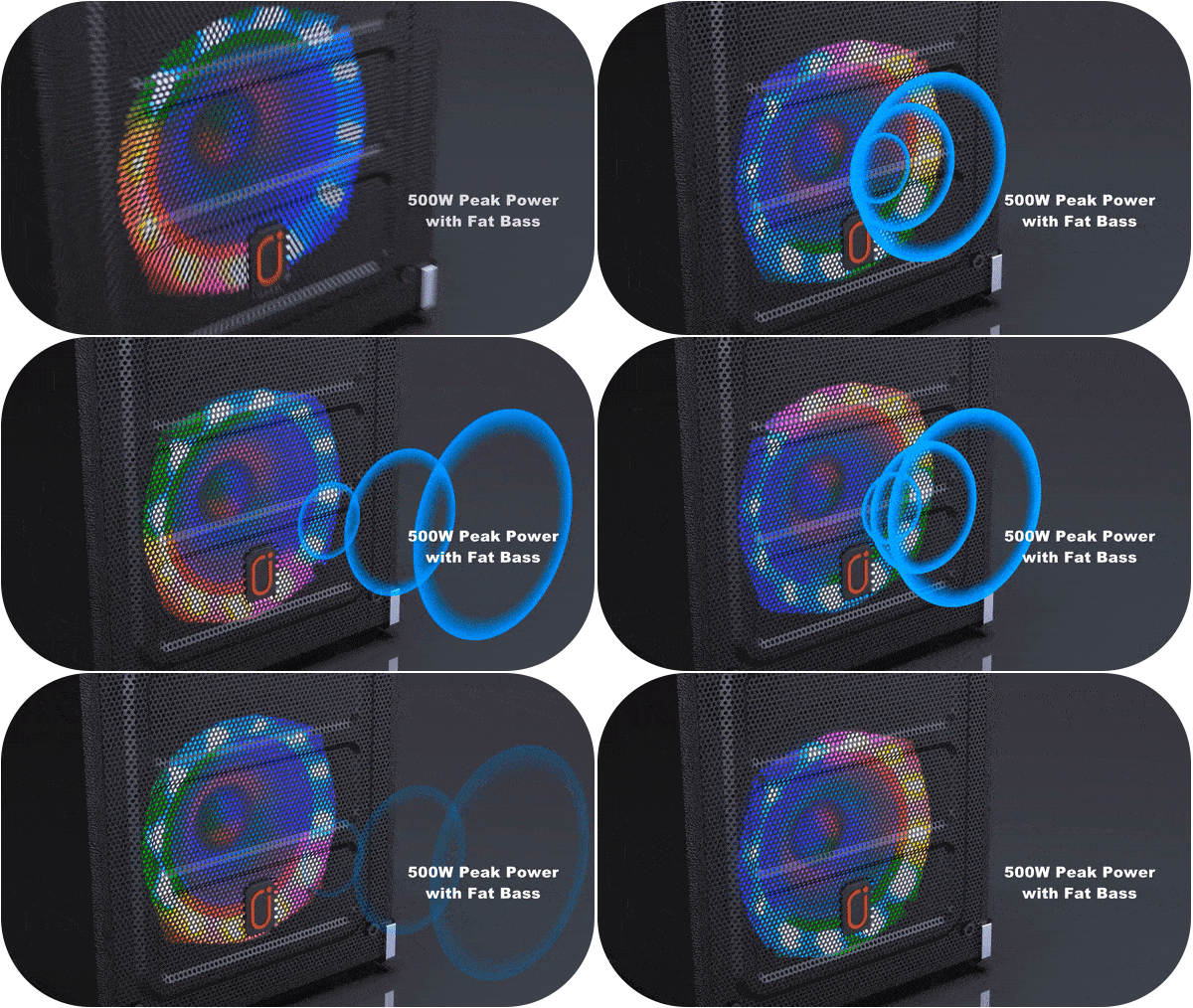
Der Bassreflex-Port des JYX 69 Karaoke-Lautsprechers arbeitet mit einem entsprechend gestalteten Luftstromkanal zusammen.
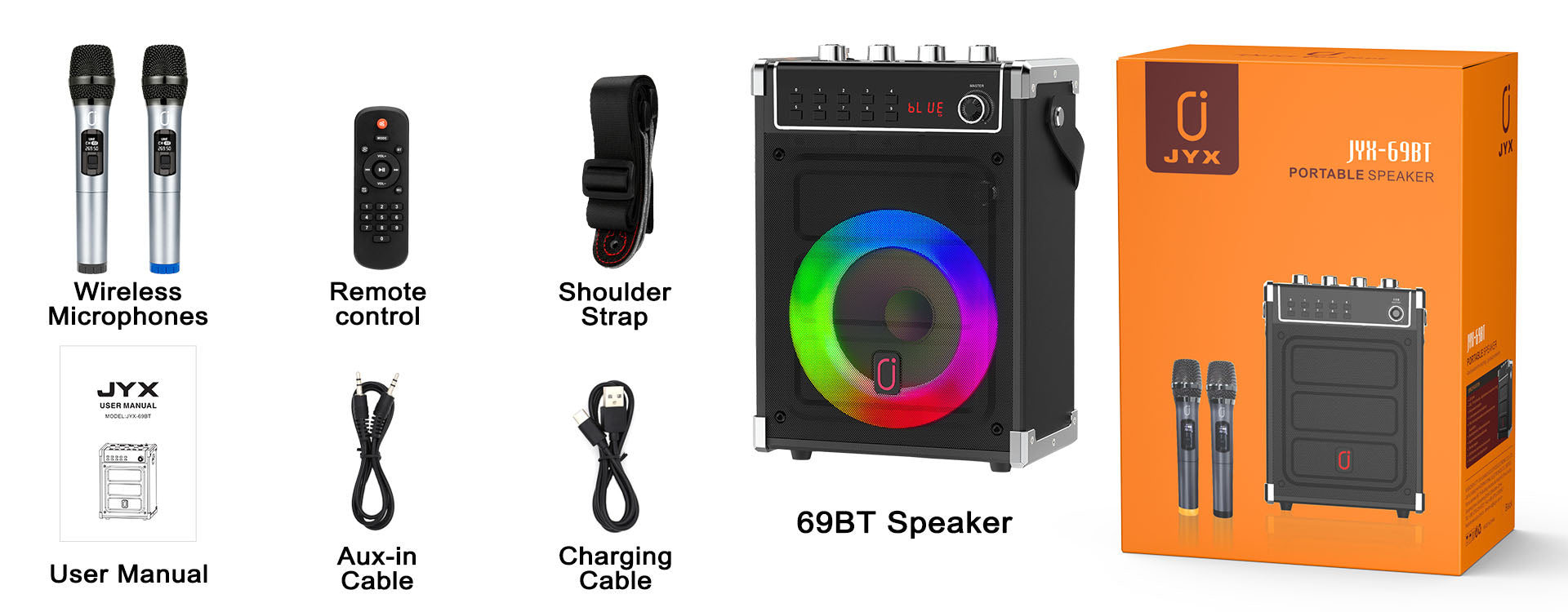
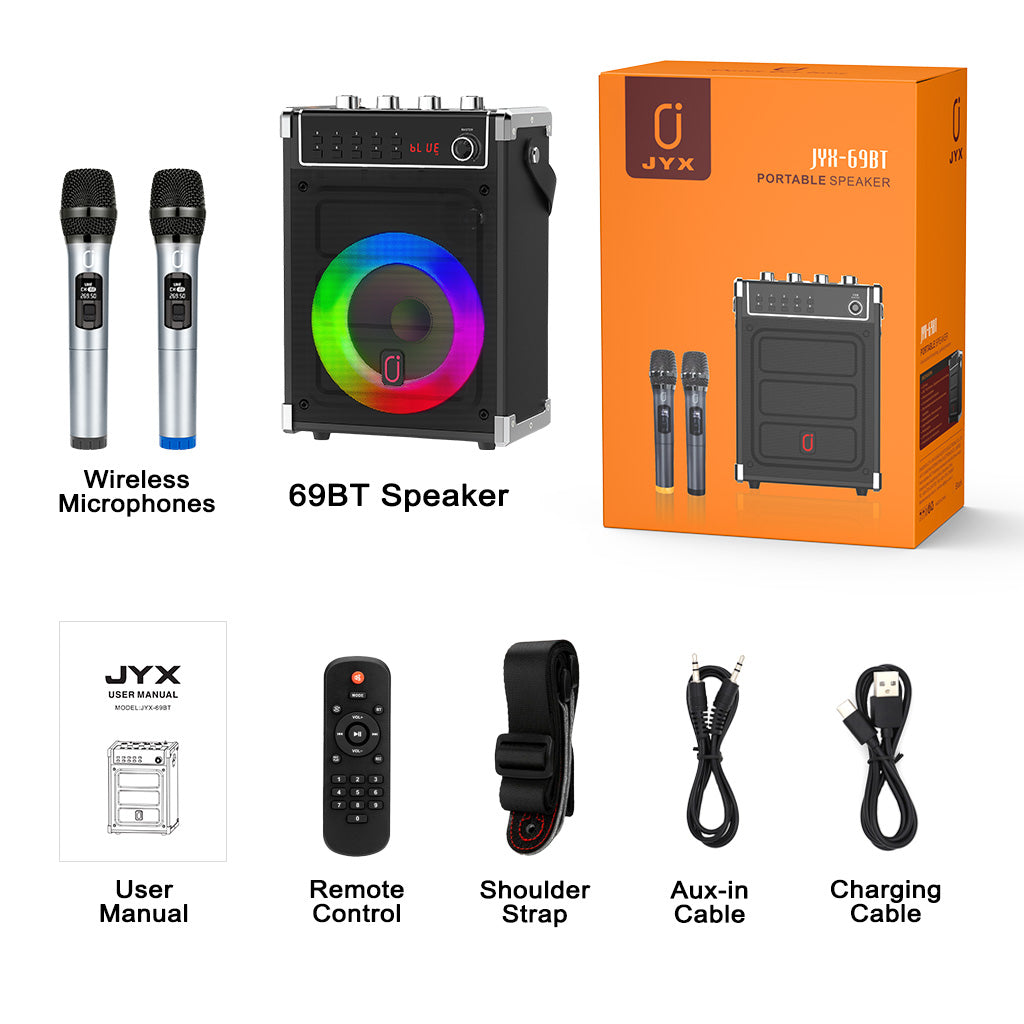
Q:How to connect TV?
A: There is an Aux-in cable come with the box. Ensure that your TV has a 3.5mm headphone jack or an RCA audio output (red and white ports).Plug one end of the AUX-in cable into the 3.5mm headphone jack on your TV or the RCA audio output if you're using an adapter. Then, plug the other end of the cable into the AUX-in port on your speaker.
Q: How to record?
A:Insert USB or TF card, press "REC" to start recording, then press "REC" again to stop recording and play back. Please note that the recording function can only capture sounds recorded by the microphone, the music can't be recorded together.
Q: What kinds of battery is required for the mics and remote?
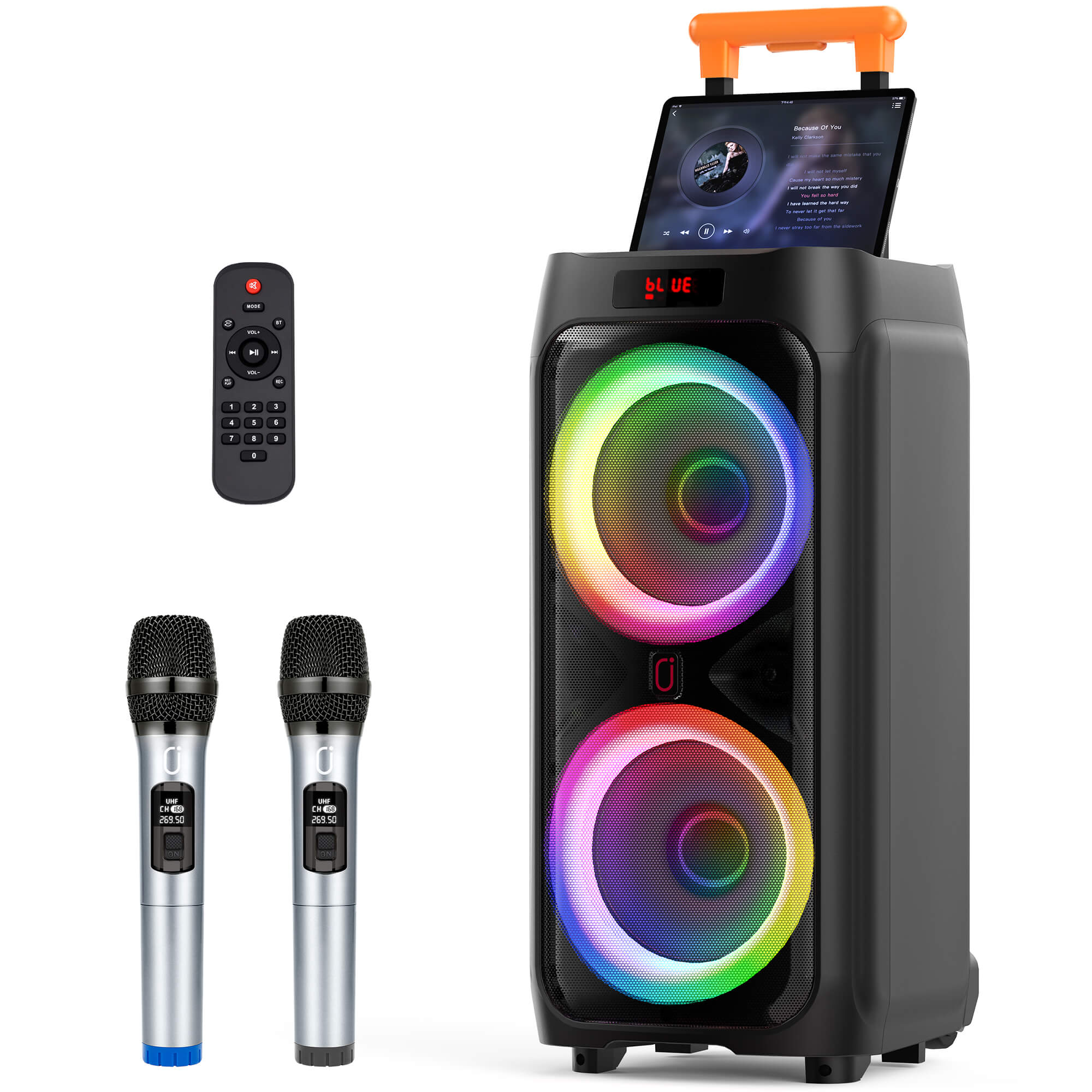
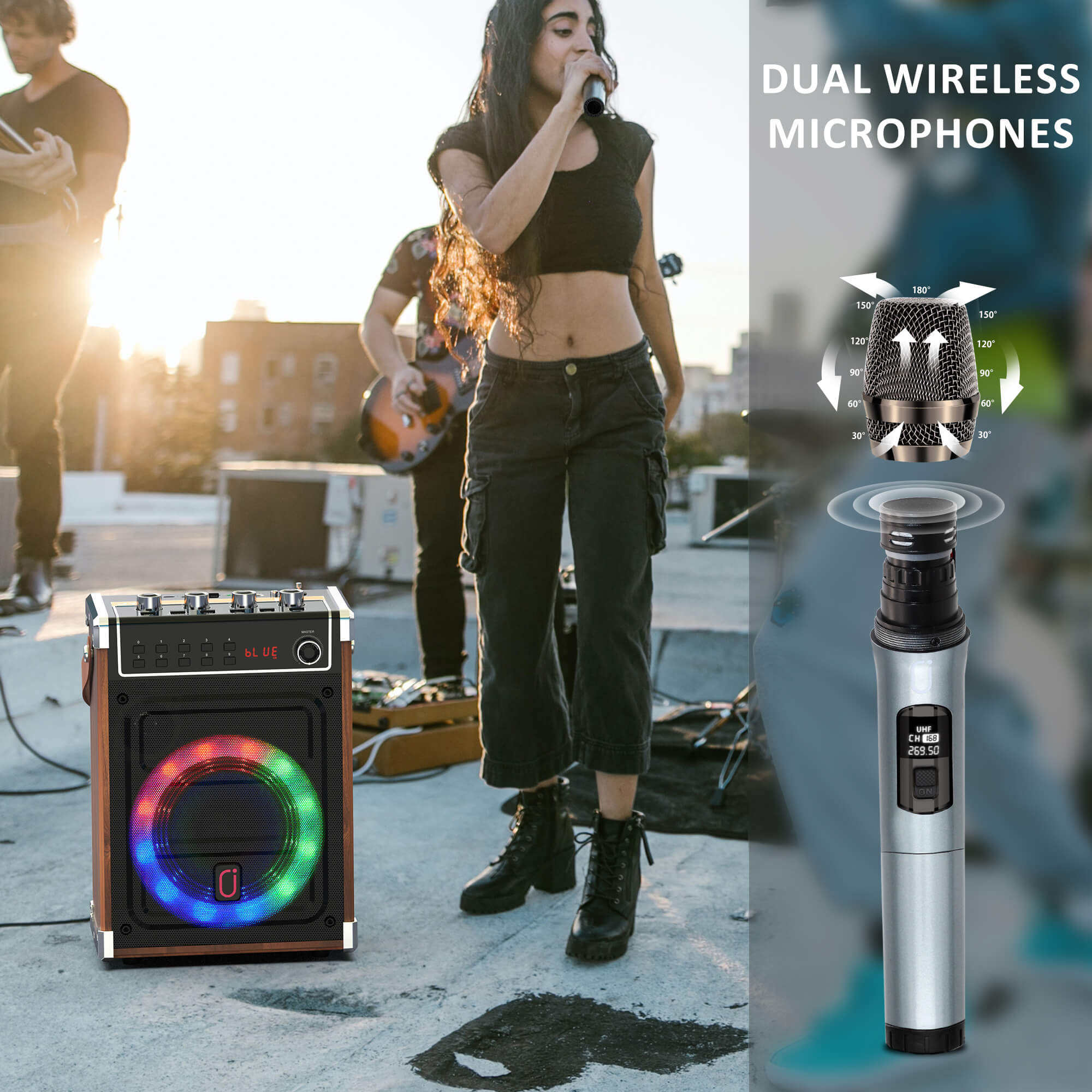
A: AA batteries for microphones and AAA batteries for remote.
Q: How to set up radio?
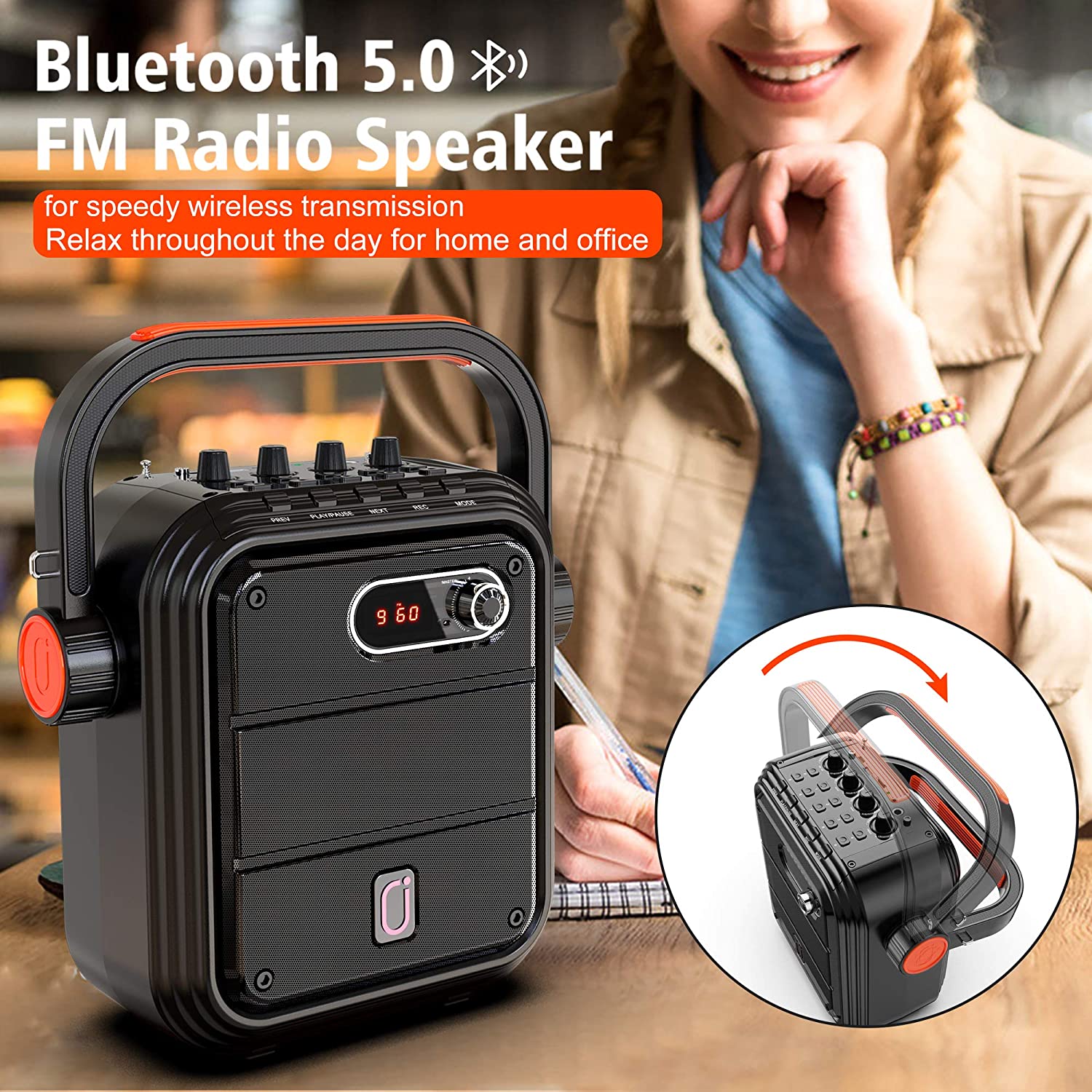
A: Pull out the FM antenna, press "MODE" button and switch to FM mode. Long press the "PLAY/PAUSE" button to search for channels.
Q: How do you know when its fully charged?
A: The light next to the charging port will turn blue after it's fully charged.
Q: Is there a way to hook it up to a device to see song lyrics?
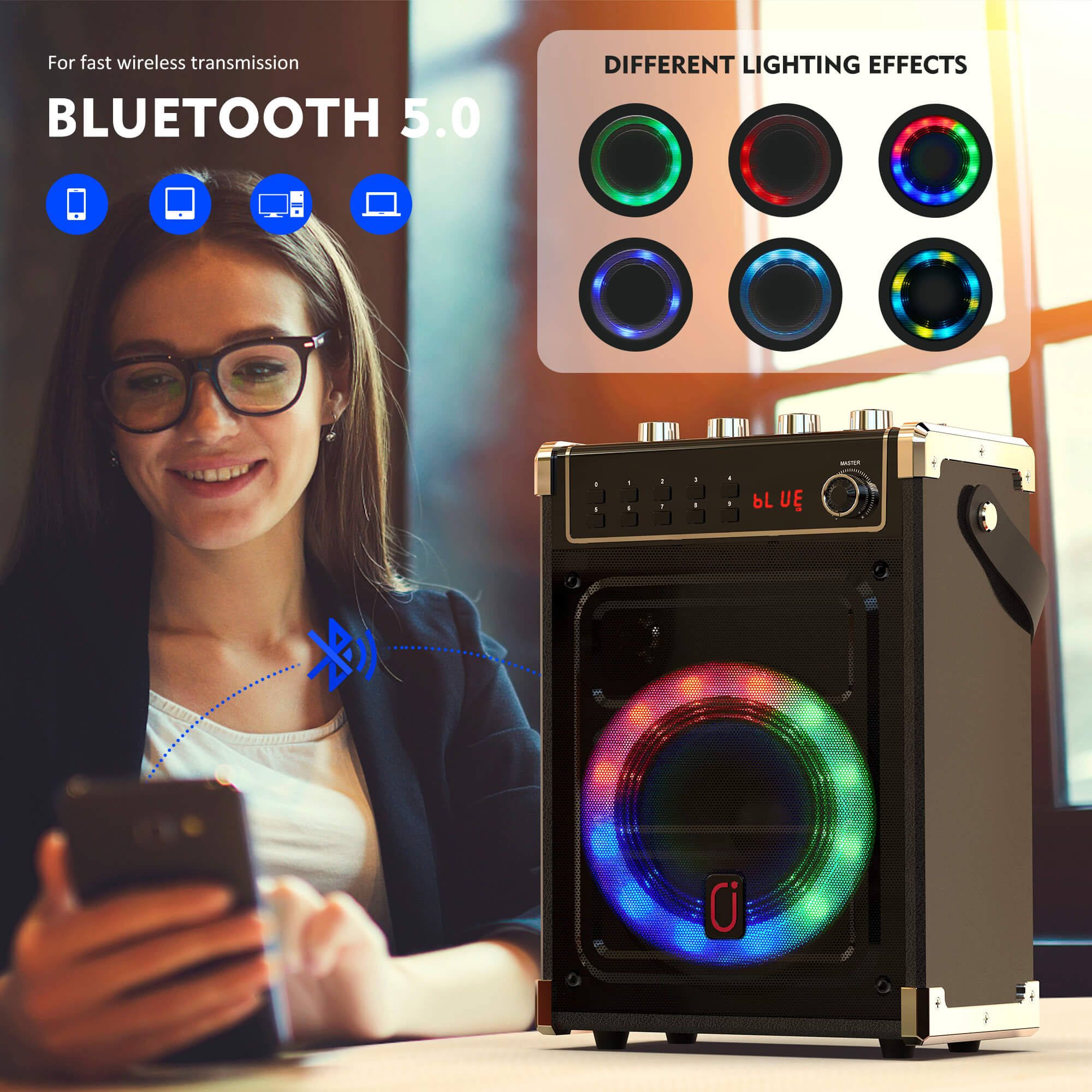
A: Connect it to a bluetooth device like laptop, iPad, iPod, tablet, TV or phone. Go to YouTube Karaoke, and you will be able to see the lyrics on the screen.
Q: Are the batteries rechargeable?
A: The speaker is rechargeable, but the batteries(included) for the mics are not.
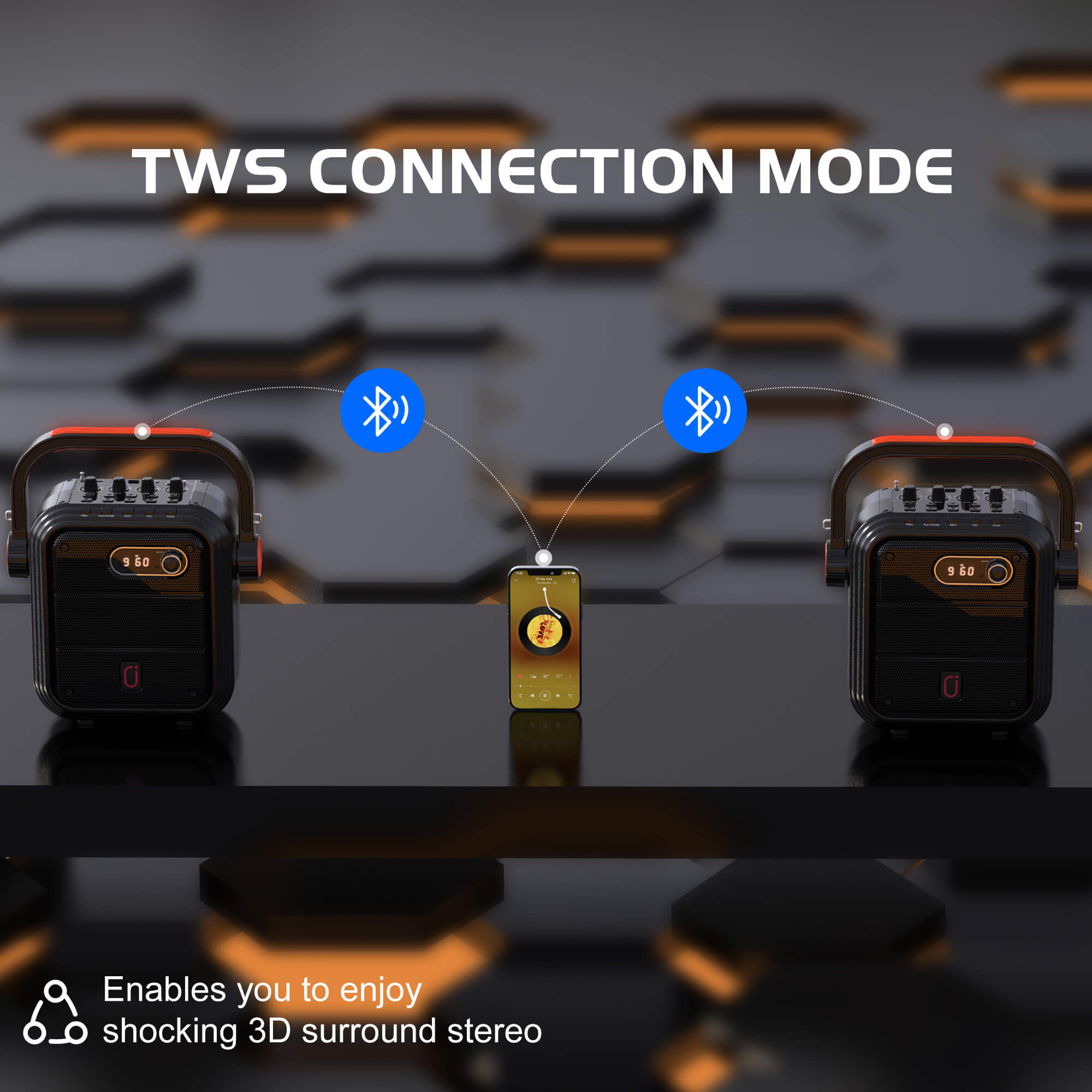
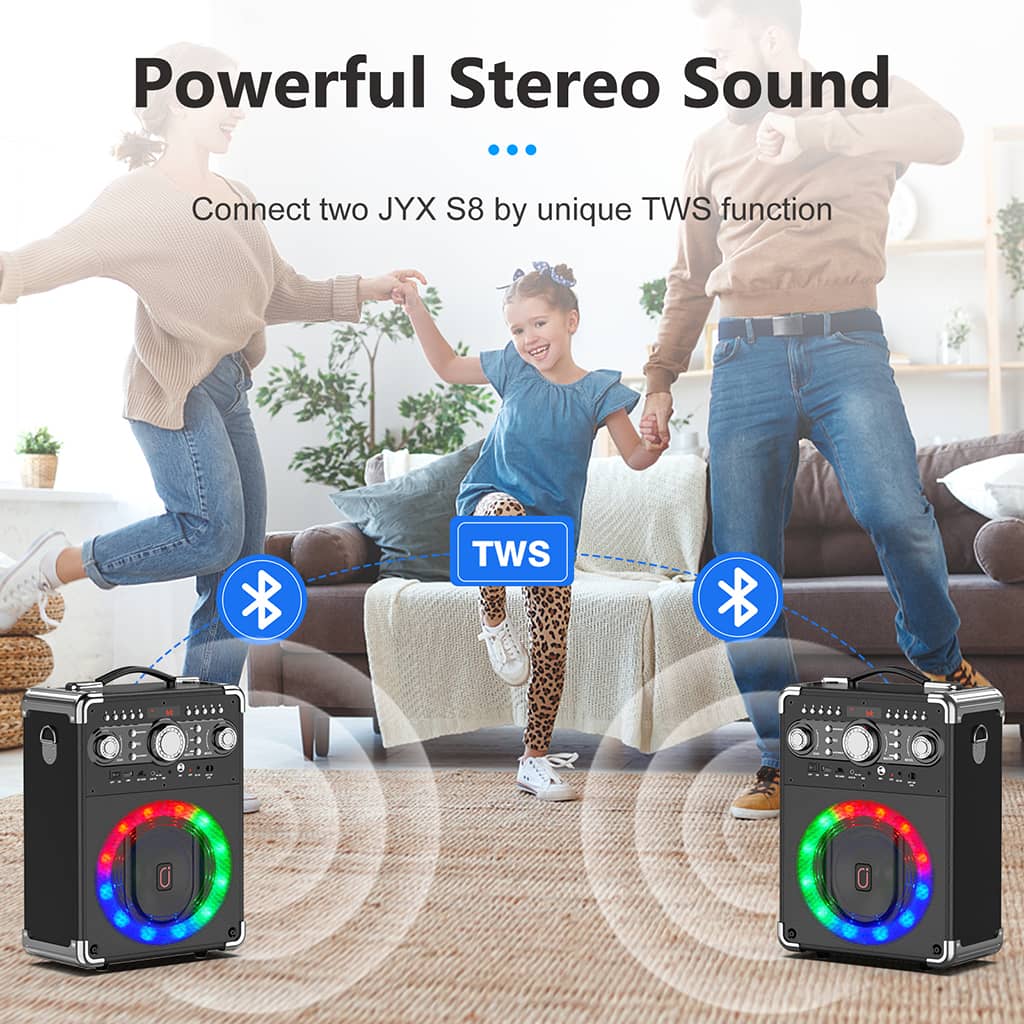
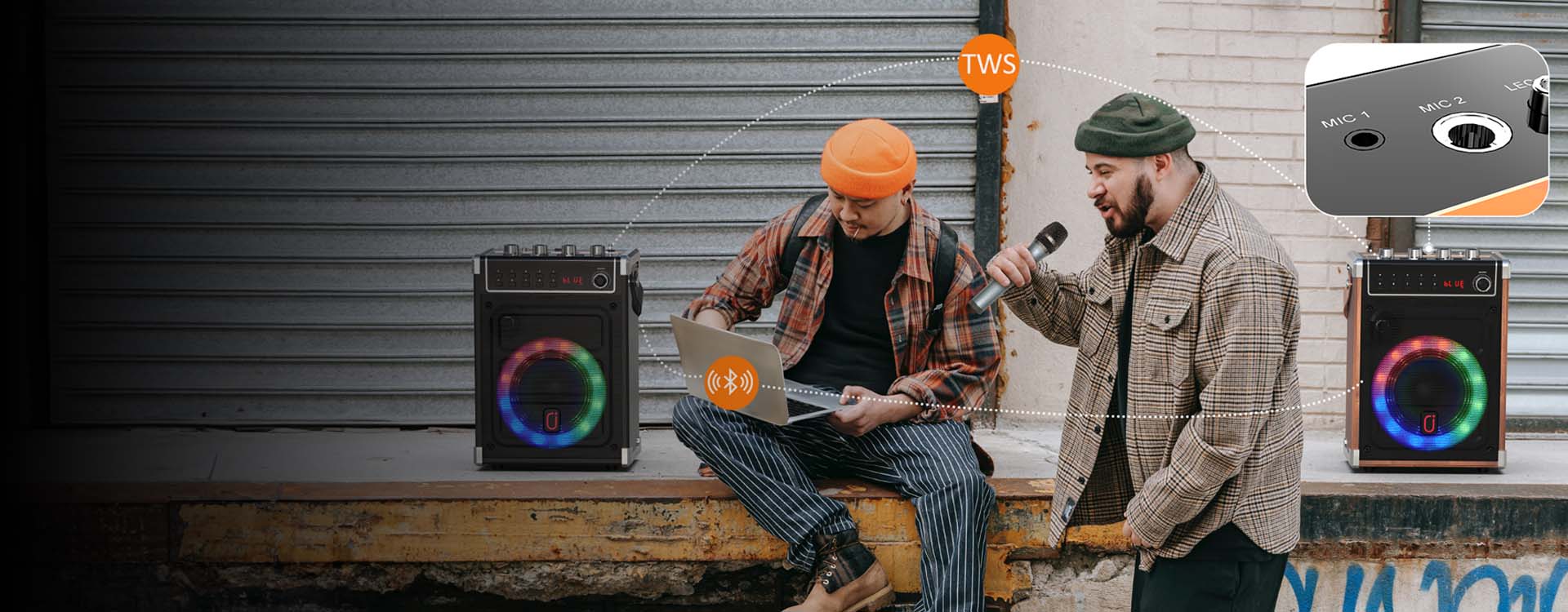
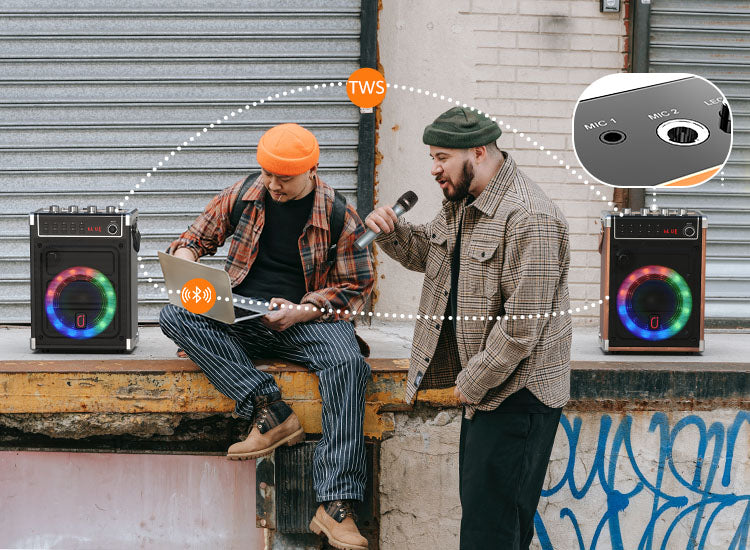
Q: Will the microphone work normally when I use the TWS?
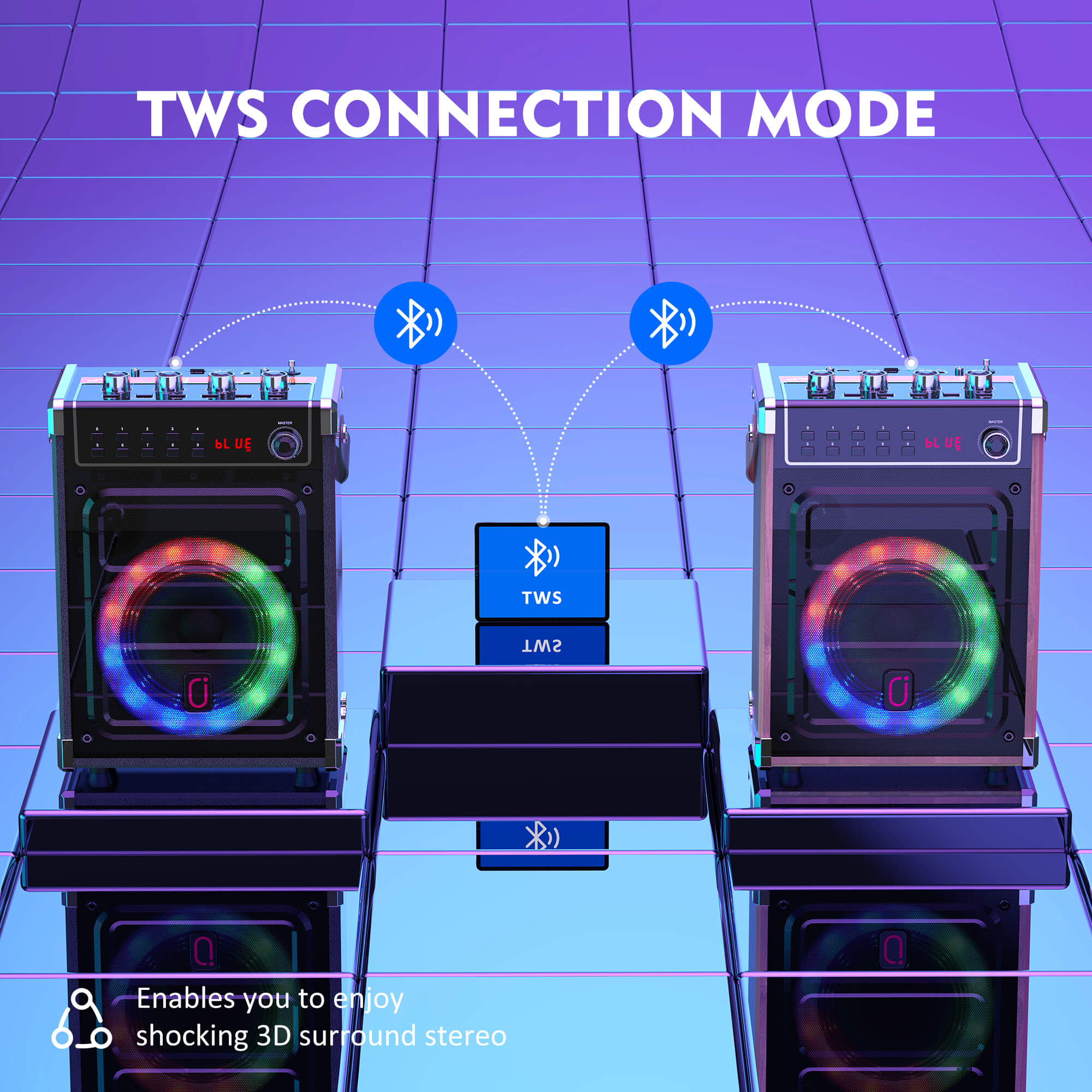
A: Yes, it can. Get two of these and enjoy TWS mode!
Q: Can I connect more microphones?
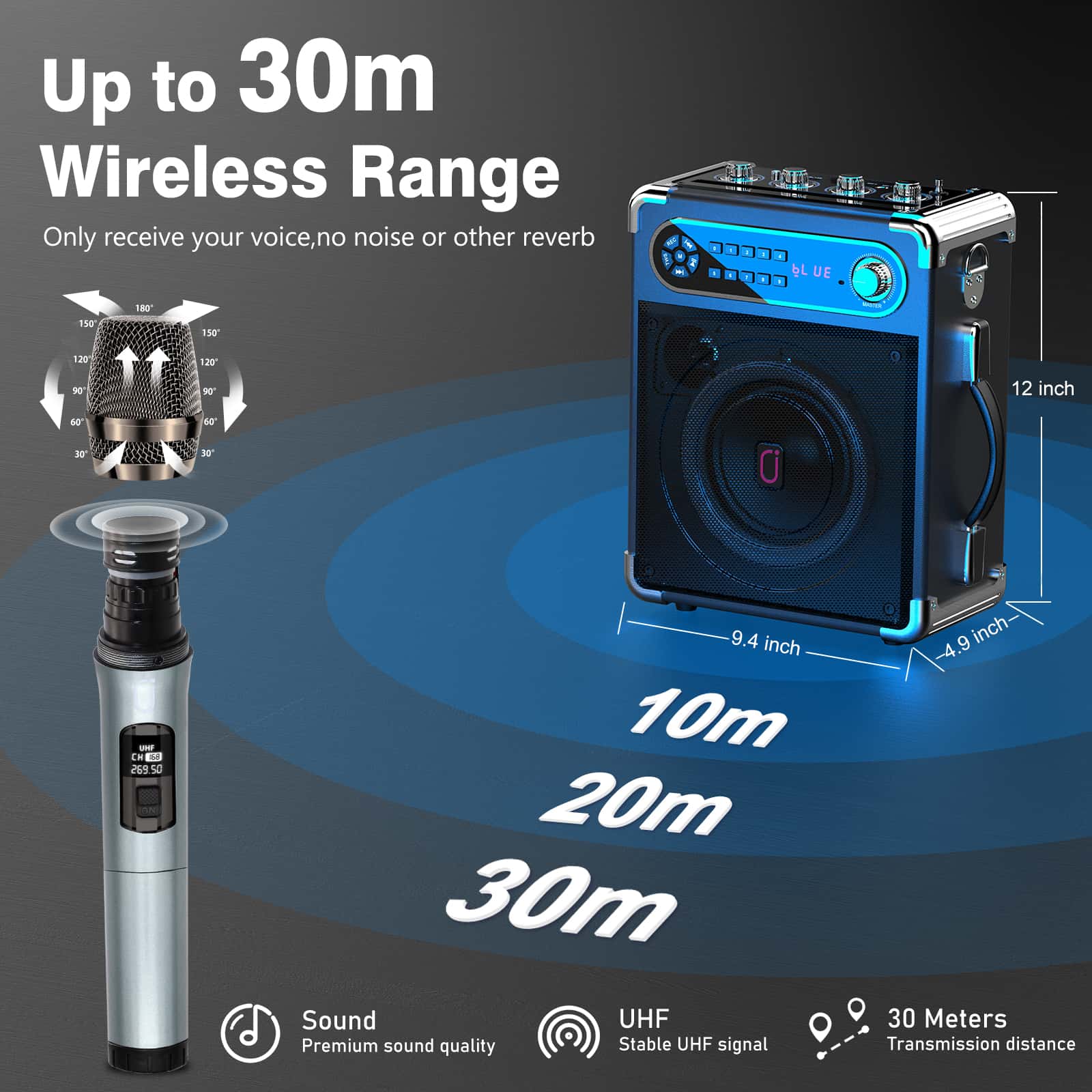
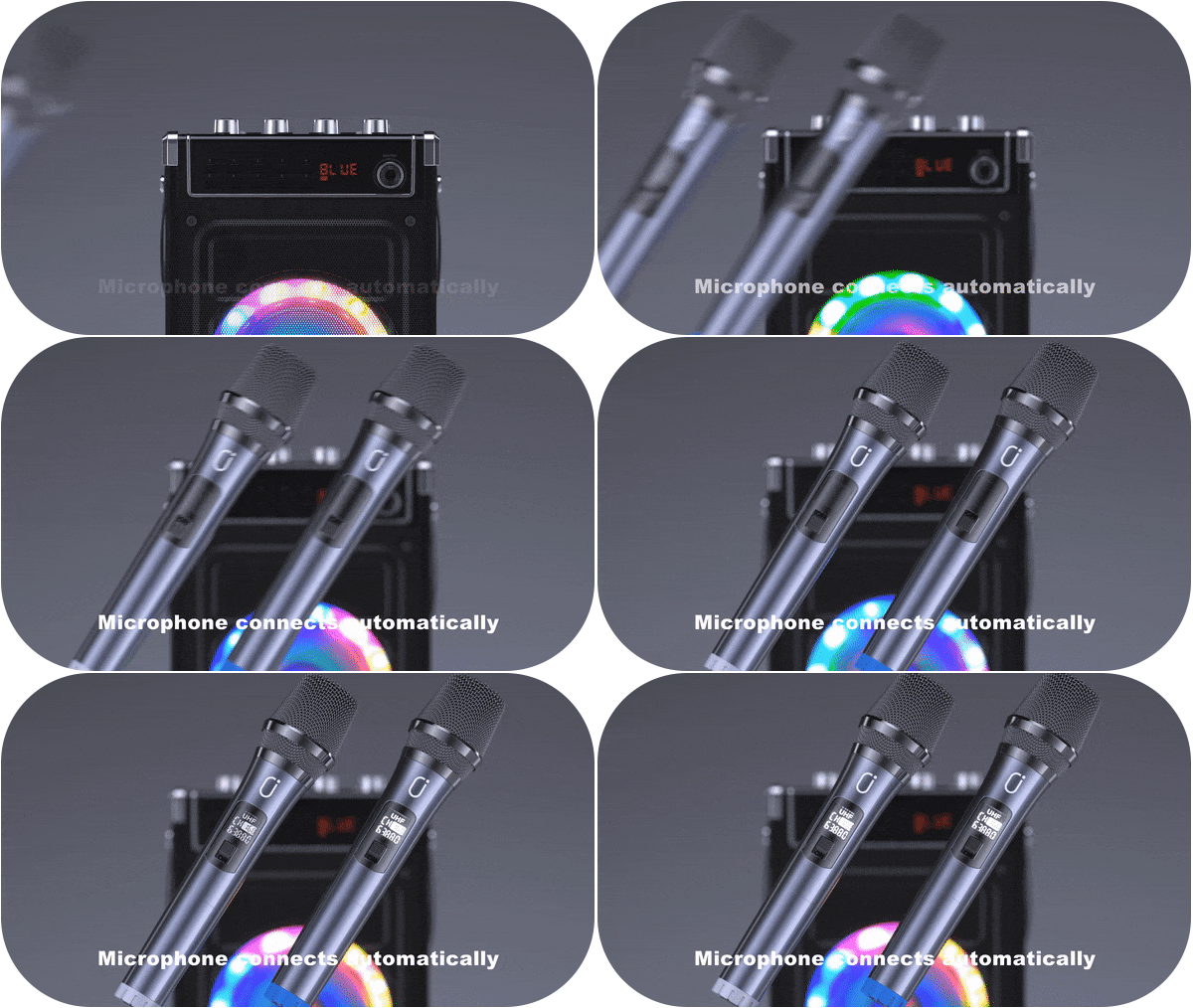
A: Yes, there are two mic ports for you to connect wired microphone or wireless microphone with receiver.
Q:What is the specification of the charging adapter?
A: Current greater than 1A (including 1A) and voltage not exceeding 5V are all acceptable.
We accept order cancellations before the product is shipped or produced. If the order is cancelled you will get a full refund. We cannot cancel the order if the product is already shipped out.
Free shipping.
When you place an order on the JYX website, you will receive a shipping info email from jyxspeaker.com. Please check your email address. Orders will ship within 48 hours(including weekends) of processing payment, unless noted at the time order is placed or you receive an email notice that an item in your order has been delayed. Any expected delivery dates that may be given are only estimates. Orders can be delayed due to verification or the time the order has been placed. All purchases through jyxspeaker.com are made pursuant to a shipment contract. This means that the risk of loss and title for such items pass to you upon tender of the item to the carrier.
Feel free to email us to support@jyxspeaker.com if there is any question, you will get a reply within 24 hours.
|
Location |
Shipping Cost |
Shipping Time(business day) |
|
United States |
free |
3-6 Days |
|
Canada |
free |
3-6 Days |
|
United Kingdom |
free |
3-6 Days |
|
Japan |
free |
3-6 Days |
|
Australia |
free |
3-6 Days |
|
Europe |
free |
5-7 Days |
|
Austria |
€19.00 |
5-7 Days |
*Free Shipping cost for the above location
*We temporarily do not ship to countries outside the form
You will receive your tracking information in the email we send you after the product is shipped. The email will contain tracking number and tracking link for you to trace your order.
If your order is delayed, please contact us via email support@jyxspeaker.com, we will check the situation with the transportation company in time. Thanks for your understanding and support.
We are not responsible for lost or stolen packages that have been marked as delivered by the carrier. If your package has been lost or stolen, we recommend that you contact the carrier and report the issue to them or call the police. If you have purchased shipping insurance, you may be able to file a claim with the carrier or insurance provider. We also recommend that you inspect the package upon receipt to ensure that all items are present and in good condition.
A complete and correct delivery address is essential. Once your order has been prepared for shipment or has shipped, we are unable to change the shipping address. If a package is returned to us due to an incorrect or incomplete address provided by you (the customer) or your agent, we will contact you immediately for a correction, and the package will be re-shipped at an additional shipping fee. A daytime telephone number for all orders is strongly recommended to include when you place the order. Occasionally packages are returned to JYX as undeliverable. When the carrier returns an undeliverable package to JYX, please contact us to make arrangements for reshipment.
The 13 continental U.S. states will not serve at this time:
In seldom cases, orders may be charged the customs fees by your government, not our site, you will be responsible for the charges. We apologize for any inconvenience, but we have no control over the customs authorities in your country or any other. Contact your local customs office for more information about customs fees, duties, and taxes.